How to Plan Trips, Weddings, and Big Events Without Starting from Scratch

Use Life & Events templates on PlanoNest to organize travel itineraries, wedding budgets, and milestone planning in Excel or Notion — with room to customize.
Big life moments — a two-week trip, a wedding weekend, a family reunion — come with dozens of moving parts. Dates, deposits, guest lists, packing lists, and budget lines rarely stay in one app. PlanoNest Life & Events templates give you a structured starting point so you spend less time formatting cells and more time making decisions.
What belongs in Life & Events
Our Life & Events category covers templates built for milestones outside day-to-day work:
- Travel & itinerary — day-by-day plans, packing checklists, trip budgets
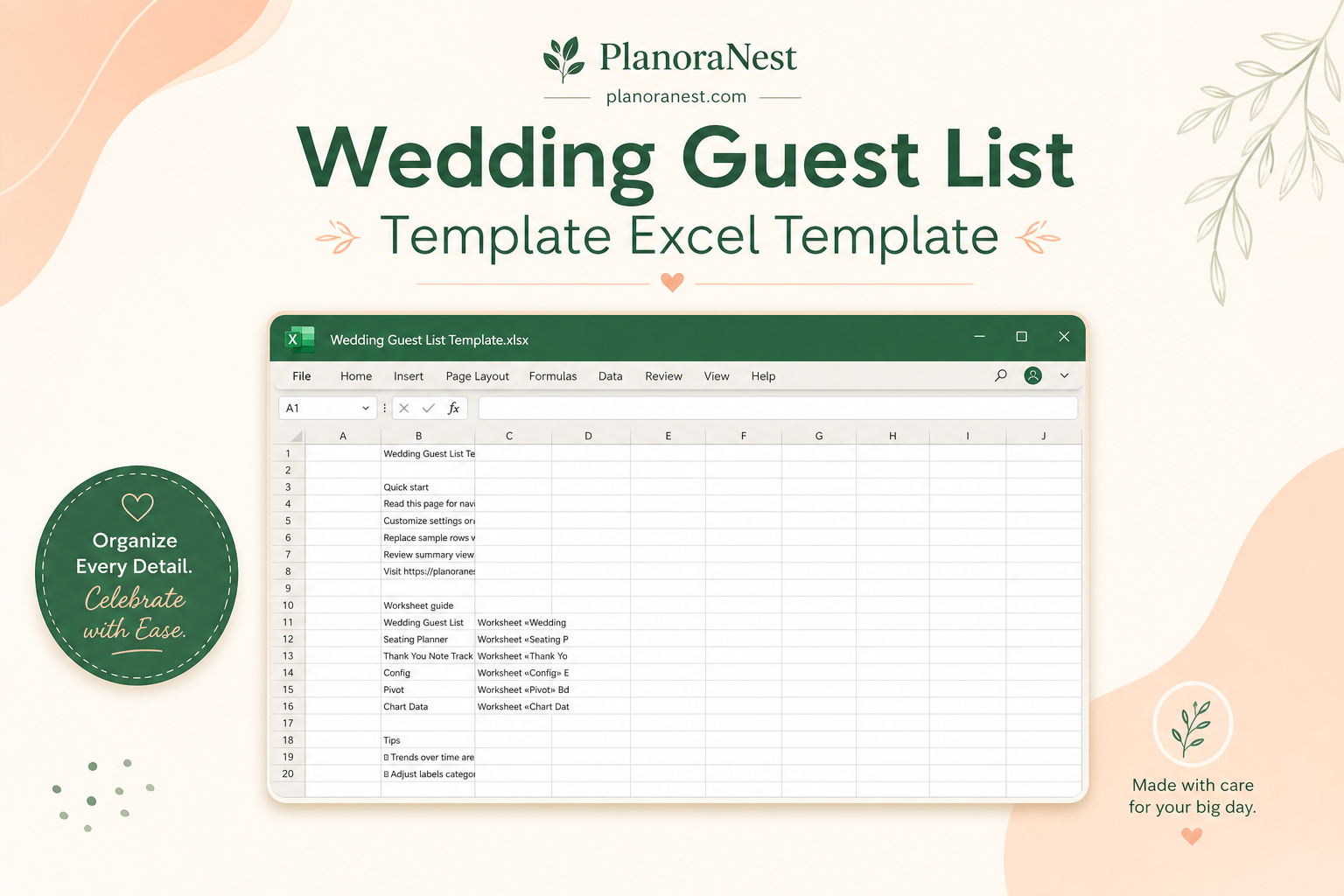
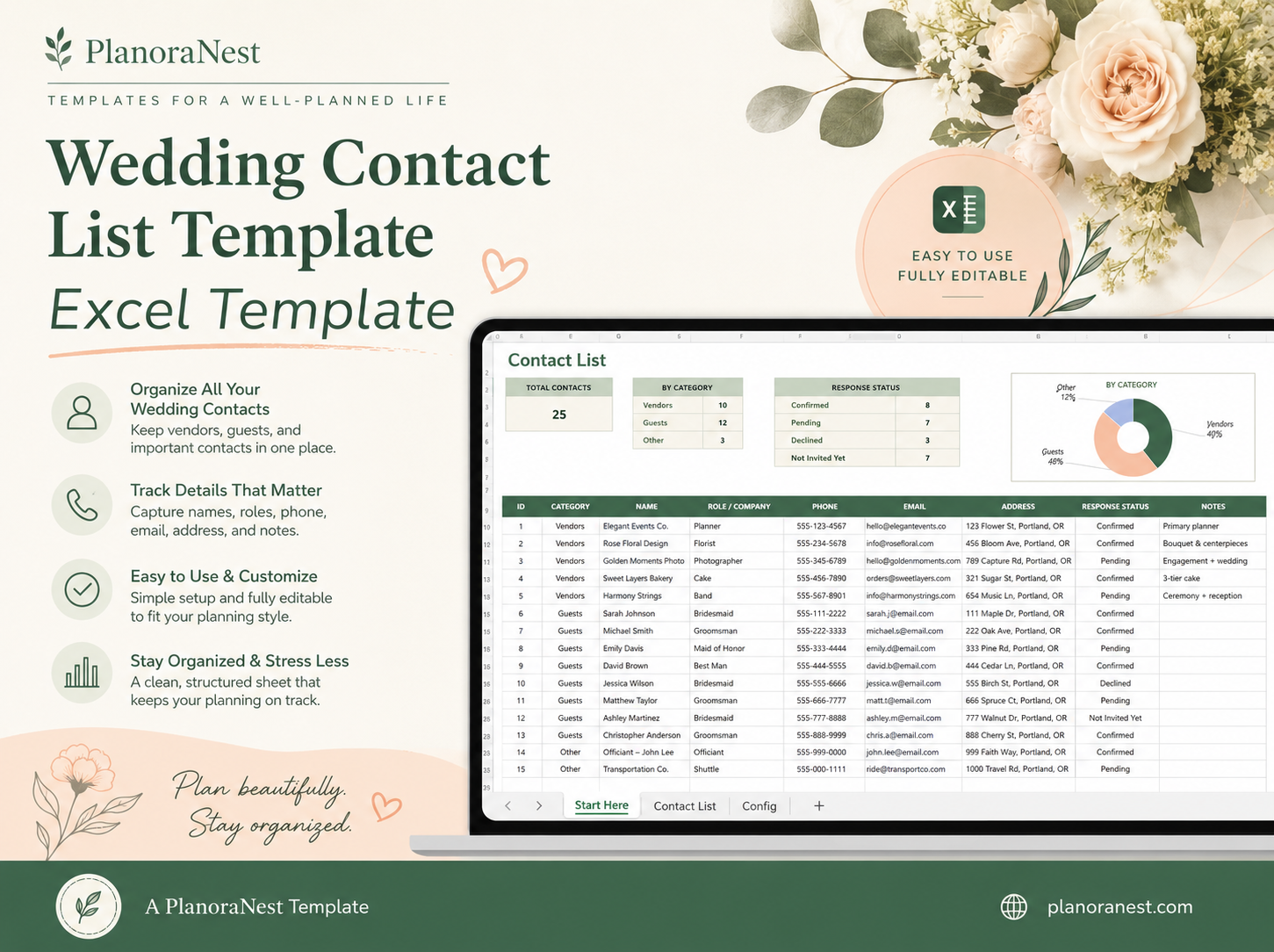
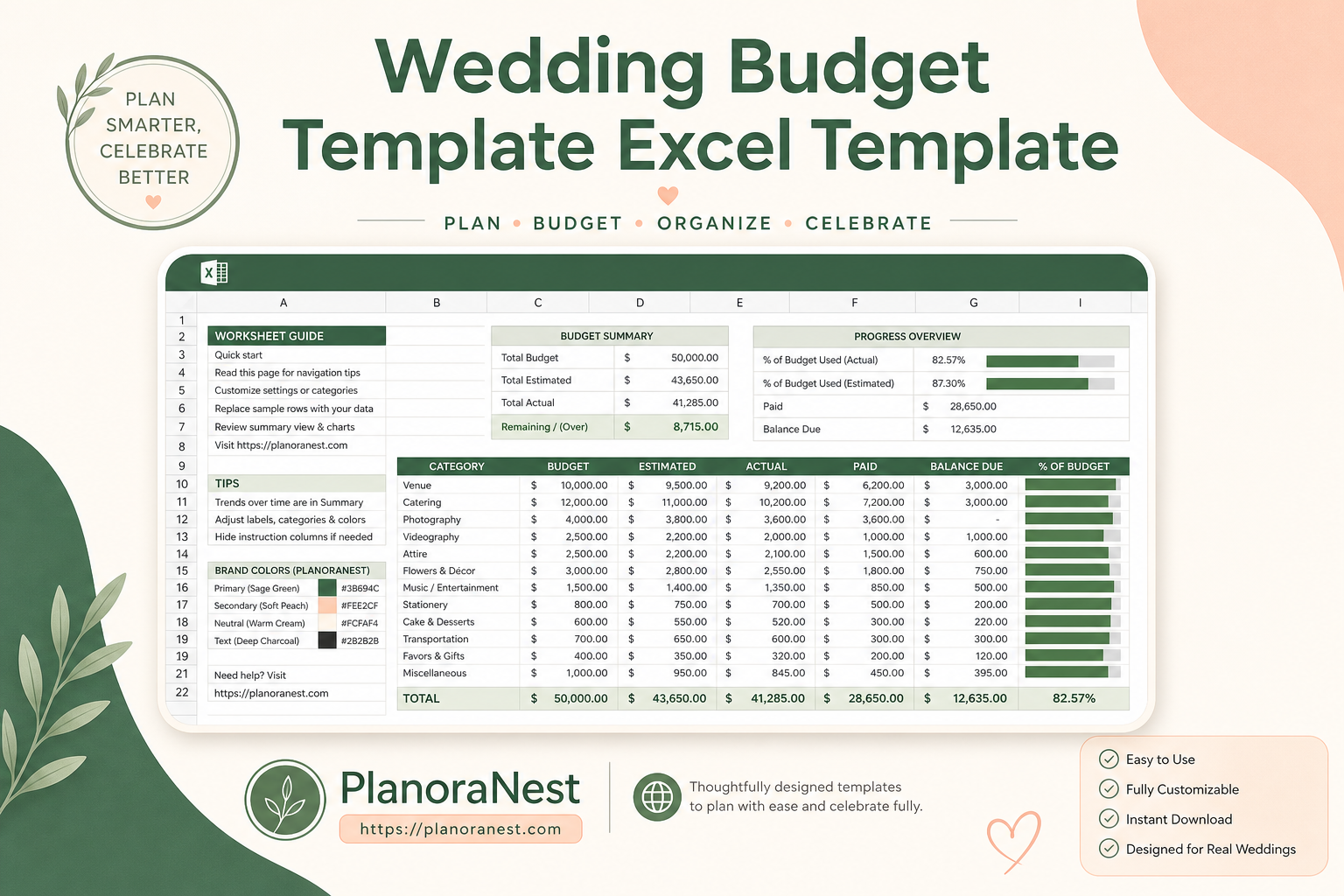
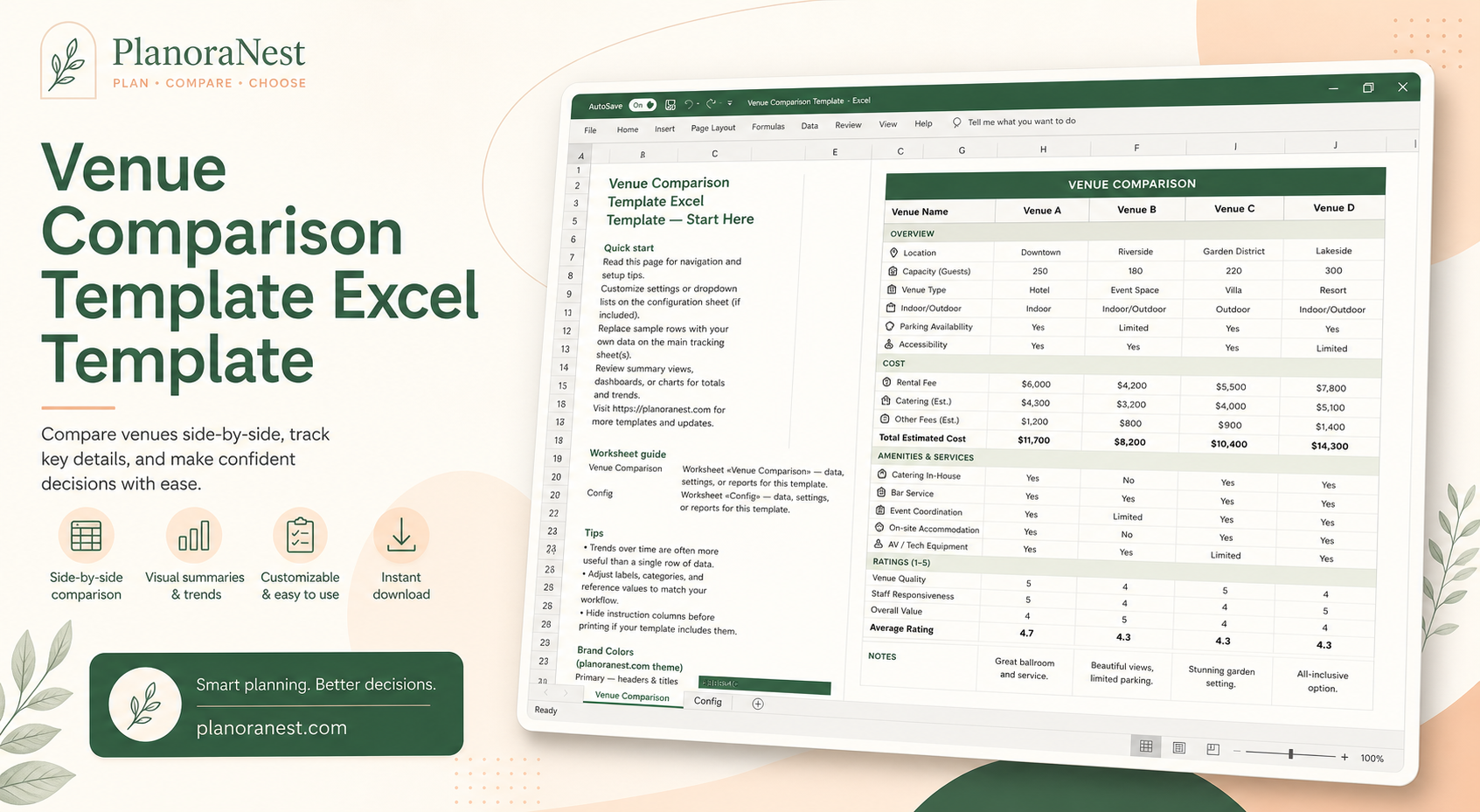
- Weddings & celebrations — vendor trackers, guest lists, event timelines
- General event planning — shared budgets and task lists for reunions, parties, and holidays
Each product ships with sample sections you can rename, hide, or extend. Excel templates work well when you want formulas for totals and charts; Notion templates fit shared planning with notes and links in one place.
A simple workflow for any life event
Whether you are planning a vacation or a wedding, the same four steps apply:
- Pick one home base — one spreadsheet or one Notion page as the source of truth. Avoid splitting the budget across three apps.
- Drop in real numbers early — flights, venue deposits, and per-person costs. Templates are easier to trim than to grow from a blank page.
- Assign owners — who books hotels, who tracks RSVPs, who holds receipts. A single column for "owner" prevents silent gaps.
- Review weekly — life-event plans drift when nobody looks at them. A 15-minute check-in keeps dates and totals honest.
Tip: For trips, start with the itinerary tab first, then layer the budget. For weddings, lock the date and guest count before fine-tuning décor line items.
Travel planning in practice
A solid travel template usually includes:
| Section | What to track |
|---|---|
| Itinerary | Dates, cities, transport, confirmations |
| Budget | Flights, lodging, food, activities, buffer |
| Packing | Clothing, documents, chargers, medications |
| Contacts | Emergency numbers, hotel phone, insurance |
Browse Travel & Itinerary if you want a layout focused on trips. Duplicate the Notion version to your workspace, or download the Excel file and upload to Google Drive if you prefer Sheets.
Weddings and larger celebrations
Wedding spreadsheets tend to grow fast. Prioritize:
- Vendor payment schedule — deposit dates matter more than décor details in month one
- Guest list with meal counts — ties directly to catering quotes
- Day-of timeline — who arrives when; share a PDF export with vendors
You do not need a perfect plan on day one. Fill what you know, leave placeholders for TBD items, and refine as quotes come in.
After you purchase
As with every PlanoNest template:
- Complete checkout and check your email for delivery
- Open Settings → My templates when signed in
- Customize labels and hide sections you do not need — do not delete formula rows in Excel unless the instructions say it is safe
If you are planning something we do not cover yet — a multi-city relocation, a charity gala, a semester abroad — contact me. I am always looking for real workflows to turn into the next Life & Events template.