 Quick view
Vendor: PlanoNest
Bi Weekly Money Manager Spreadsheet Excel | PlanoraNest Template$1.00
4.7 / 5.0 (3) total reviews
Vendor: PlanoNest
$1.00
Excel
Quick sign in at checkout — your templates are saved to your library forever.
Related picks
Explore other digital products that pair well with this template.
Quick viewVendor: PlanoNest
Bi Weekly Money Manager Spreadsheet Excel | PlanoraNest Template$1.00
 Quick view
Vendor: PlanoNest
Equity Line Of Credit Calculator Spreadsheet Excel Template | PlanoraNest Template$1.00
 Quick view
 Quick view
Vendor: PlanoNest
Couples Budget Spreadsheet For Joint Savings Excel Template | PlanoraNest Template$1.00
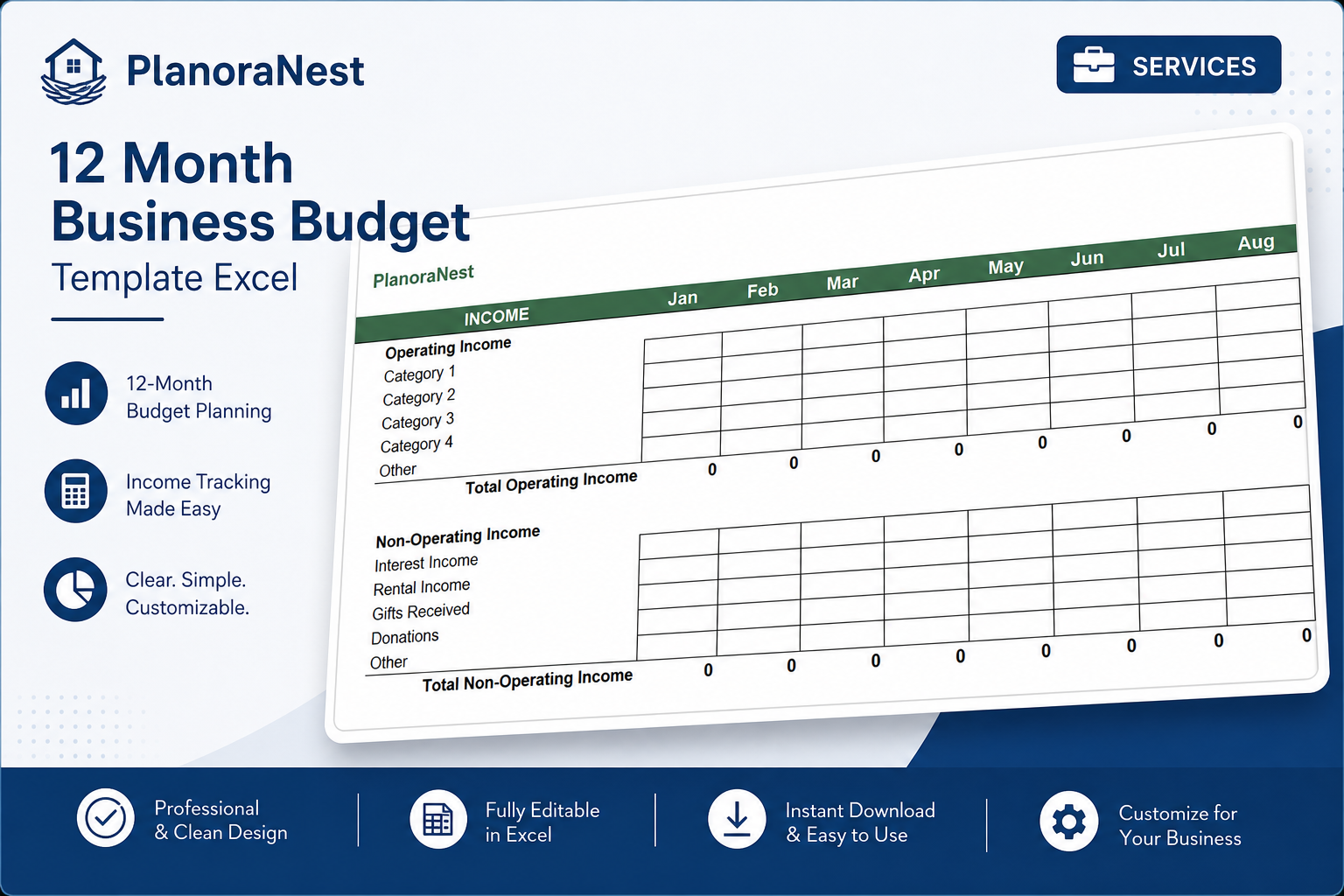
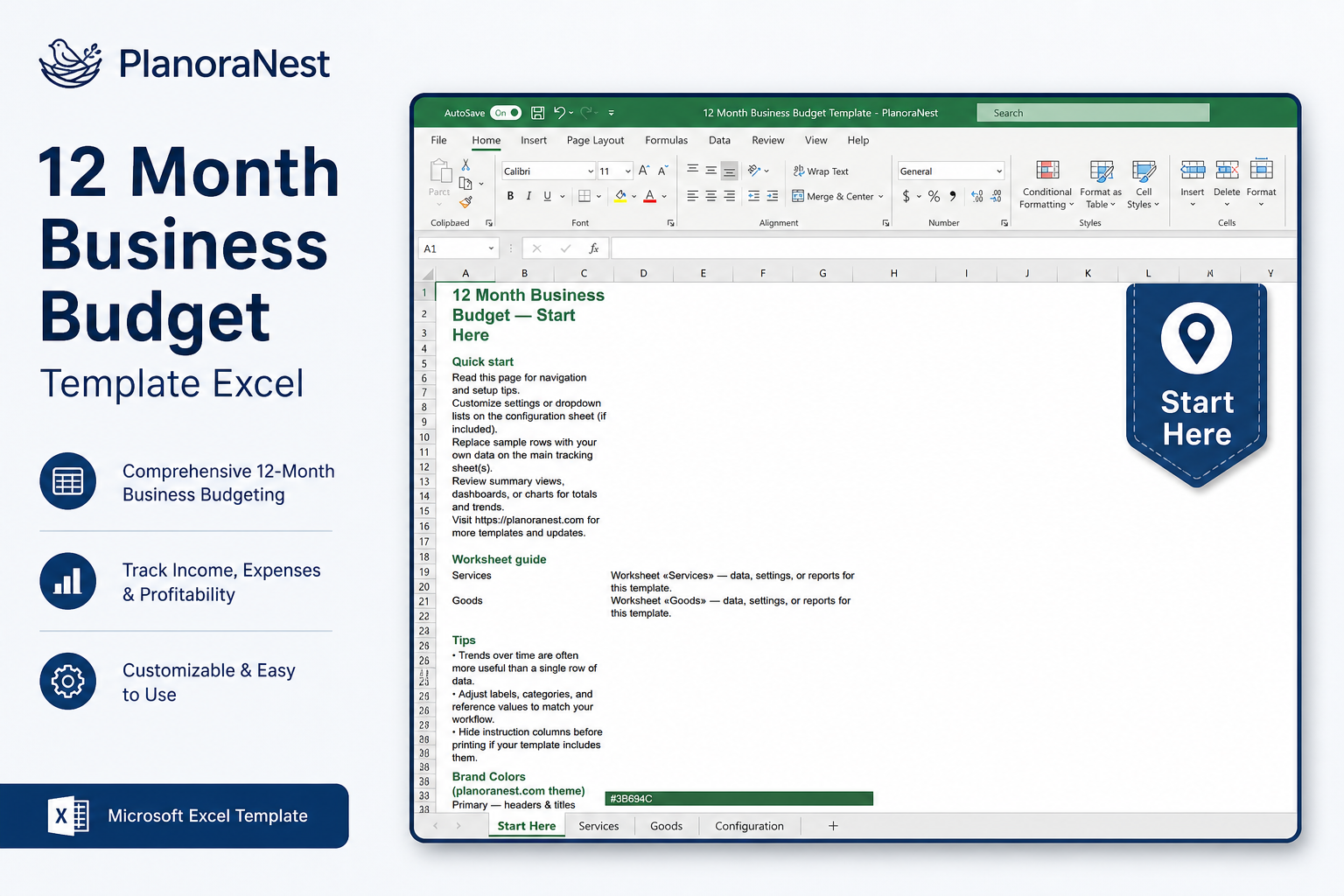
This 12 month business budget template excel from PlanoraNest gives you a ready-to-use workbook for planning a full year of business income and expenses. Two budget layouts — Services (service-based revenue) and Goods (product sales with COGS) — share monthly Jan–Dec columns and automatic annual totals, so you can forecast cash flow without building formulas from scratch.
Works in Excel, Google Sheets, and WPS. One-time purchase at $1 (regularly $1), instant download, no subscription.
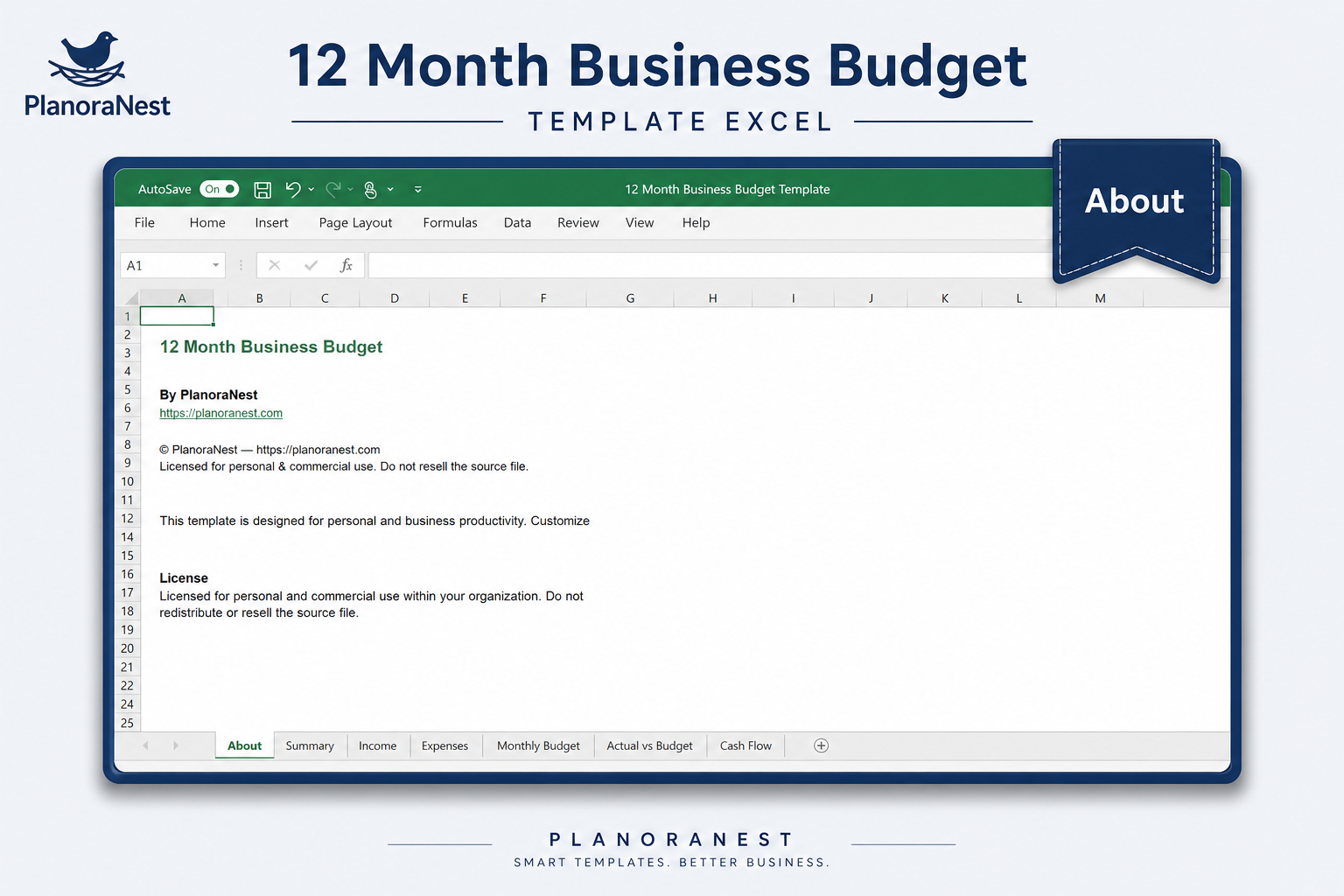
Four sheets — start with Start Here:
| Sheet | What it does |
|---|---|
| Start Here | Quick-start guide with worksheet overview, setup tips, and PlanoraNest brand colors. |
| Services | Service-business budget: Operating Income (5 customizable categories + Other), Non-Operating Income (interest, rental, gifts, donations), Operating Expenses (accounting, advertising, payroll, rent, utilities, and 15+ line items), Non-Recurring Expenses, Net Income Before Taxes, and NET INCOME — all with Jan–Dec columns and annual totals. |
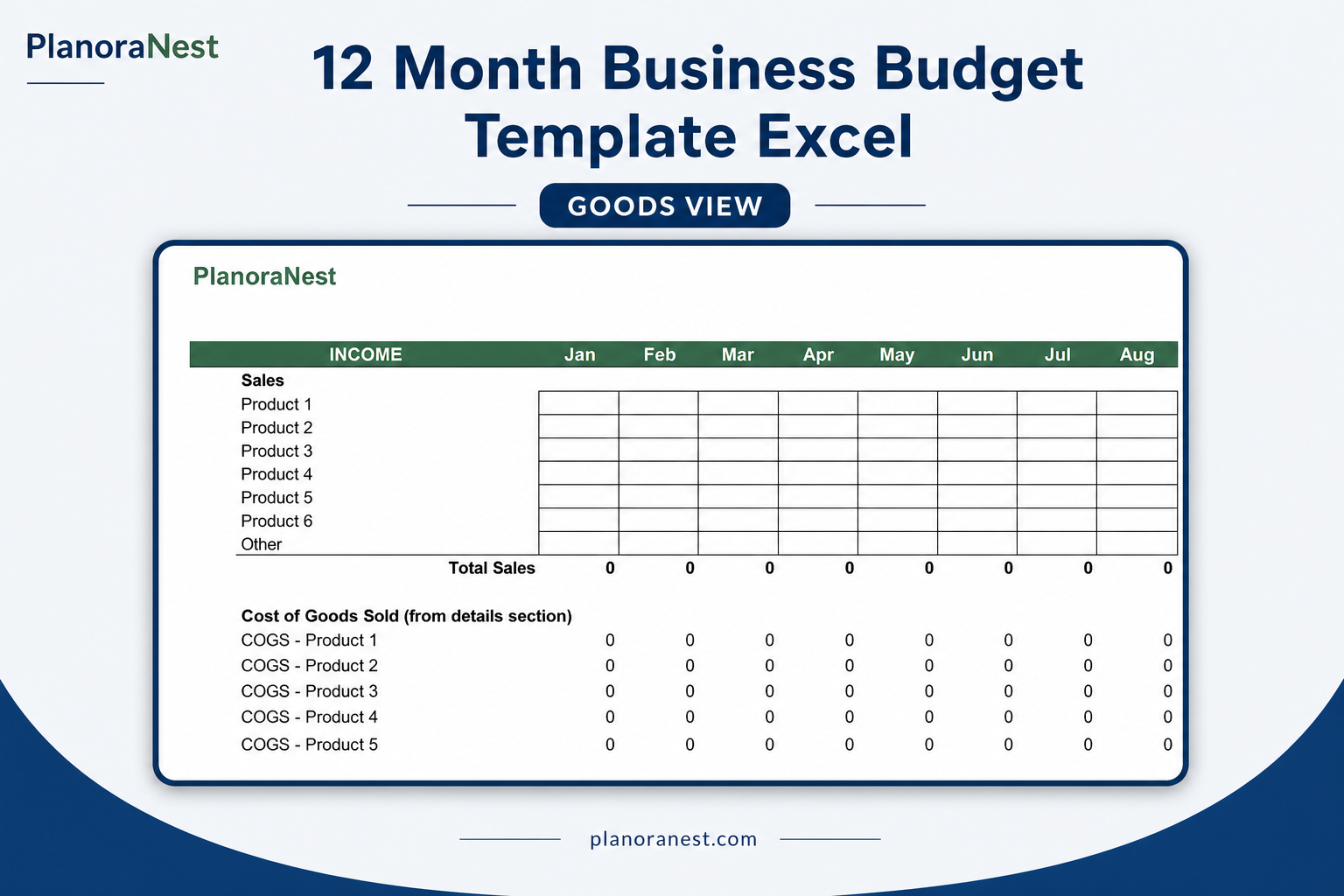
| Goods | Product-business budget: Sales (6 product lines + Other), Cost of Goods Sold summary, Gross Profit, the same expense sections as Services, plus a detailed COGS breakdown (beginning inventory, purchases, shipping, labor, ending inventory) for up to 4 product groups. |
| About | Template attribution, license, and PlanoraNest link. |
Screenshots from the actual template:
One-time purchase · $1 USD (regularly $1) · Instant download · No account required to use the file after purchase.
1. Purchase
Browse our shop and pick the templates that fit your needs — from business planners to productivity trackers.
2. Access
Since our products are digital, you'll receive immediate access after your purchase completes.
3. Use
Open your template in Google Sheets, Excel, or Notion and start using it right away with our included instructions.
Chris Mueller
Freelance consultant
Verified purchaseSolid template, Services sheet fits my workflow
I'm a solo IT consultant and the Services sheet structure matches how I think about money — operating income from client projects, a few non-operating items like interest, and then all my business expenses broken out monthly. I wish there was a built-in chart, but honestly the monthly columns plus annual totals are enough for my needs. Start Here sheet got me oriented in about 5 minutes. Good value for a one-time purchase.
Priya Nair
E-commerce seller
Verified purchaseGoods sheet COGS section saved me hours
I sell handmade candles on Etsy and needed to track inventory costs alongside monthly sales. The Goods sheet has a COGS detail section at the bottom where I enter beginning inventory, purchases, and ending inventory for each product line. Gross Profit calculates automatically, which is exactly what I was trying to build myself in a blank spreadsheet. I use Google Sheets and everything imported cleanly. For $3.9 this was a no-brainer.
Marcus Webb
Small business owner
Verified purchaseFinally replaced my messy annual budget spreadsheet
I've been running a landscaping company for 8 years and every January I'd copy last year's Google Sheet and spend a weekend fixing broken formulas. This 12-month business budget template had the expense categories I actually use — payroll, equipment maintenance, fuel, insurance — already laid out month by month. I renamed Category 1-4 to my four service lines, plugged in last year's actuals as a starting point, and had a 2026 forecast done in one afternoon. The NET INCOME row at the bottom is what I show my accountant now.