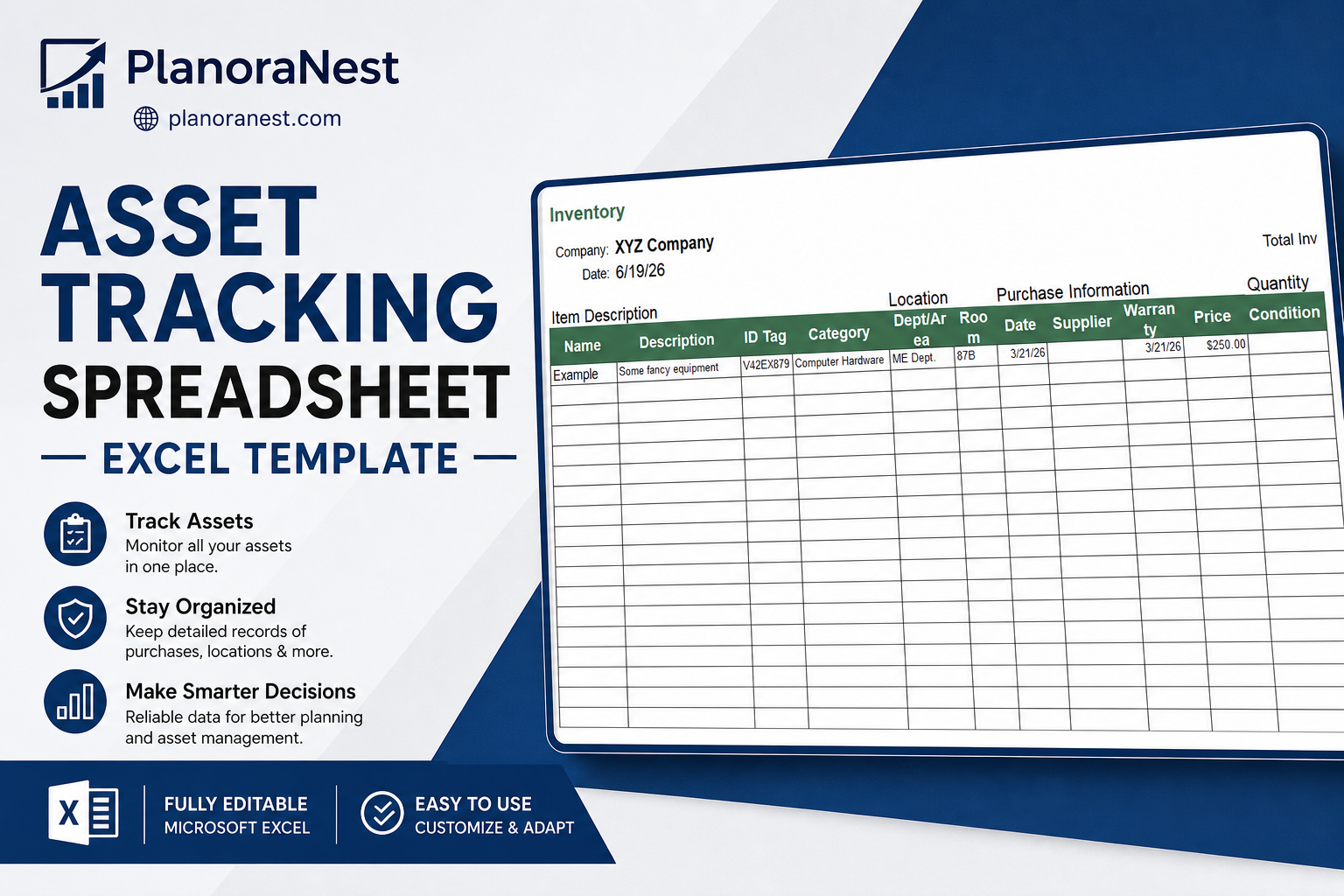
 Quick view
Vendor: PlanoNest
Asset Tracking Spreadsheet Excel Template | PlanoraNest Template$1.00
4.7 / 5.0 (3) total reviews
Vendor: PlanoNest
$1.00
Excel
Quick sign in at checkout — your templates are saved to your library forever.
Related picks
Explore other digital products that pair well with this template.
Quick viewVendor: PlanoNest
Asset Tracking Spreadsheet Excel Template | PlanoraNest Template$1.00
This Excel inventory tracking spreadsheet from PlanoraNest is a dual-purpose IT asset tracker that manages both software licenses and hardware equipment in one file. Seven sheets with linked data, automatic calculations, and a supplier directory. One-time purchase at $1 (compare at $1), instant download, no subscription.
This inventory tracking spreadsheet is built for IT teams and office managers who need to track what they own:
IT managers and sysadmins who track software licenses, hardware assets, and which apps are installed on which machines.
Office managers and operations coordinators responsible for company equipment and supplier contacts.
Small-to-medium businesses that need IT asset management without an enterprise CMDB.
Schools and nonprofits that track computer labs, software seats, and hardware warranties.
Seven sheets covering both software and hardware, with cross-referenced data:
Quick-start guide with navigation tips and setup instructions for IT teams rolling out asset tracking.
Software license inventory with 16 columns organized into three sections. Item Description: Name, Description, Version, Developer, Category. Purchase Information: Date, Dept., Supplier, Website, Price. License Information: Type, Exp/Renewal Date, Serial #/Key, Qty Purchased, Qty Used, Qty Remaining. The sheet auto-tracks license usage — Qty Remaining = Qty Purchased - COUNTIF(Installed Software) so you always know how many seats are still available. A Total Inventory Value SUM formula tallies all license costs.
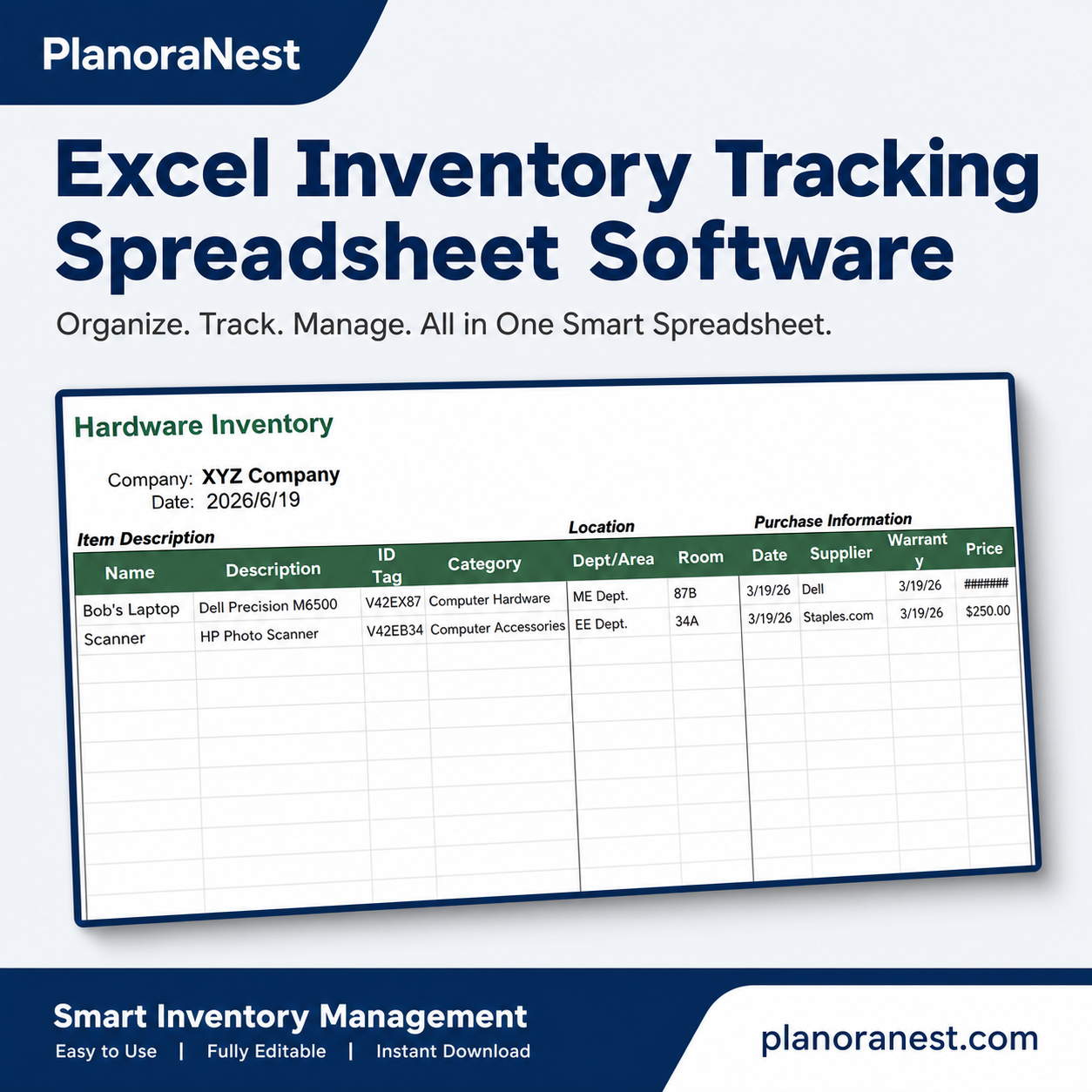
Physical asset registry with 18 columns across four sections. Item Description: Name, Description, ID Tag, Category. Location: Dept/Area, Room. Purchase Information: Date, Supplier, Warranty Expires, Price. Quantity and Value: Condition, Unit Value, Qty, Value (Unit Value x Qty). Item Details: Upgrade Date (auto-calculated as Purchase Date + 3 years for refresh planning), Model No., Serial No., Photo/Info Link. Total inventory value calculated via SUM at the top.
Software-to-hardware mapping. Columns: Name, Description, ID Tag, Dept/Area, Room, Date, Software, and Expiration Date. Enter a computer name and its details auto-fill from the Hardware sheet via VLOOKUP on the HardwareTable named range. Then enter the installed software name — this feeds back into the Software sheet's Qty Used count. See exactly which apps are on which machines.
Vendor directory. Columns: Supplier Name, Product, Product Link (website), Description, Price, Lead Time (days), Contact Name, Email, Phone #, Fax #, Street Address, and City/State/ZIP. Keep all vendor and support contacts in one place. Links to related PlanoraNest inventory and business templates.
Detailed documentation covering template overview, how to add rows, printing tips, and links to related templates.
Template credits, license information (personal and commercial use allowed, no resale), and the PlanoraNest link.
Sheet | What it does |
|---|---|
Start Here | Quick-start guide for IT asset inventory rollout |
Software | License registry: Name, Version, Developer, Category, Type, Serial Key, Qty Purchased/Used/Remaining, with TODAY() date and SUM value |
Hardware | Device registry: Name, ID Tag, Serial No., Dept/Room, Supplier, Warranty, Condition, Value (Unit x Qty), Upgrade Date (+3yr auto) |
Installed Software | Maps software to specific computers via VLOOKUP — feeds COUNTIF back to Software Qty Used |
Suppliers | Vendor directory with product links, lead times, and full contact details |
Help | Documentation: adding rows, printing, template overview |
About | Credits and license terms |
See how each sheet looks before you download — screenshots from the actual template.
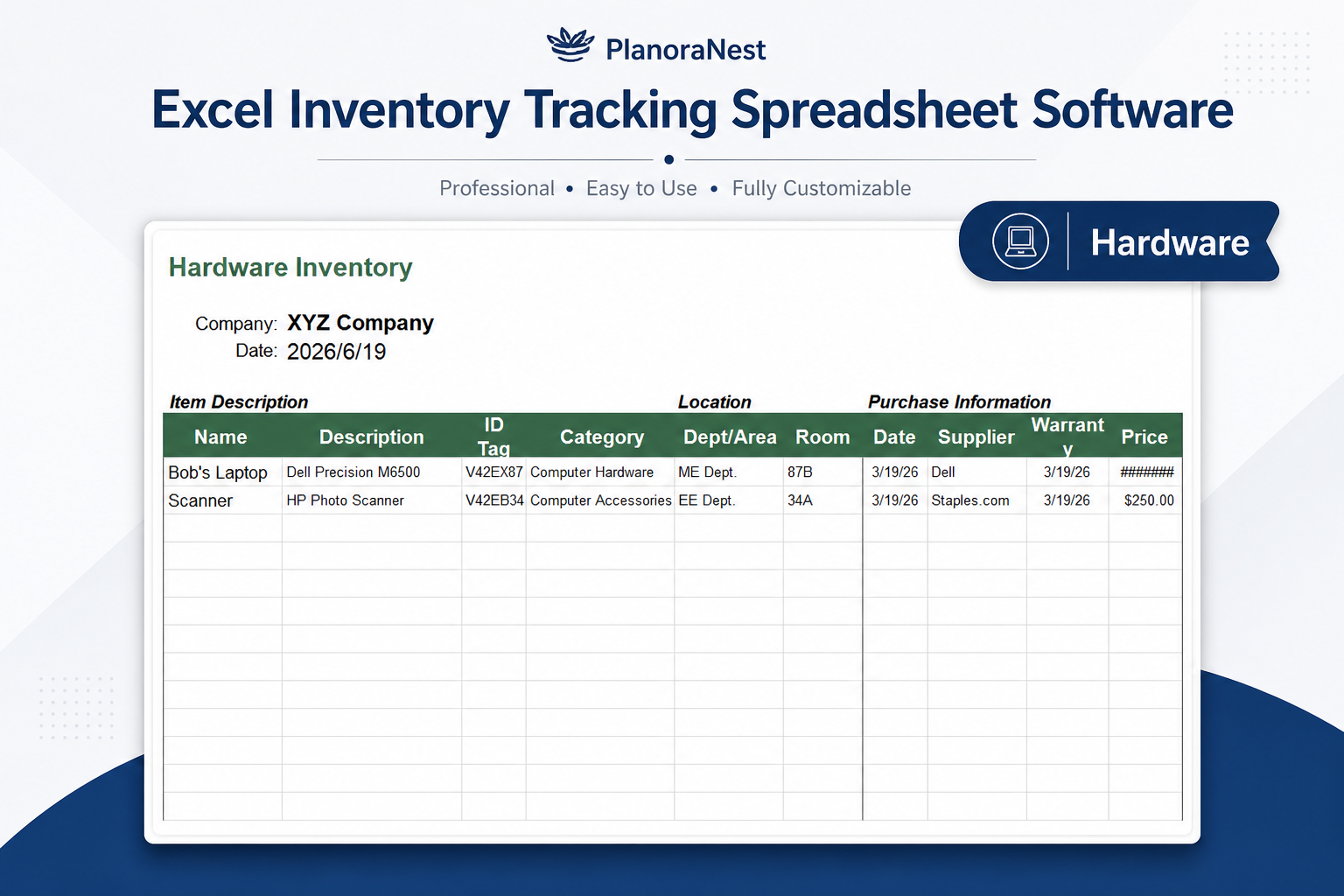
Preview of Excel Inventory Tracking Spreadsheet | PlanoraNest Template
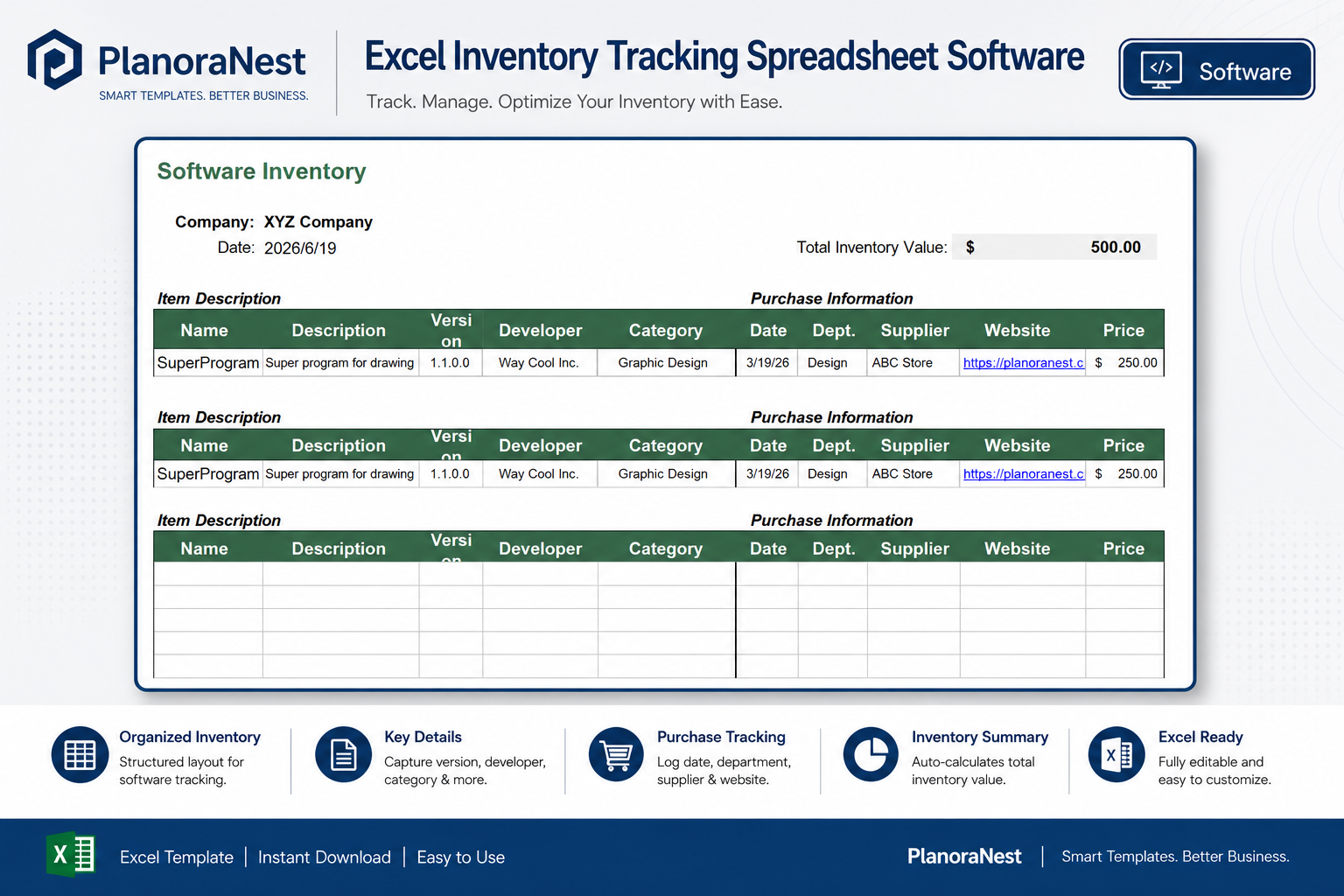
Preview of Excel Inventory Tracking Spreadsheet | PlanoraNest Template
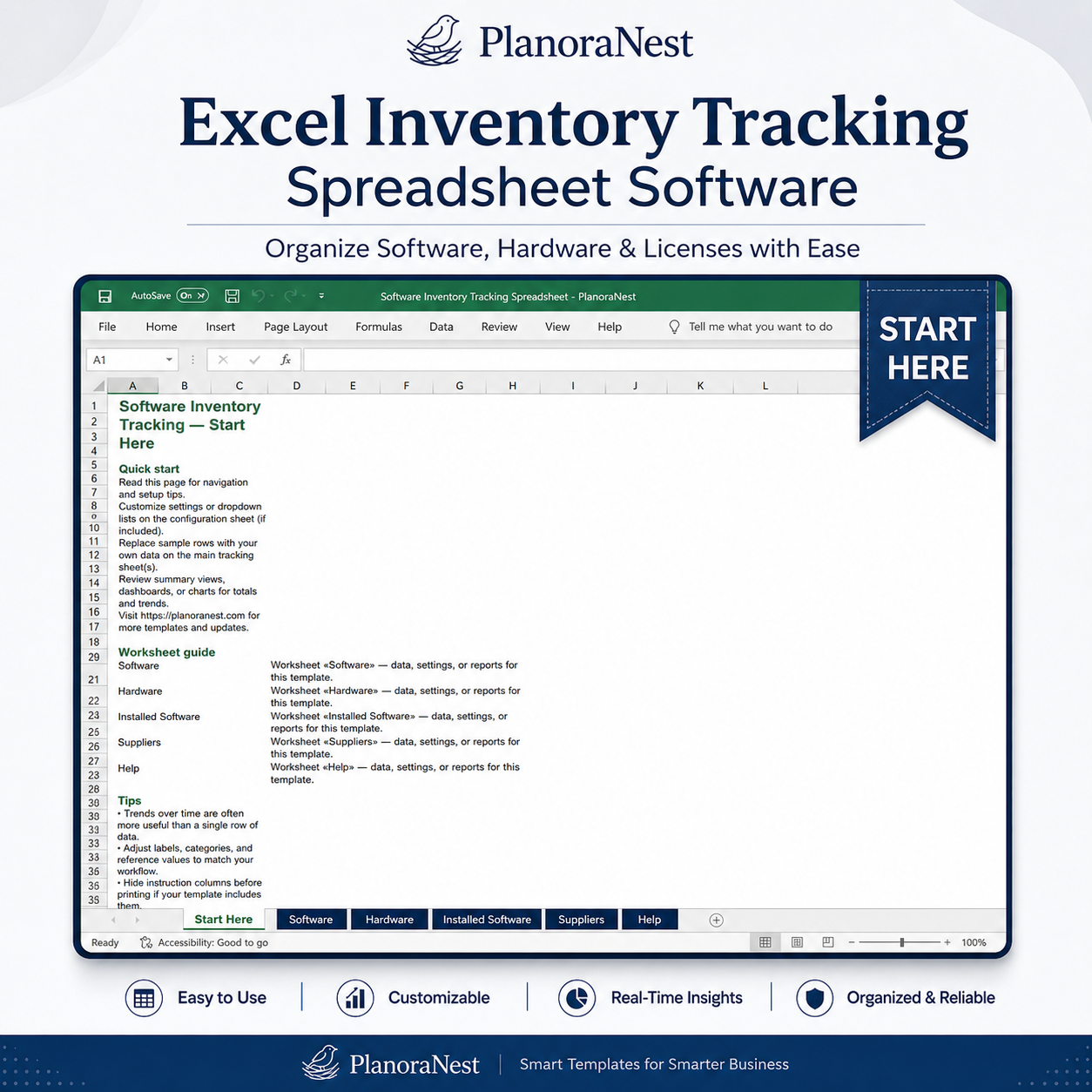
Preview of Excel Inventory Tracking Spreadsheet | PlanoraNest Template
Get your inventory tracking spreadsheet set up in about 20 minutes:
Open the Start Here sheet and read the quick tour.
Go to Software and update the Company name and Date (auto-set to TODAY()). Enter each software license: Name, Description, Version, Developer, Category, Purchase Date, Department, Supplier, Website, Price, License Type, Expiration/Renewal Date, Serial Key, Qty Purchased, and Qty Used. Qty Remaining calculates automatically.
Move to Hardware and enter each device: Name, Description, ID Tag, Category, Dept/Area, Room, Purchase Date, Supplier, Warranty Expires, Price, Condition, Unit Value, and Qty. Value (Unit Value x Qty) and Upgrade Date (Purchase Date + 3 years) calculate automatically.
On Installed Software, enter each computer name and the software installed on it. Computer details auto-fill from Hardware via VLOOKUP. The COUNTIF formula on the Software sheet updates Qty Used automatically.
Fill in the Suppliers sheet with vendor contacts, products, lead times, and support info.
Review the Total Inventory Value summaries at the top of Software and Hardware sheets for a quick financial snapshot.
Microsoft Excel (desktop & web)
Google Sheets
WPS Office
LibreOffice Calc
One-time purchase — $1 USD (compare at $1) — Instant download — No account required to use the file after purchase.
1. Purchase
Browse our shop and pick the templates that fit your needs — from business planners to productivity trackers.
2. Access
Since our products are digital, you'll receive immediate access after your purchase completes.
3. Use
Open your template in Google Sheets, Excel, or Notion and start using it right away with our included instructions.
David Okonkwo
Project coordinator
Verified purchasePerfect for our IT onboarding checklist
We use this to track what software and hardware each new hire gets. The Installed Software sheet that links apps to machines is the killer feature — I can see in one glance that Bob's laptop has Windows, Office, and Adobe CC installed. Supplier sheet is great for knowing who to call when a warranty expires.
Emily Hart
Virtual assistant
Verified purchaseClient asset tracking solved
I manage IT inventory for three small business clients and this template replaced three separate spreadsheets. The Software Qty Remaining formula (Purchased - COUNTIF from Installed Software) saves me from manually counting license usage every month. Took about an hour to enter all existing data, now maintenance is 10 minutes a week.
Marcus Webb
IT manager
Verified purchaseSolid IT asset tracker with room to grow
Good structure for a non-enterprise asset tracker. The Upgrade Date formula (purchase + 3 years) is practical for refresh planning. I added conditional formatting on Warranty Expires to flag items within 90 days, and extended the named range on HardwareTable so new rows auto-populate in Installed Software. Worth the price for the linked-sheet architecture alone.