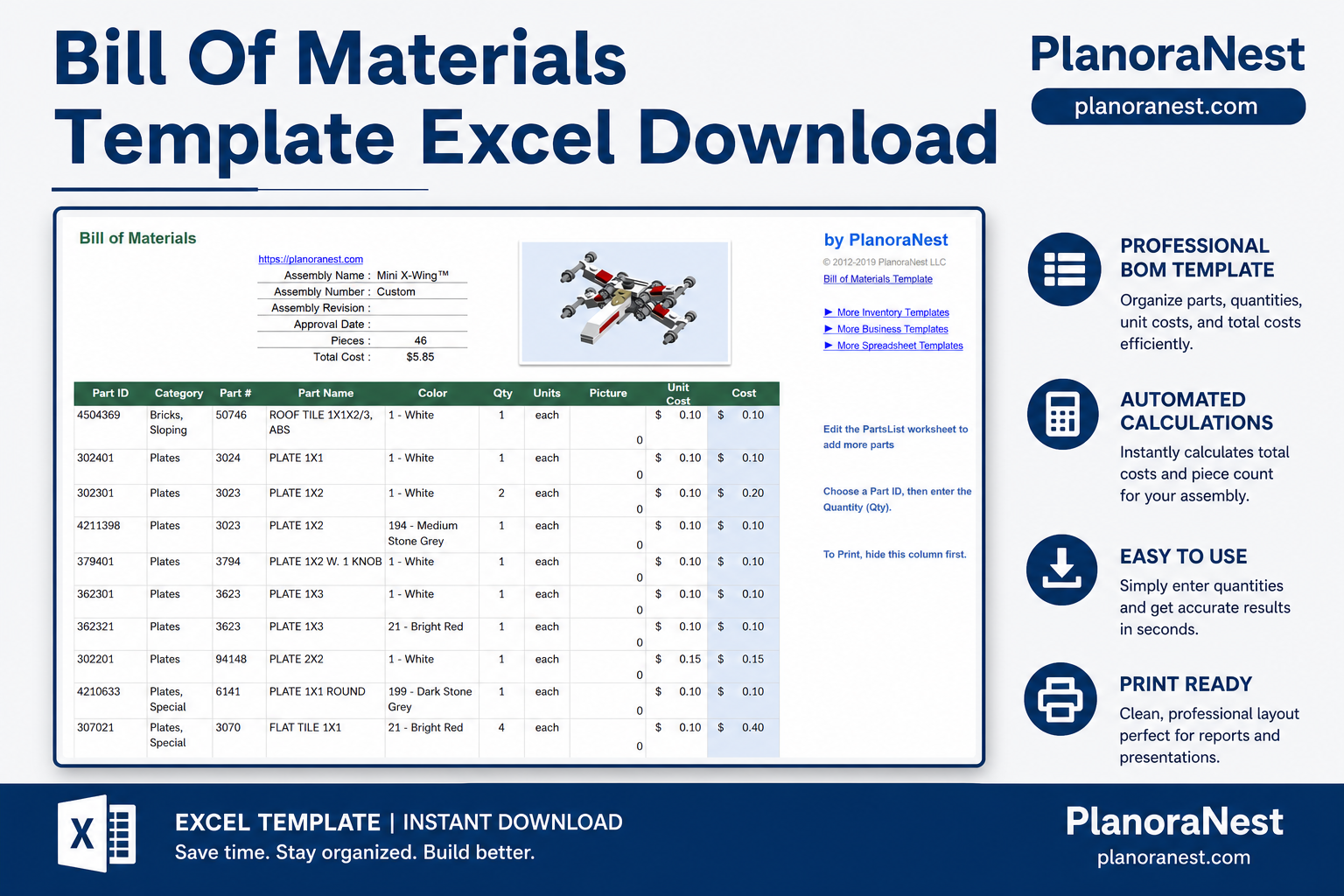
 Quick view
Vendor: PlanoNest
Bill Of Materials Excel Template | PlanoraNest Template$1.00
4.7 / 5.0 (3) total reviews
Vendor: PlanoNest
$1.00
Excel
Quick sign in at checkout — your templates are saved to your library forever.
Related picks
Explore other digital products that pair well with this template.
Quick viewVendor: PlanoNest
Bill Of Materials Excel Template | PlanoraNest Template$1.00
 Quick view
Vendor: PlanoNest
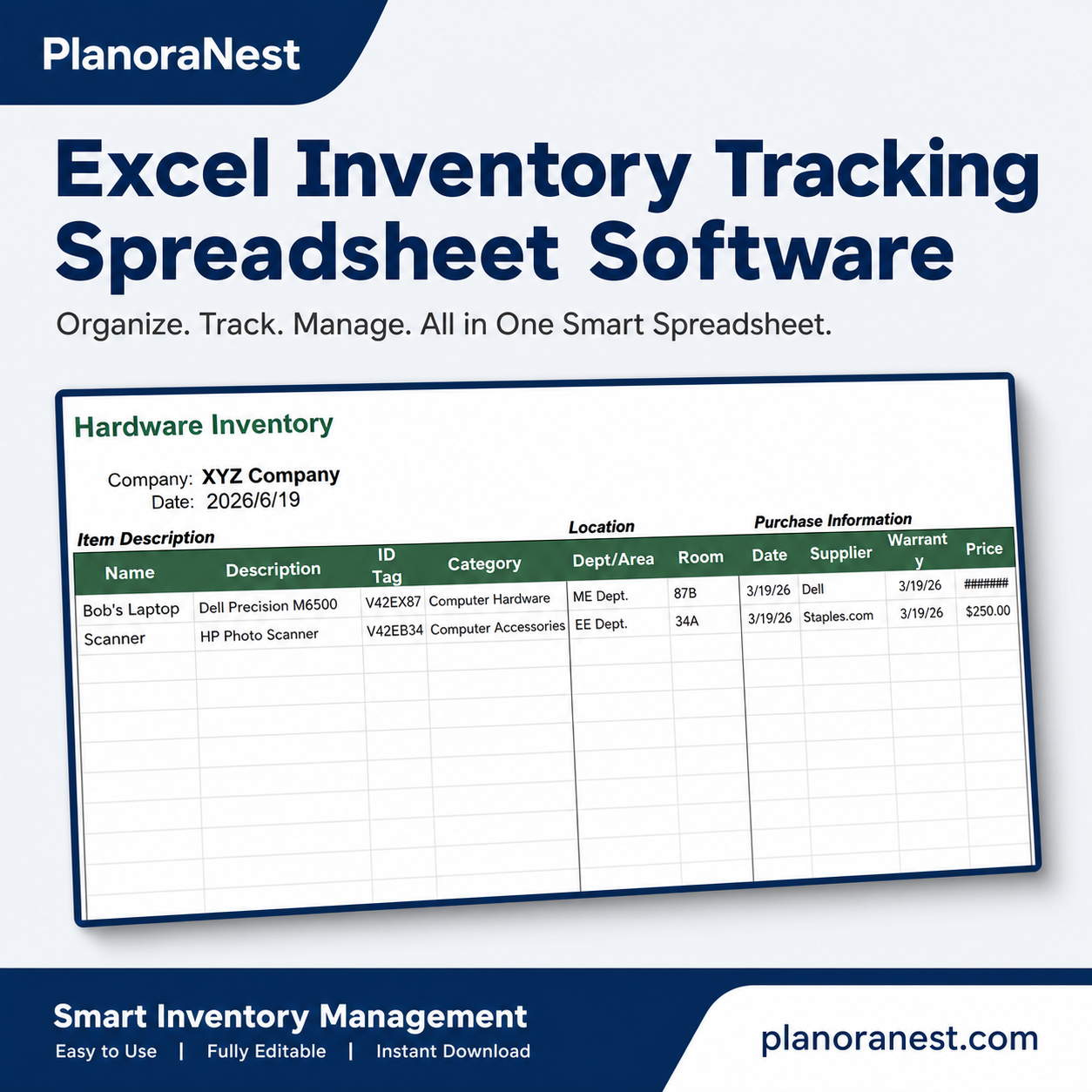
Inventory Tracking Excel Template Software | PlanoraNest$1.00
This asset tracking spreadsheet excel template from PlanoraNest gives you a ready-to-use Excel workbook with 4 structured sheets, pre-built formulas, and a clean layout you can customize in minutes — no subscription, no enterprise CRM overhead.
Whether you need an asset management tracking excel template, computer asset tracking excel template, fixed asset tracking excel template, or IT asset tracking excel template, this file covers the full asset lifecycle: procurement, location tracking, maintenance, depreciation, and supplier management — all in one spreadsheet. Works in Excel, Google Sheets, WPS Office, and LibreOffice Calc. One-time purchase at $1, instant download.
This asset tracking spreadsheet excel template is built for:
Open the file and start working immediately. Every sheet is pre-formatted with headers, sample data, and working formulas:
| Sheet | What it does |
|---|---|
| Start Here | Quick-start guide, worksheet overview, setup tips, and brand colors — read this first to get oriented in under 2 minutes. |
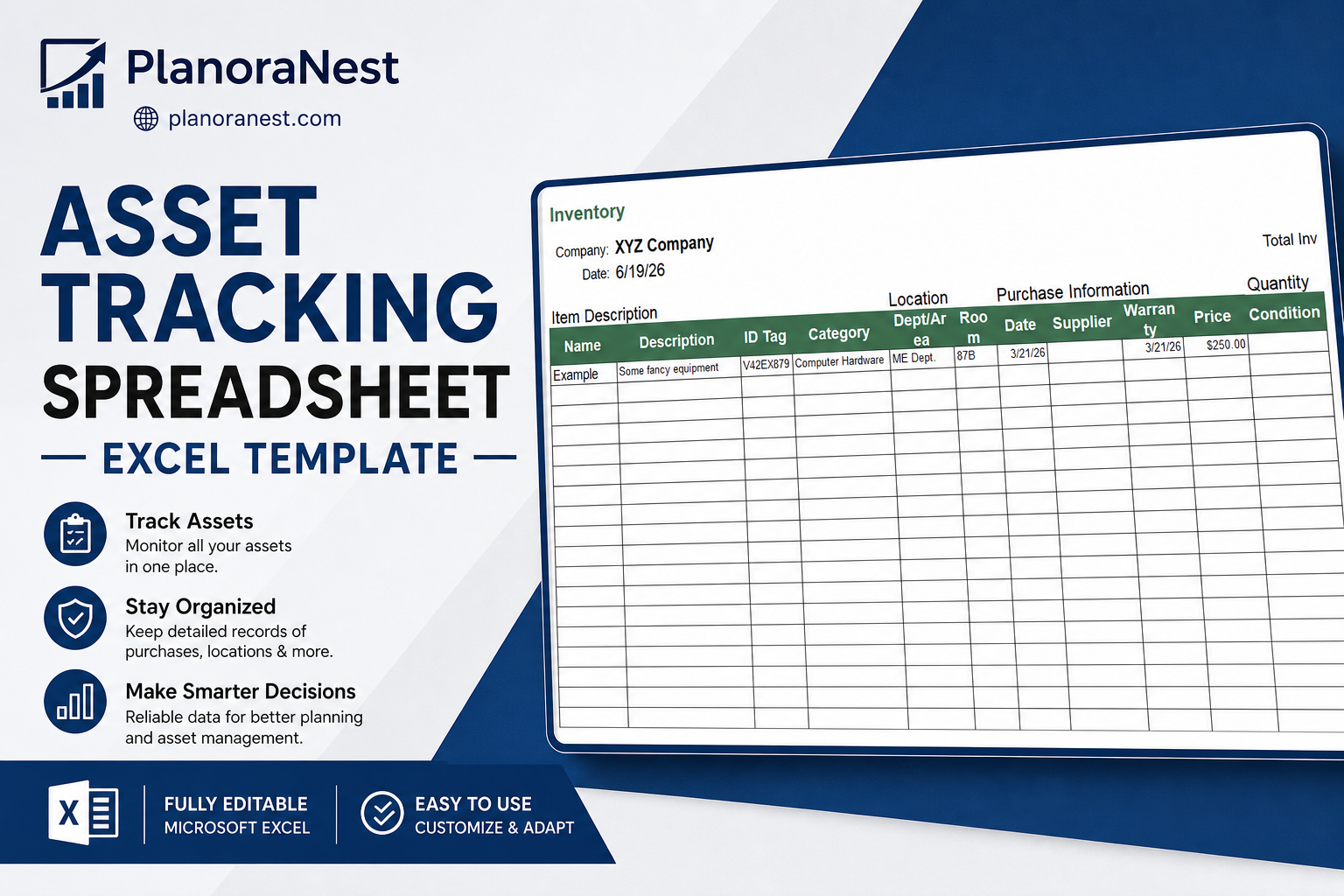
| Inventory | The main tracking sheet with 17 data columns across 5 logical groups: Item Description (Name, Description, ID Tag, Category), Location (Dept/Area, Room), Purchase Information (Date, Supplier, Warranty Expiration, Price), Quantity & Value (Condition, Unit Value, Qty, Value with auto-calculated =Qty × Unit Value formula), and Item Details (Model No., Serial No., Photo/Info Link). Includes a =TODAY() date cell and a =SUM() total inventory value cell at the top. Scroll down for 50+ blank rows ready for your data. |
| Suppliers | Vendor directory with 12 columns: Supplier Name, Product, Product Link, Description, Price, Lead Time (days), Contact Name, Email, Phone #, Fax #, Street Address, and City/State/ZIP. Keep all your vendor contacts linked to the assets they supply. |
| About | Template info, license terms, and PlanoraNest links — personal & commercial use allowed; do not resell the source file. |
Get your asset tracking system in Excel running in 10–15 minutes. Follow these steps in order:
The Start Here sheet is your onboarding page. It lists every worksheet, explains what each one does, and gives setup tips. Read the "Quick start" section first — it walks you through the overall workflow: review settings → replace sample data → check summary views.
Switch to the Inventory sheet. At the top, replace "XYZ Company" with your organization name. The =TODAY() formula in cell B4 auto-populates the current date — no manual entry needed.
On the Inventory sheet, start replacing the sample row with your own assets. For each asset, fill in:
The template includes 50+ blank rows below the sample — copy the sample row's formatting down as you add more assets.
At the top of the Inventory sheet, cell M4 displays your Total Inventory Value using =SUM(N7:N62). As you add assets with quantities and unit values, this number updates automatically — no pivot tables or manual summing needed.
Switch to the Suppliers sheet. For each vendor, fill in their name, the product they supply, a website link, contact details (name, email, phone, fax), and physical address. The Lead Time (days) column helps you plan procurement — know at a glance how long each supplier takes to deliver.
Update the Inventory sheet whenever assets move, get reassigned, enter repair, or retire. Review the Suppliers sheet before reordering. The Start Here sheet's tip says it best: "Trends over time are often more useful than a single row of data" — keep your records current and patterns will emerge.
See how each sheet looks before you download — screenshots from the actual template.
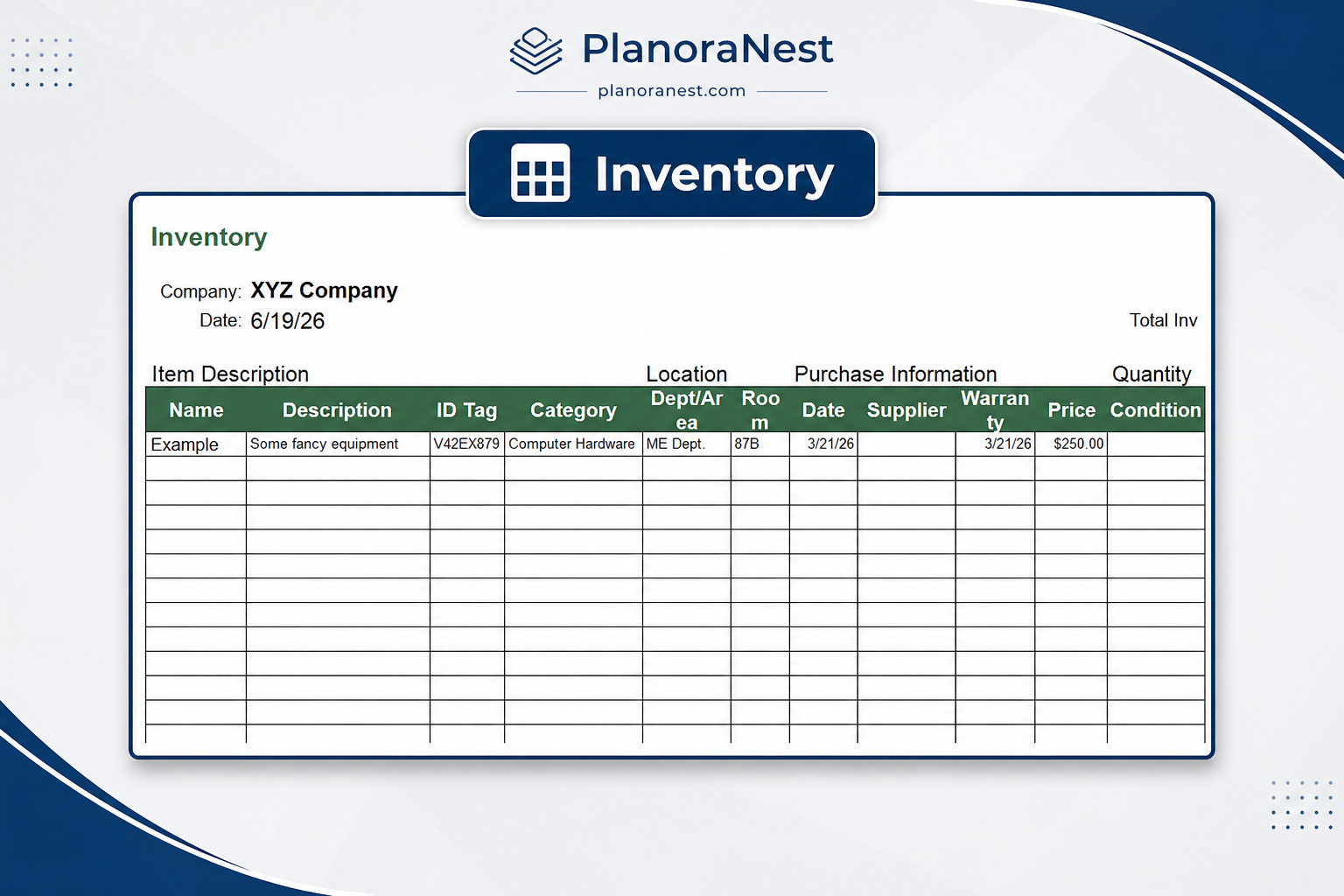
Preview of Asset Tracking Spreadsheet Excel Template | PlanoraNest Template
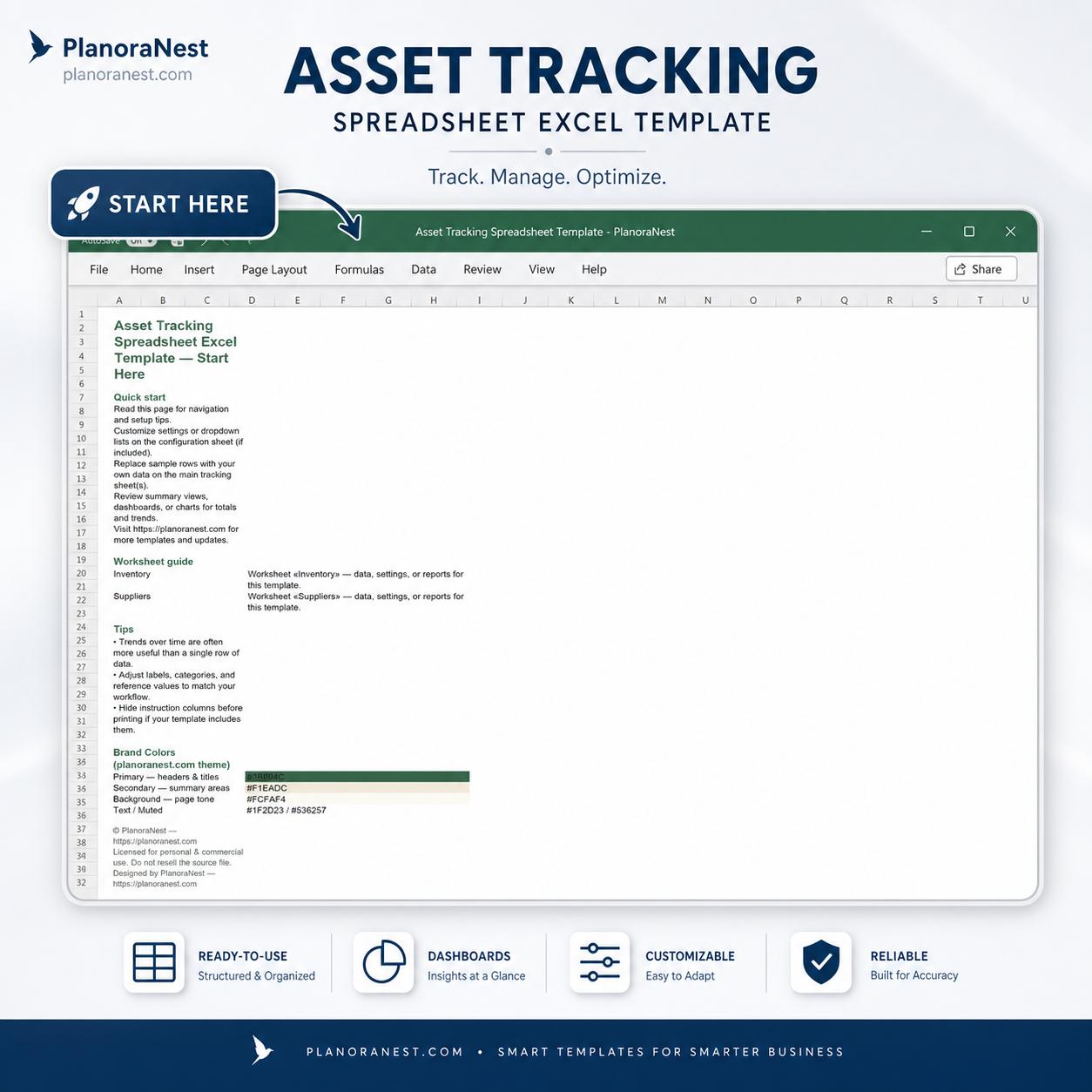
Preview of Asset Tracking Spreadsheet Excel Template | PlanoraNest Template
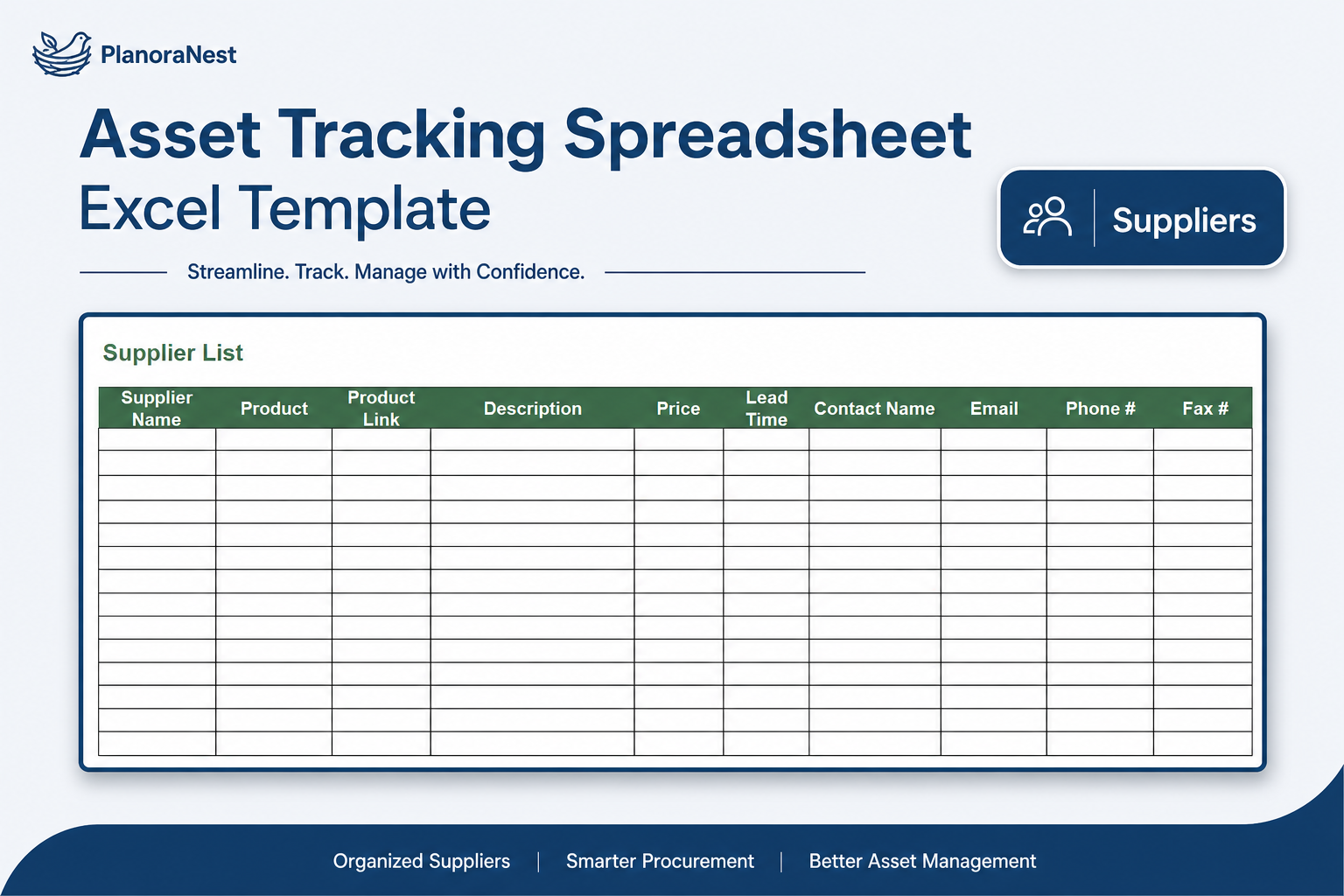
Preview of Asset Tracking Spreadsheet Excel Template | PlanoraNest Template
One-time purchase · $1 USD · Instant download · No account required to use the file after purchase.
1. Purchase
Browse our shop and pick the templates that fit your needs — from business planners to productivity trackers.
2. Access
Since our products are digital, you'll receive immediate access after your purchase completes.
3. Use
Open your template in Google Sheets, Excel, or Notion and start using it right away with our included instructions.
Emily Hart
Virtual assistant
Verified purchaseSolid starting point
Took me an afternoon to migrate old data, but the Start Here sheet made the setup straightforward. Would recommend if you want a lightweight Excel CRM without another SaaS subscription.
Jenna Alvarez
Operations coordinator
Verified purchaseExactly what I needed
I downloaded the Asset Tracking Spreadsheet Excel Template on a Sunday and had my workflow running by Monday morning. The layout is clear, the dropdowns work as expected, and I didn't have to rebuild formulas from scratch.
Chris Mueller
Independent contractor
Verified purchaseBetter than free templates I tried
I've tried a few free spreadsheets before — this one feels more thought through. Linked sheets and the dashboard actually stay in sync when we update rows.
From the blog
Guides and tips to help you get more from this template.

Structure an Excel asset tracking workbook with the right fields, formulas, and sheets—or start faster with a ready-made template. Step-by-step for small teams.

Build vs buy checklist for Excel asset tracking applications—v1 scope, implementation phases, failure modes, and when to upgrade from spreadsheets.
Step-by-step fixed asset tracking in Excel: register setup, asset IDs, audit routine, depreciation basics, and when to upgrade from spreadsheets.