 Quick view
Vendor: PlanoNest
Inventory Tracking Excel Template Software | PlanoraNest$1.00
4.7 / 5.0 (3) total reviews
Vendor: PlanoNest
$1.00
Excel
Quick sign in at checkout — your templates are saved to your library forever.
Related picks
Explore other digital products that pair well with this template.
Quick viewVendor: PlanoNest
Inventory Tracking Excel Template Software | PlanoraNest$1.00
 Quick view
Vendor: PlanoNest
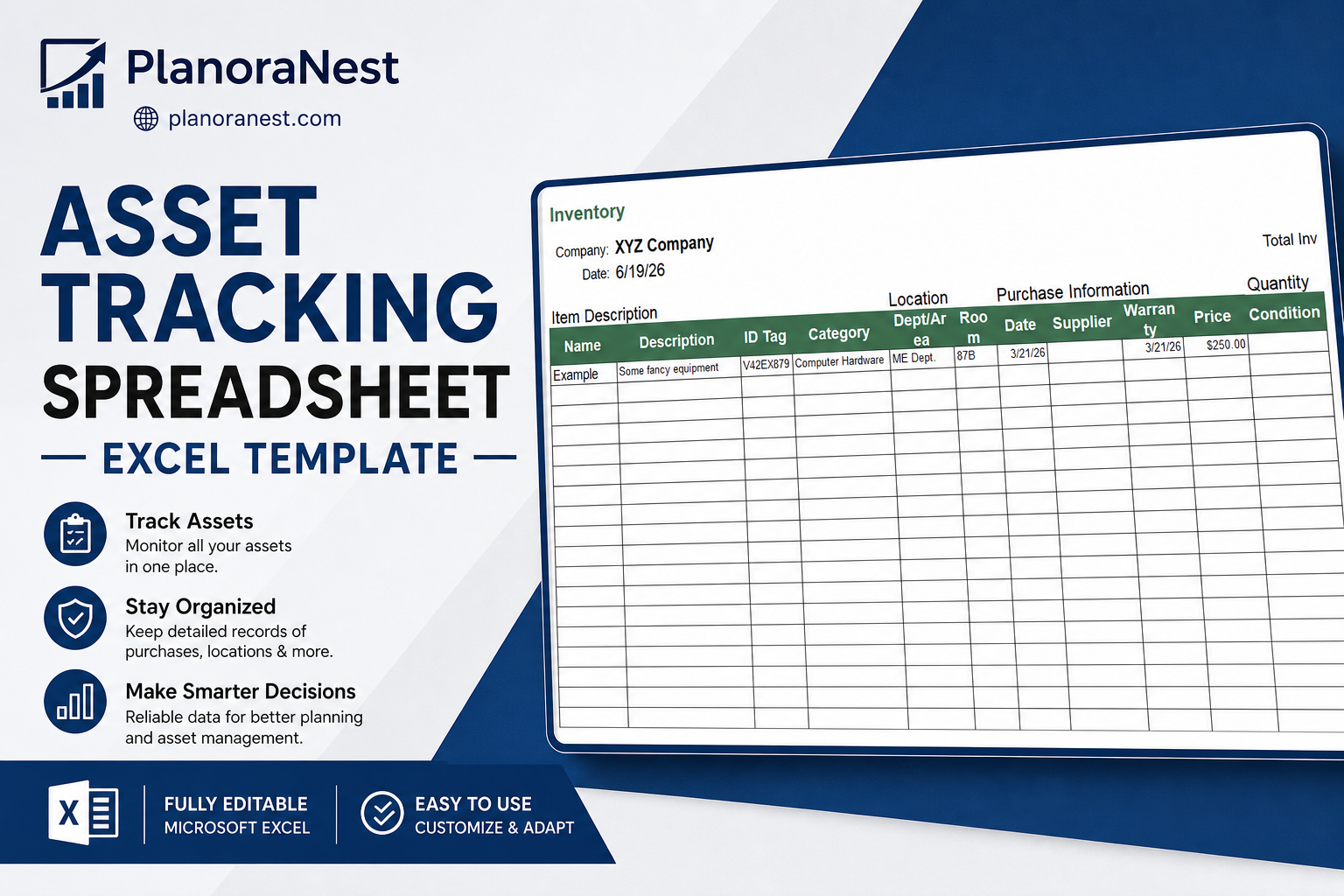
Asset Tracking Spreadsheet Excel Template | PlanoraNest Template$1.00
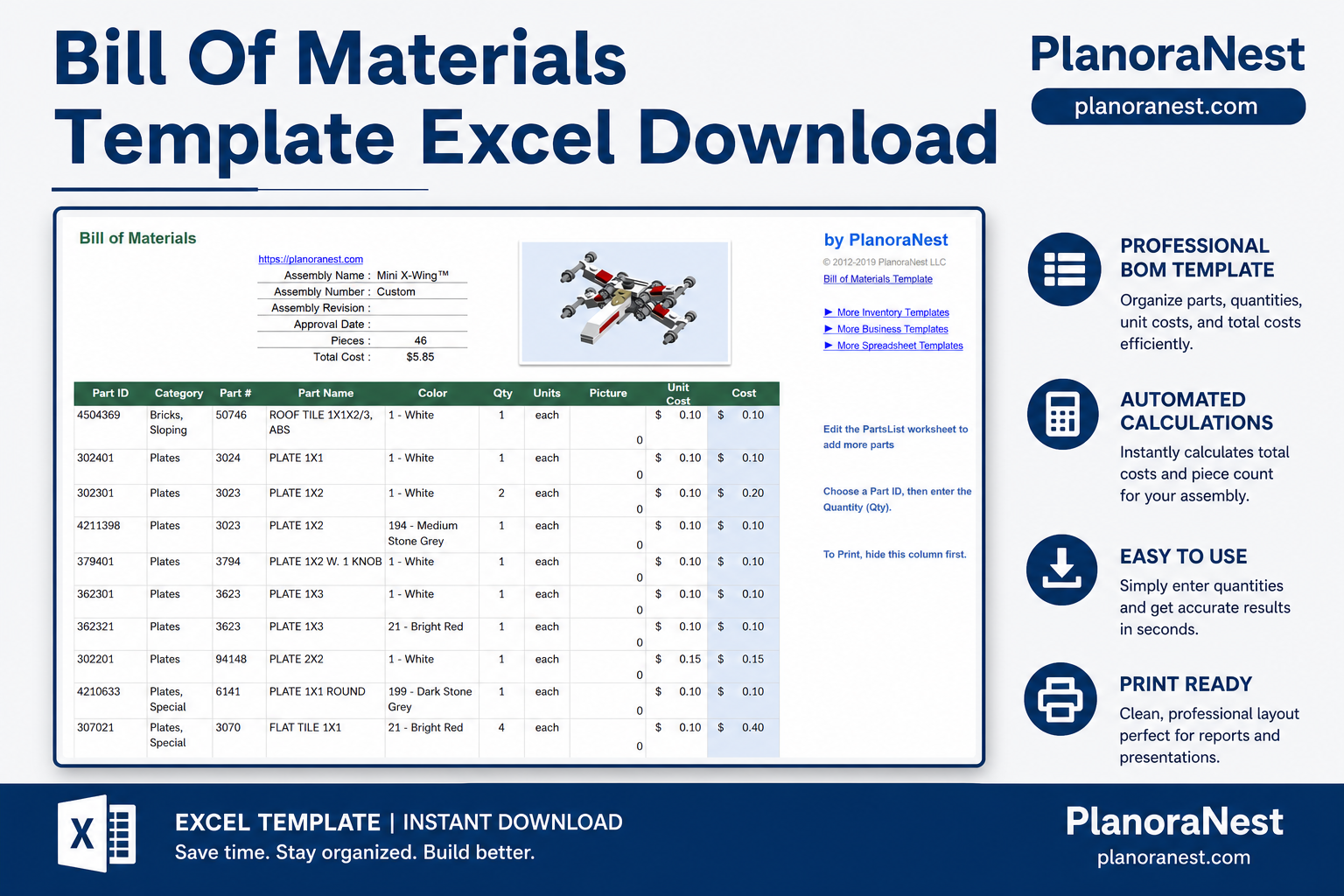
This bill of materials template excel download from PlanoraNest is a ready-to-use Excel spreadsheet for manufacturing teams, engineers, and small-batch producers who need a structured BOM without expensive ERP software. One-time purchase at $1 (compare at $1), instant download, no subscription.
This bill of materials template is built for anyone who needs to document and cost-out an assembly:
Five sheets, each with a clear purpose — open the file and start building your bill of materials:
Quick-start guide with navigation tips and setup instructions. Read this first to understand how the sheets work together.
The main BOM worksheet. Columns: Part ID, Category, Part #, Part Name, Color, Qty, Units, Picture, Unit Cost, and Cost. Enter a Part ID and choose a quantity — the sheet auto-fills descriptions, costs, and categories from the PartList using VLOOKUP formulas. A summary section at the top tracks Assembly Name, Assembly Number, Revision, Approval Date, Total Pieces, and Total Cost with SUM roll-ups.
Your master component catalog. Columns: Part ID, Category, Part #, Part Name, Color, Picture, Units, and Cost. Populate this sheet once with every component you use across assemblies. The BillOfMaterials sheet pulls data from here automatically — update a cost or supplier here and it flows through everywhere.
Revision-controlled change log. Columns: Revision, Revision Summary, and Approval Date. Track BOM version history, engineering change notes, and sign-off dates in one place. Ties to the Assembly Name and Assembly Number fields from the main BOM.
Template credits, license information, and the PlanoraNest link.
| Sheet | What it does |
|---|---|
| Start Here | Quick-start guide with navigation and setup instructions |
| BillOfMaterials | Main BOM with Part ID lookup, auto-filled descriptions, and cost roll-ups via VLOOKUP and SUM |
| PartList | Master component catalog with part numbers, categories, colors, units, and unit costs |
| Revisions | Version-controlled change log with revision number, summary, and approval date |
| About | Template credits and license information |
See how each sheet looks before you download — screenshots from the actual template.
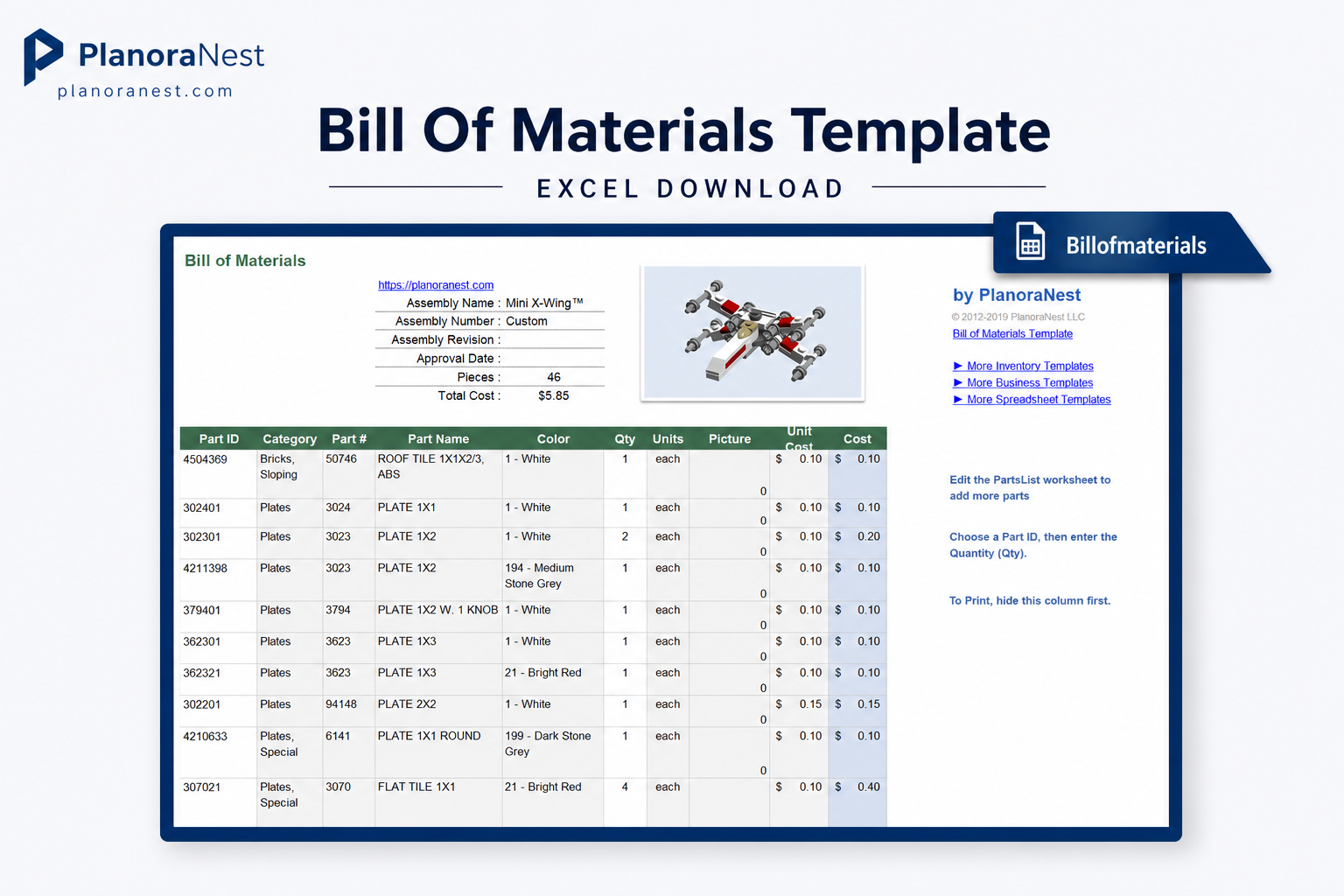
Preview of Bill Of Materials Template Excel Download | PlanoraNest Template
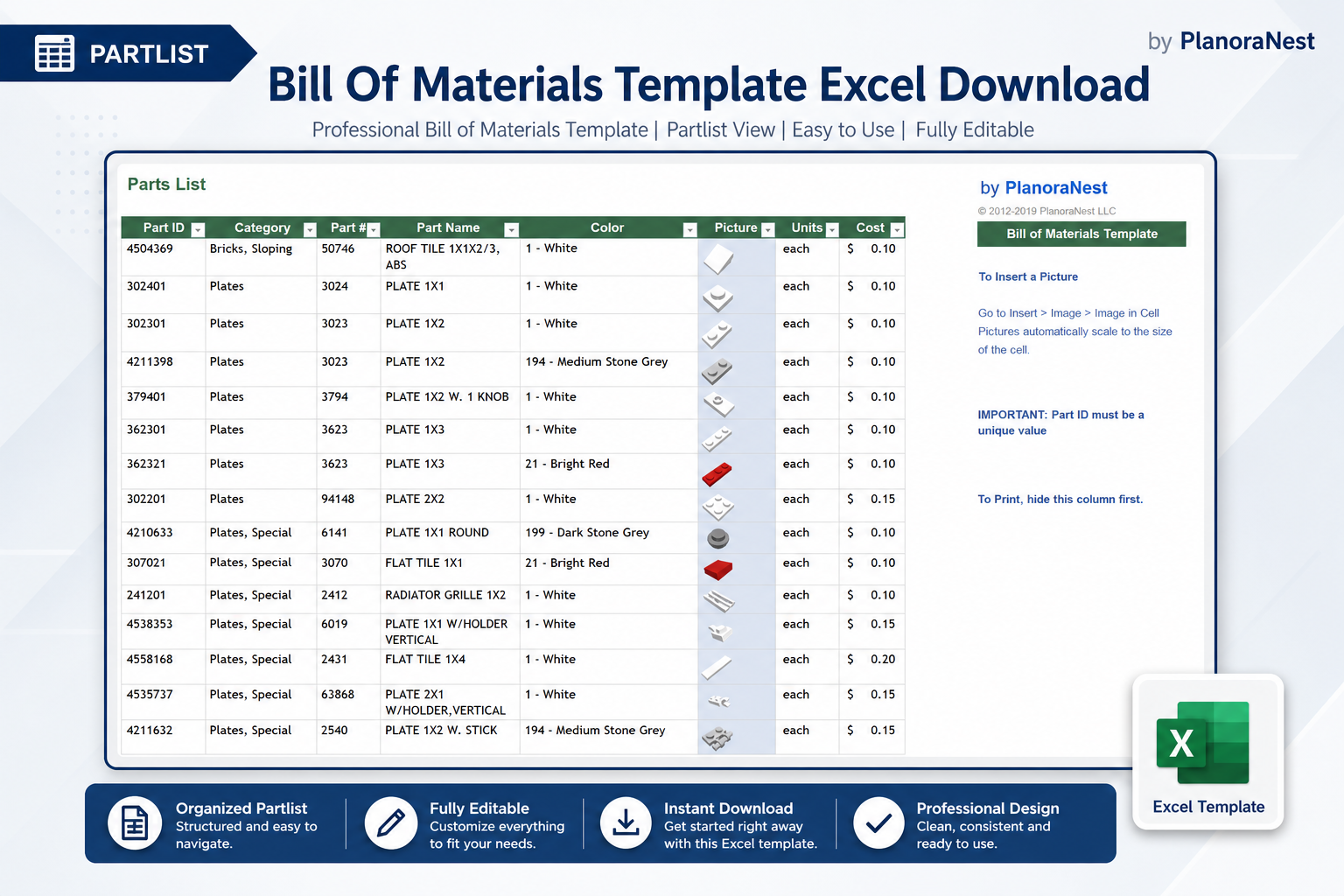
Preview of Bill Of Materials Template Excel Download | PlanoraNest Template
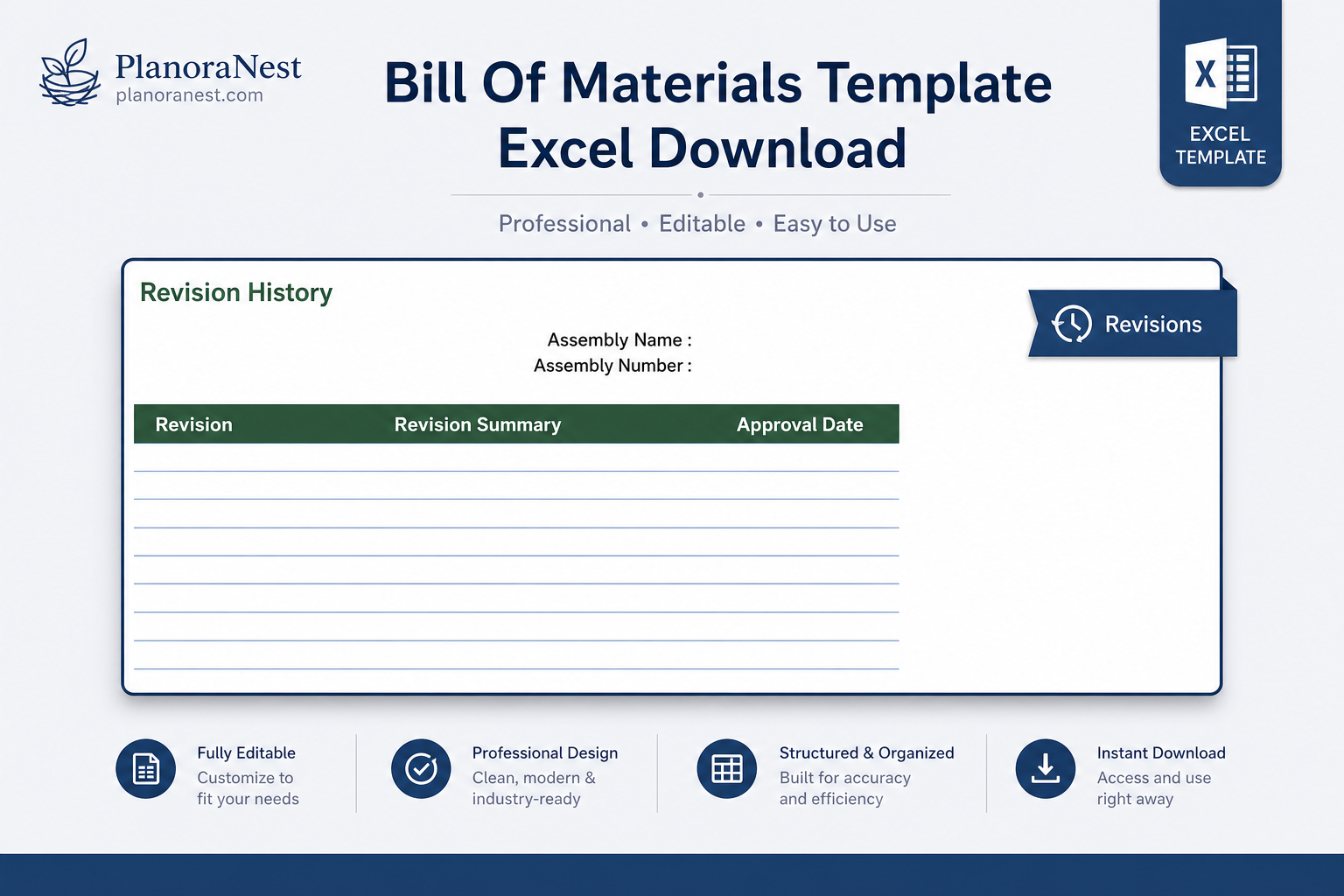
Preview of Bill Of Materials Template Excel Download | PlanoraNest Template
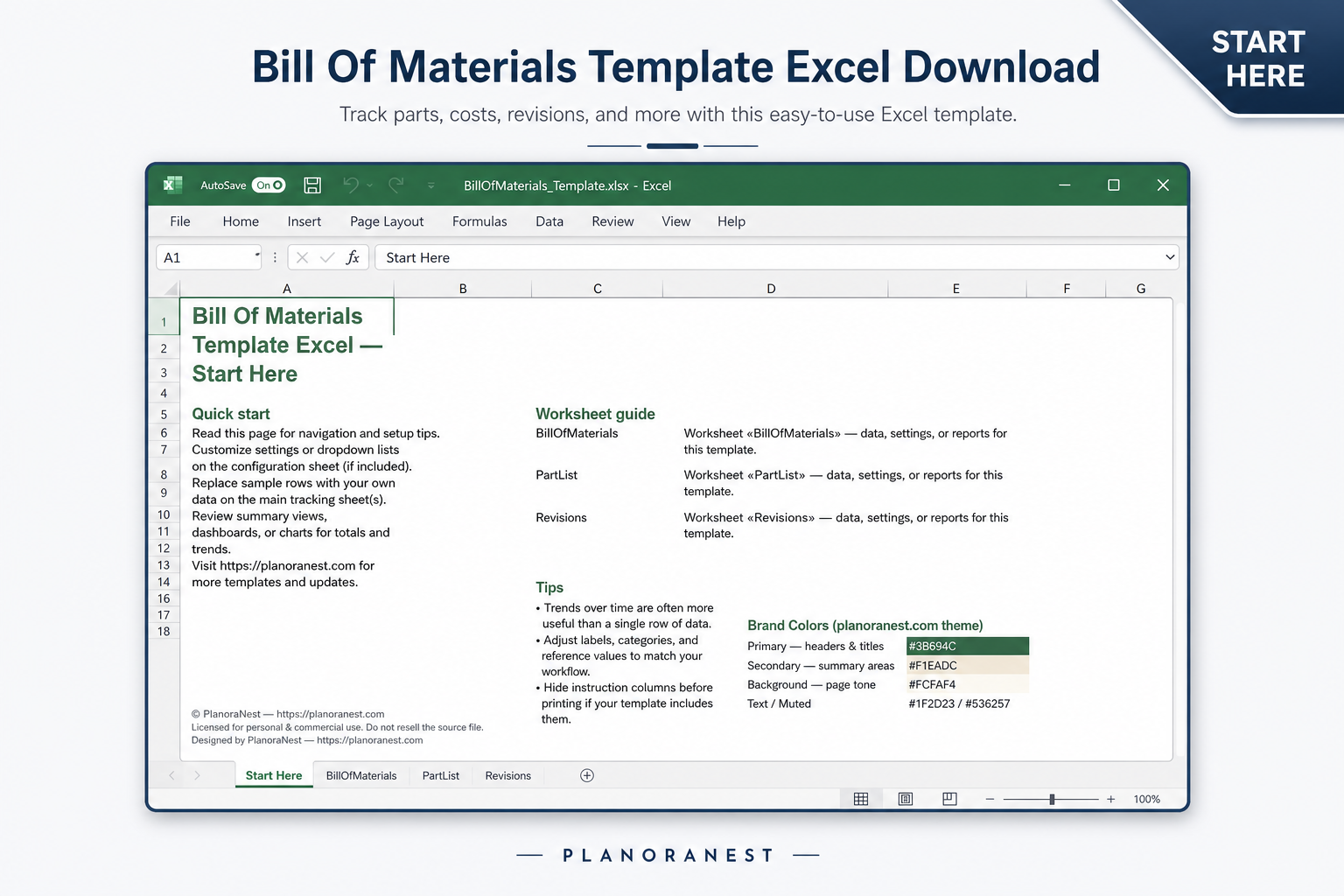
Preview of Bill Of Materials Template Excel Download | PlanoraNest Template
Get your bill of materials template producing costed BOMs in under 10 minutes:
One-time purchase — $1 USD (compare at $1) — Instant download — No account required to use the file after purchase.
1. Purchase
Browse our shop and pick the templates that fit your needs — from business planners to productivity trackers.
2. Access
Since our products are digital, you'll receive immediate access after your purchase completes.
3. Use
Open your template in Google Sheets, Excel, or Notion and start using it right away with our included instructions.
Chris Mueller
Independent contractor
Verified purchaseSaved me hours on a custom fabrication job
I build custom furniture and needed a clean way to list every board, hinge, and screw for client estimates. The VLOOKUP setup from PartList to BillOfMaterials is exactly what I was trying to build myself. Entered my part catalog once, and now every new project BOM populates in minutes.
Priya Nair
Financial analyst
Verified purchaseGood structure, easy to adapt
I used this for a cost analysis on a small-batch electronics assembly. The PartList-to-BOM VLOOKUP flow is solid. I added a supplier column and a markup percentage to the PartList — took maybe 20 minutes. Would be 5 stars if it had multi-level BOM support, but for single-level it does exactly what's needed.
Tom Reyes
Office manager
Verified purchasePerfect for our small manufacturing shop
We make custom signs and our old BOM was a mess of sticky notes and scribbled notepads. This template got us organized in one afternoon. The Revisions sheet is great for tracking client change requests — we log every revision with the date and keep a clean history.