 Quick view
Vendor: PlanoNest
4 Column Chart Template Excel | PlanoraNest Template$1.00
5.0 / 5.0 (3) total reviews
Vendor: PlanoNest
$1.00
Excel
Quick sign in at checkout — your templates are saved to your library forever.
Related picks
Explore other digital products that pair well with this template.
Quick viewVendor: PlanoNest
4 Column Chart Template Excel | PlanoraNest Template$1.00
This pick chart excel template from PlanoraNest gives you a ready-to-use Excel workbook for prioritizing ideas and tasks using the PICK (Possible, Implement, Challenge, Kill) framework. With a visual 4-quadrant PICK chart and a linked Action List tracker, this template helps teams move from brainstorming to execution with clear, structured decision-making.
Whether you search for pick chart template excel, this file works in Excel, Google Sheets -- one-time purchase at $1 (regularly $1), instant download, no subscription.
The file contains 4 sheets:
| Sheet | What it does |
|---|---|
| Start Here | Quick-start guide with worksheet overview, tips, and PlanoraNest brand colors. |
| PICK Chart | A visual 4-quadrant prioritization matrix: POSSIBLE (Easy + Low Payoff), IMPLEMENT (Easy + High Payoff), CHALLENGE (Hard + High Payoff), KILL (Hard + Low Payoff). Includes sticky-note methodology instructions, printing guide, and suggestions for related templates. |
| Action List | A task tracking table with columns: checkbox, ACTION description, VALUE (HIGH/LOW), DIFFICULTY (EASY/HARD), PICK quadrant, OWNER, ASSIGNED date, DUE date, PERCENT COMPLETE, and NOTES. Pre-populated with 5 sample tasks demonstrating different quadrant placements. |
| About | Template attribution and license. |
See how each sheet looks before you download -- screenshots from the actual template.
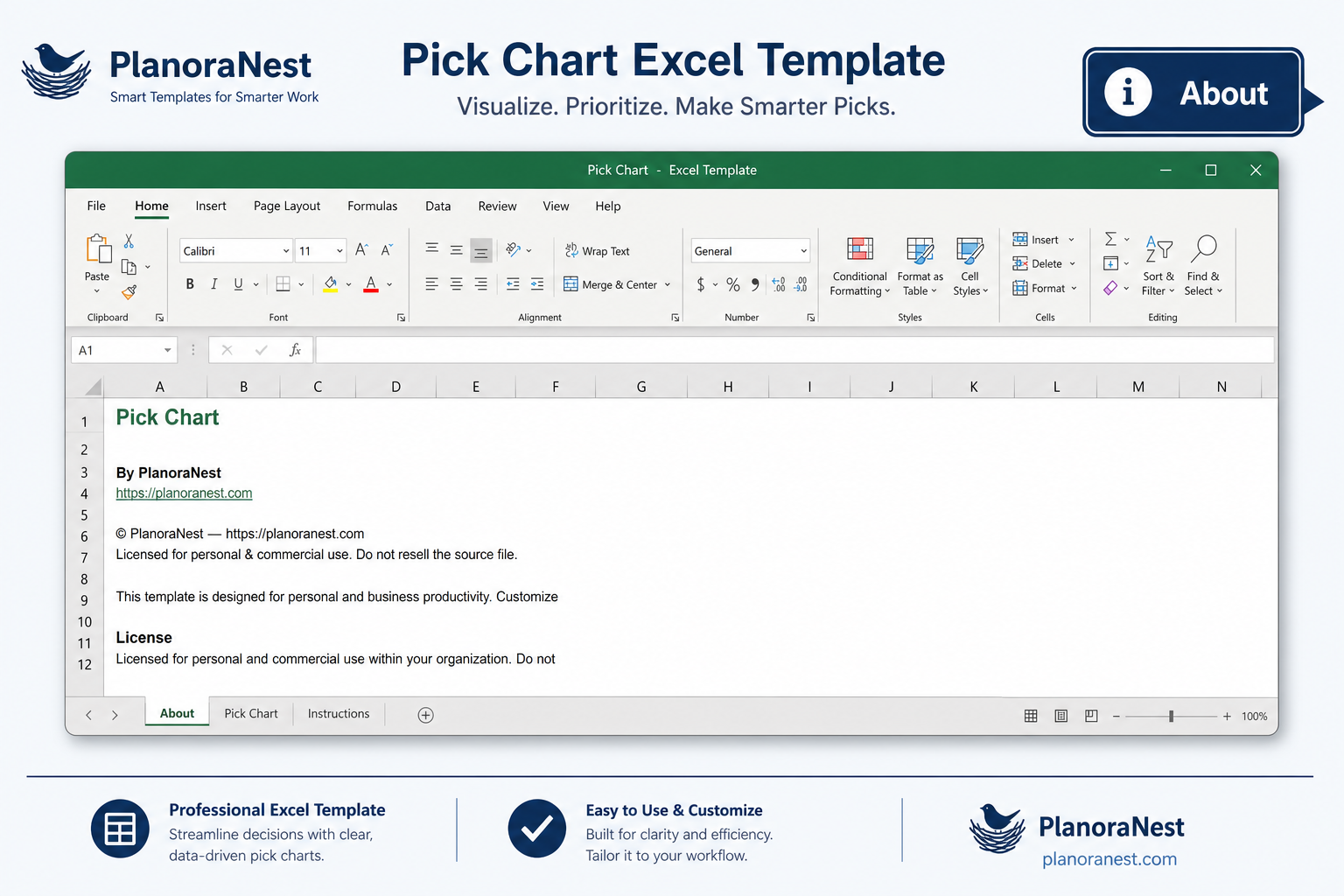
Preview of Pick Chart Excel Template | Pick Chart Template Excel
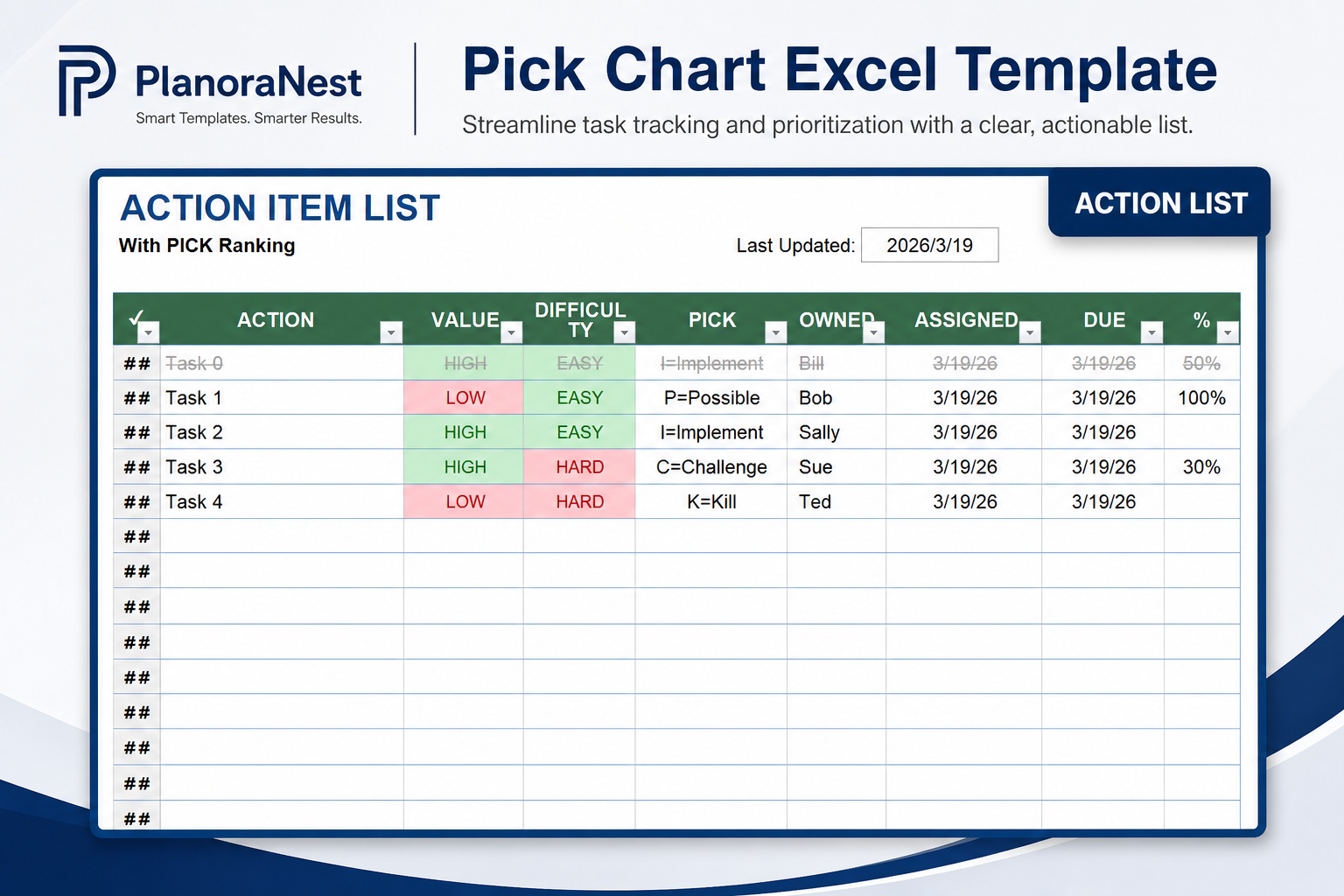
Preview of Pick Chart Excel Template | Pick Chart Template Excel
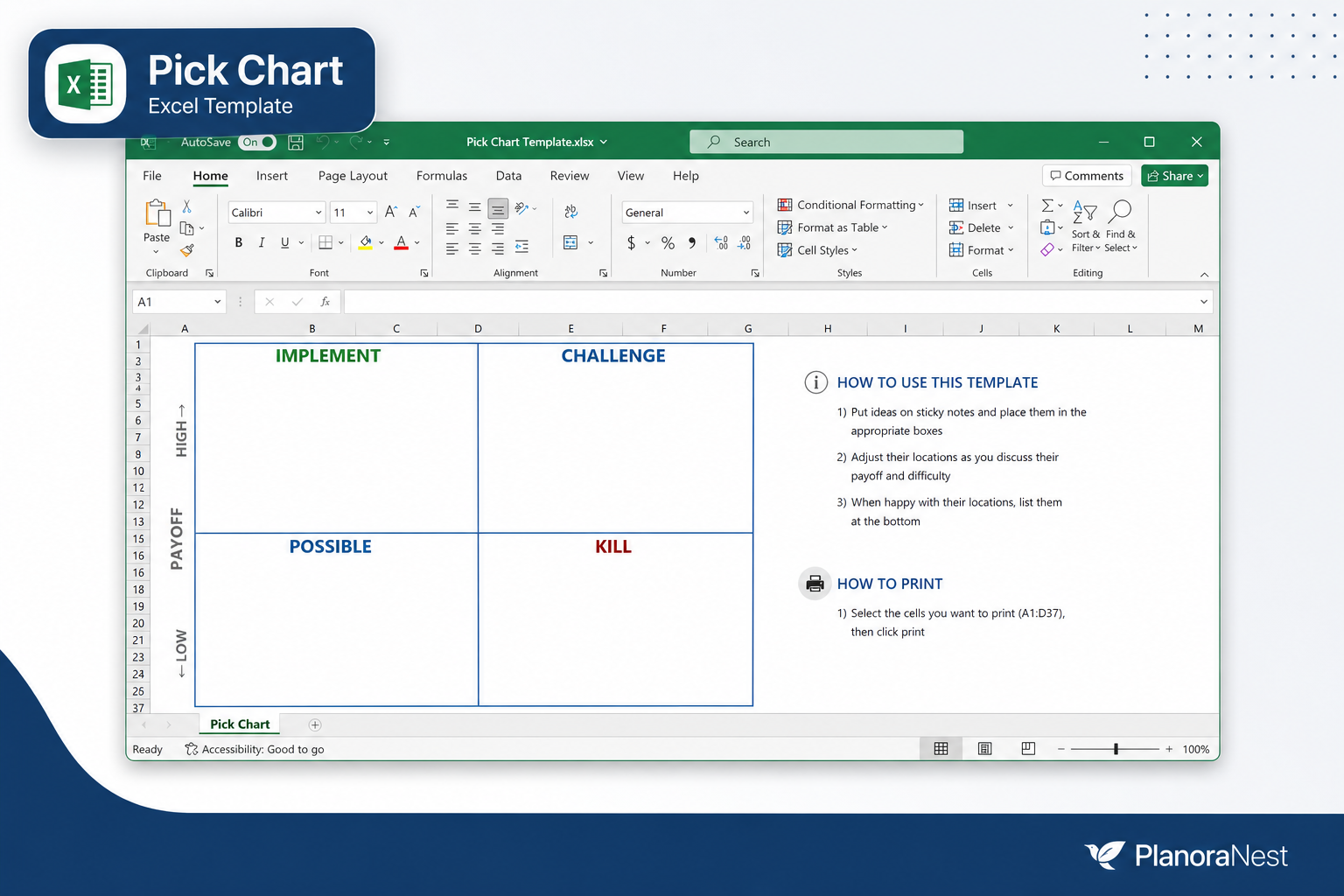
Preview of Pick Chart Excel Template | Pick Chart Template Excel
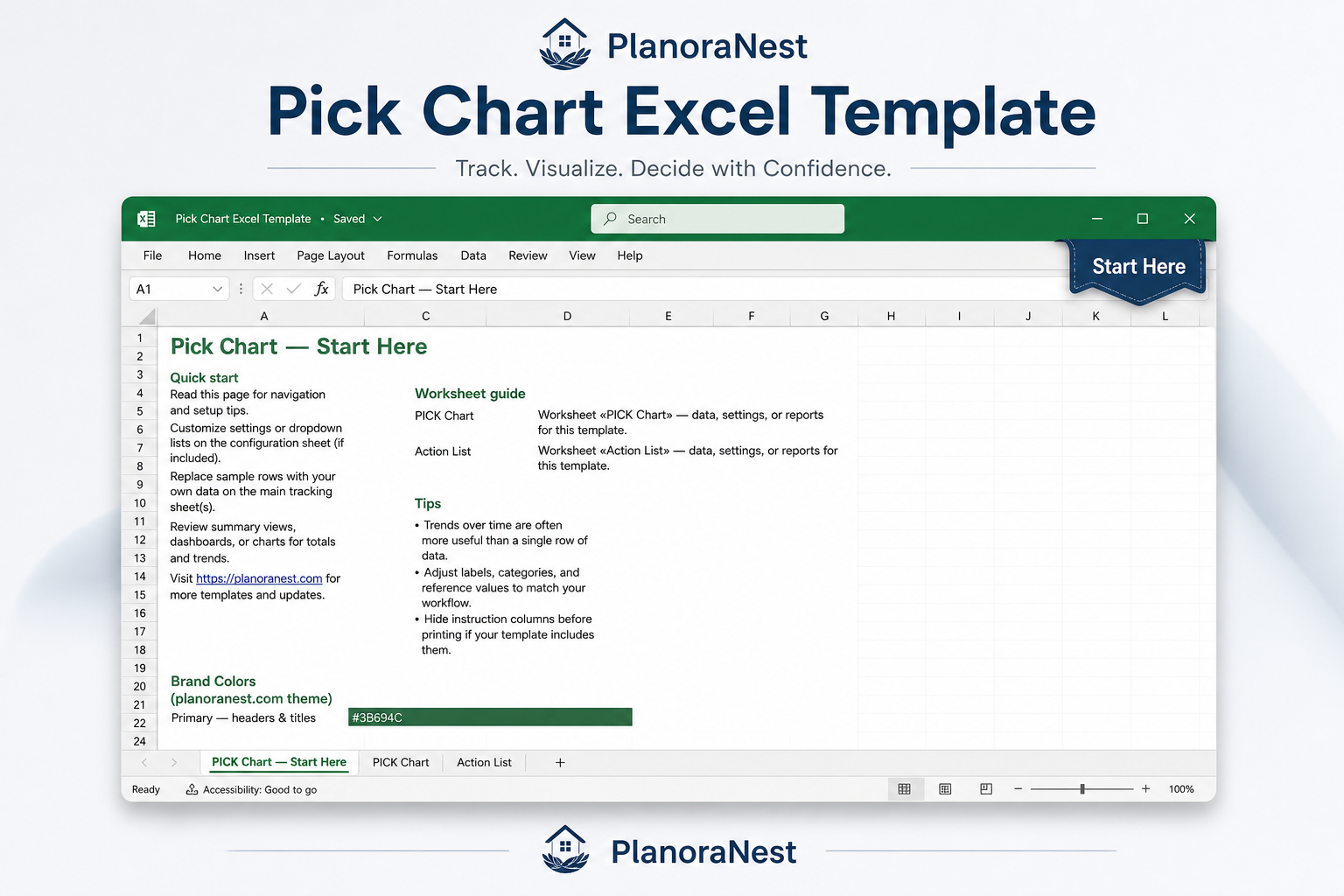
Preview of Pick Chart Excel Template | Pick Chart Template Excel
One-time purchase - $1 USD (regularly $1) - Instant download - No account required to use the file after purchase.
1. Purchase
Browse our shop and pick the templates that fit your needs — from business planners to productivity trackers.
2. Access
Since our products are digital, you'll receive immediate access after your purchase completes.
3. Use
Open your template in Google Sheets, Excel, or Notion and start using it right away with our included instructions.
Priya Nair
Data analyst
Verified purchaseSolid framework, needs a bit of Excel knowledge
Our operations team used this for a process improvement workshop and the PICK Chart quadrant layout worked really well. We filled the chart with sticky notes during the session, then I transferred everything into the Action List afterward. The VALUE/Difficulty columns made it easy to verify quadrant placement -- if something was HIGH/EASY it should be in IMPLEMENT, and I could check against the chart. One minor thing: the printing setup (select A1:D37, choose Selected Cells) took me a couple tries to get right. Would be great if there were a pre-set print area. Otherwise, excellent template for the price.
Chris Mueller
Independent contractor
Verified purchaseSimple framework, immediate impact
I'm a solo consultant who tends to say yes to too many client projects. A friend suggested the PICK framework, and this template made it actionable. I listed all my current opportunities on the PICK Chart sheet, honestly rated each by payoff and difficulty, and was shocked to see how many fell into the KILL quadrant. The Action List then helped me track the 3 IMPLEMENT projects with actual due dates and completion percentages. The 5 sample tasks (Task 0-4) were helpful as examples -- I could see how VALUE and DIFFICULTY mapped to each quadrant. Clean, no-nonsense template.
David Okonkwo
Startup founder
Verified purchaseGreat for my team's prioritization sessions
My 5-person startup had a backlog of 30+ feature ideas and no structured way to decide what to build next. This PICK Chart template changed that. We projected the chart during a team meeting, placed each feature idea into one of the 4 quadrants (IMPLEMENT, CHALLENGE, POSSIBLE, KILL), and within 2 hours had a clear roadmap. The Action List sheet was perfect for tracking the IMPLEMENT items -- we assigned owners and due dates right there. The built-in methodology instructions kept the session focused. We now use this every quarter for sprint planning.