 Quick view
Vendor: PlanoNest
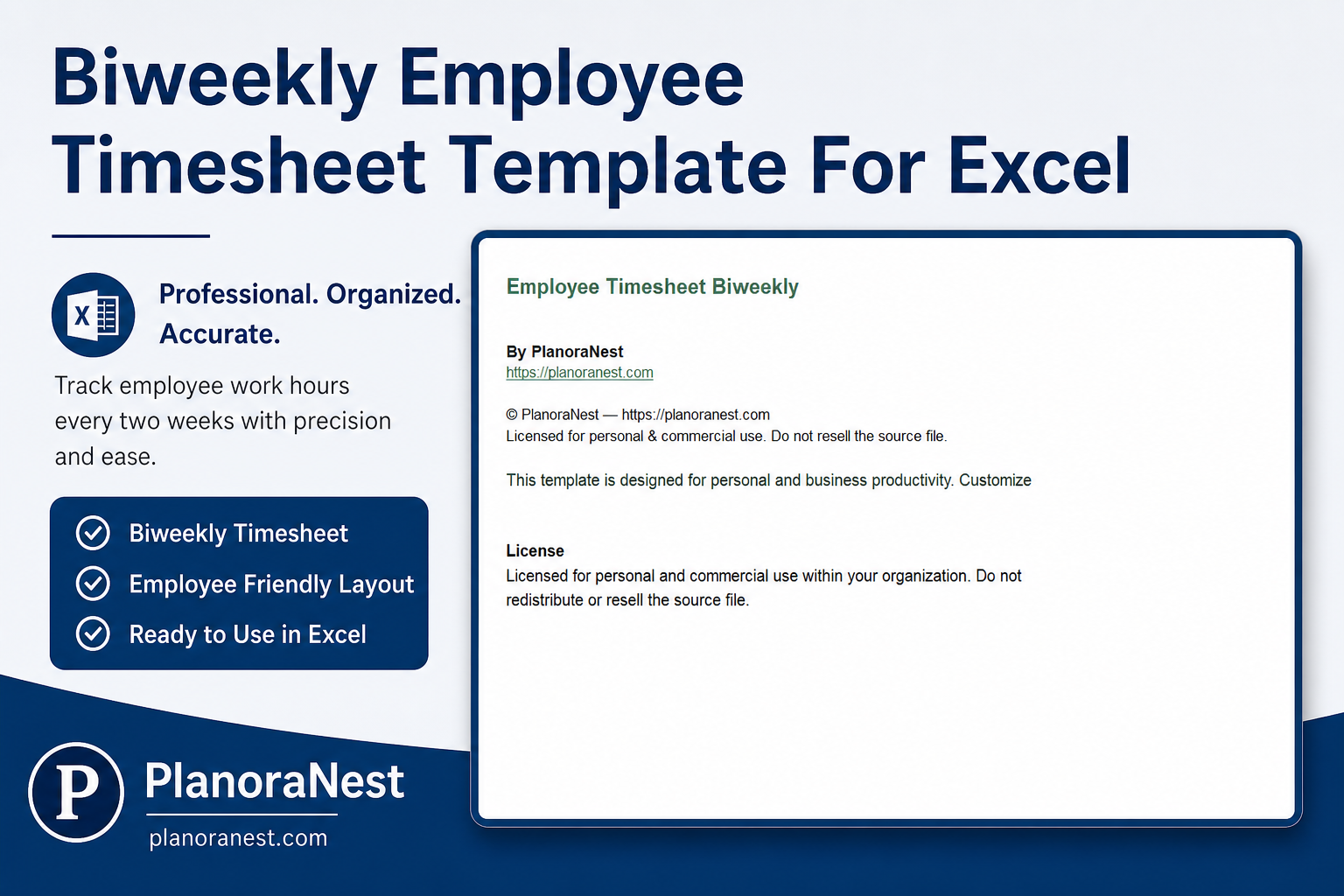
Biweekly Employee Timesheet Template For Excel | PlanoraNest Template$1.00
4.7 / 5.0 (3) total reviews
Vendor: PlanoNest
$1.00
Excel
Quick sign in at checkout — your templates are saved to your library forever.
Related picks
Explore other digital products that pair well with this template.
Quick viewVendor: PlanoNest
Biweekly Employee Timesheet Template For Excel | PlanoraNest Template$1.00
 Quick view
Vendor: PlanoNest
Weight Loss Chart Template Excel | PlanoraNest Template$1.00
 Quick view
Vendor: PlanoNest
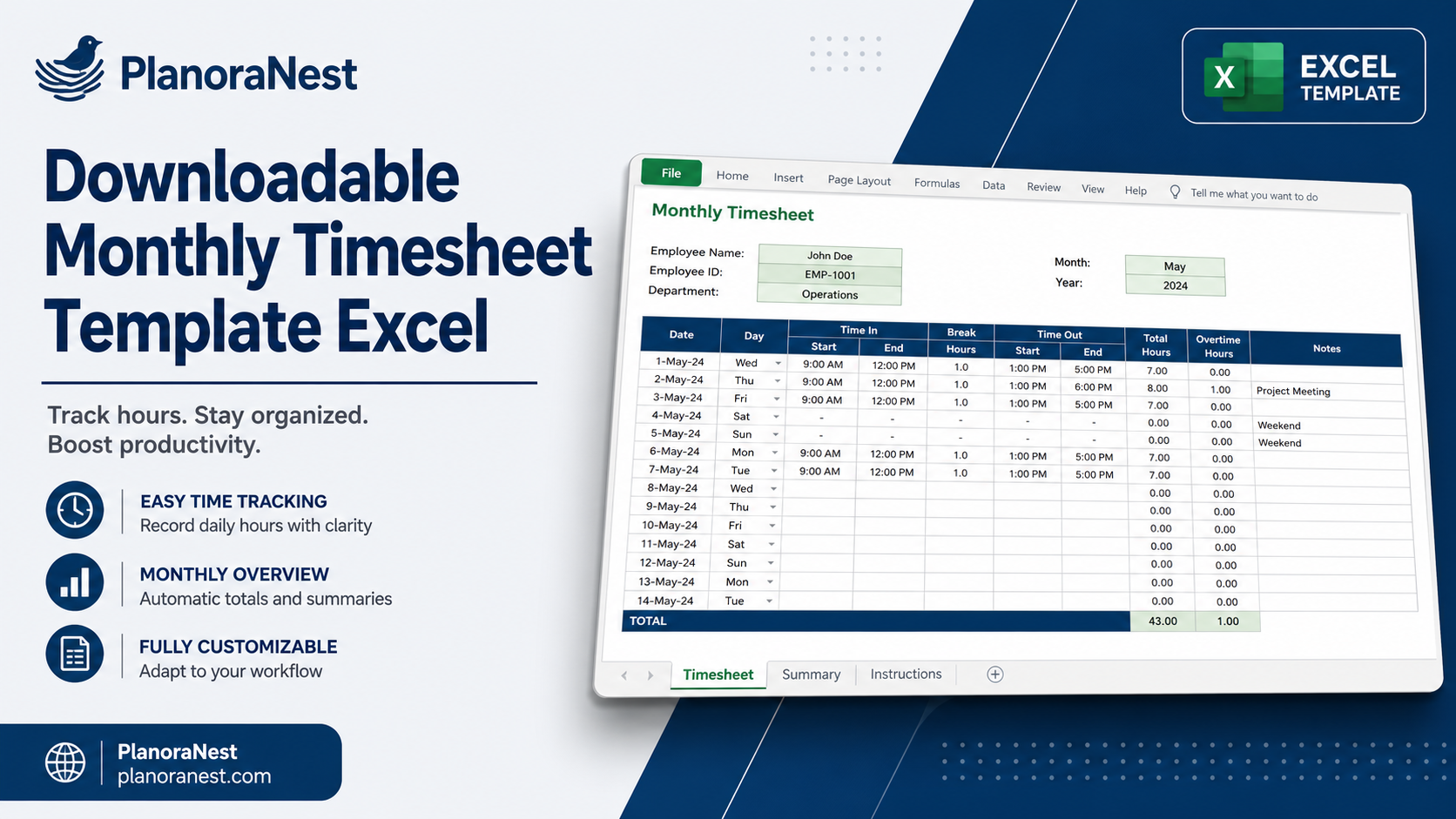
Monthly Timesheet Template Excel | PlanoraNest Template$1.00
 Quick view
Vendor: PlanoNest
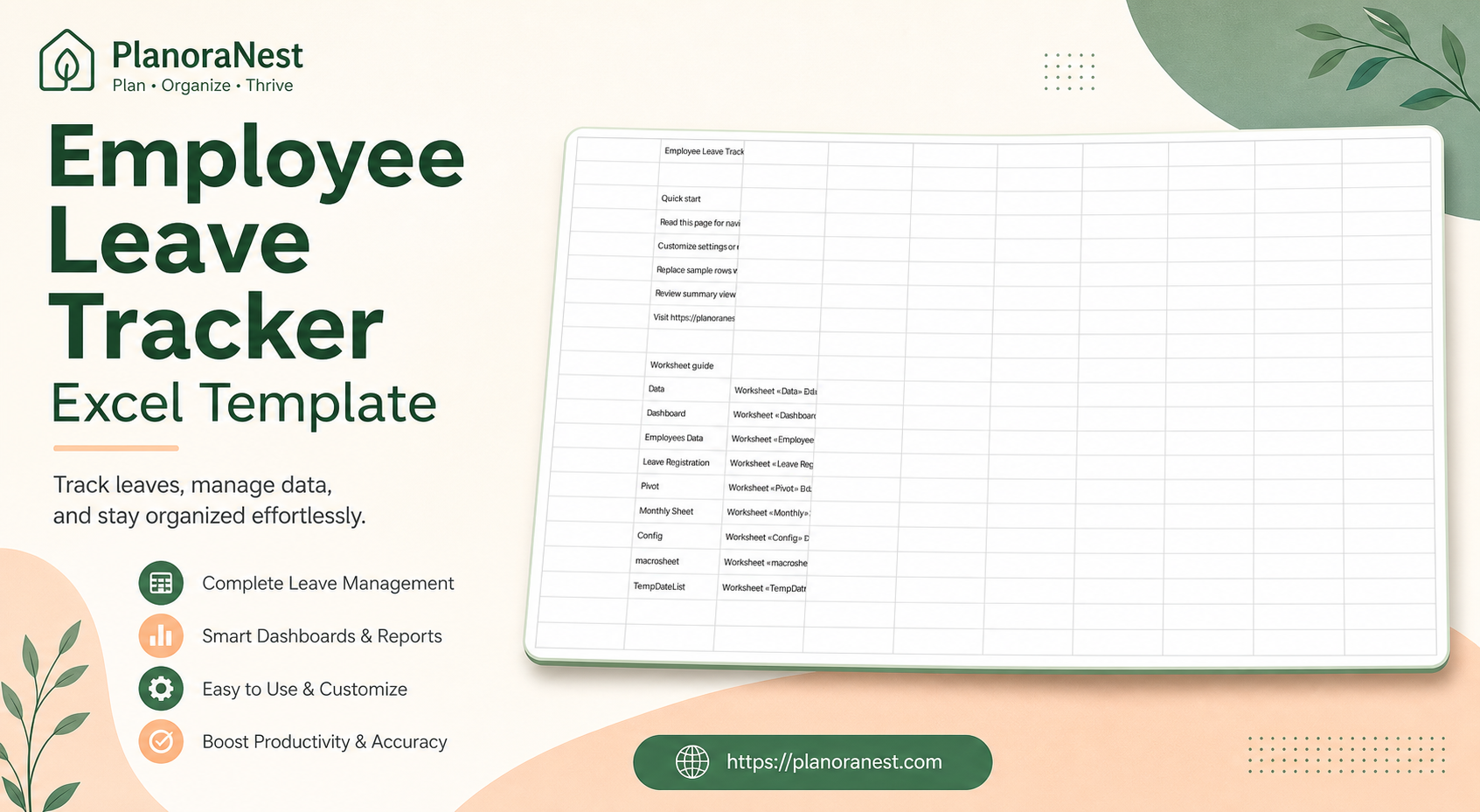
Employee Leave Tracker Excel Template | PlanoraNest Template$1.00
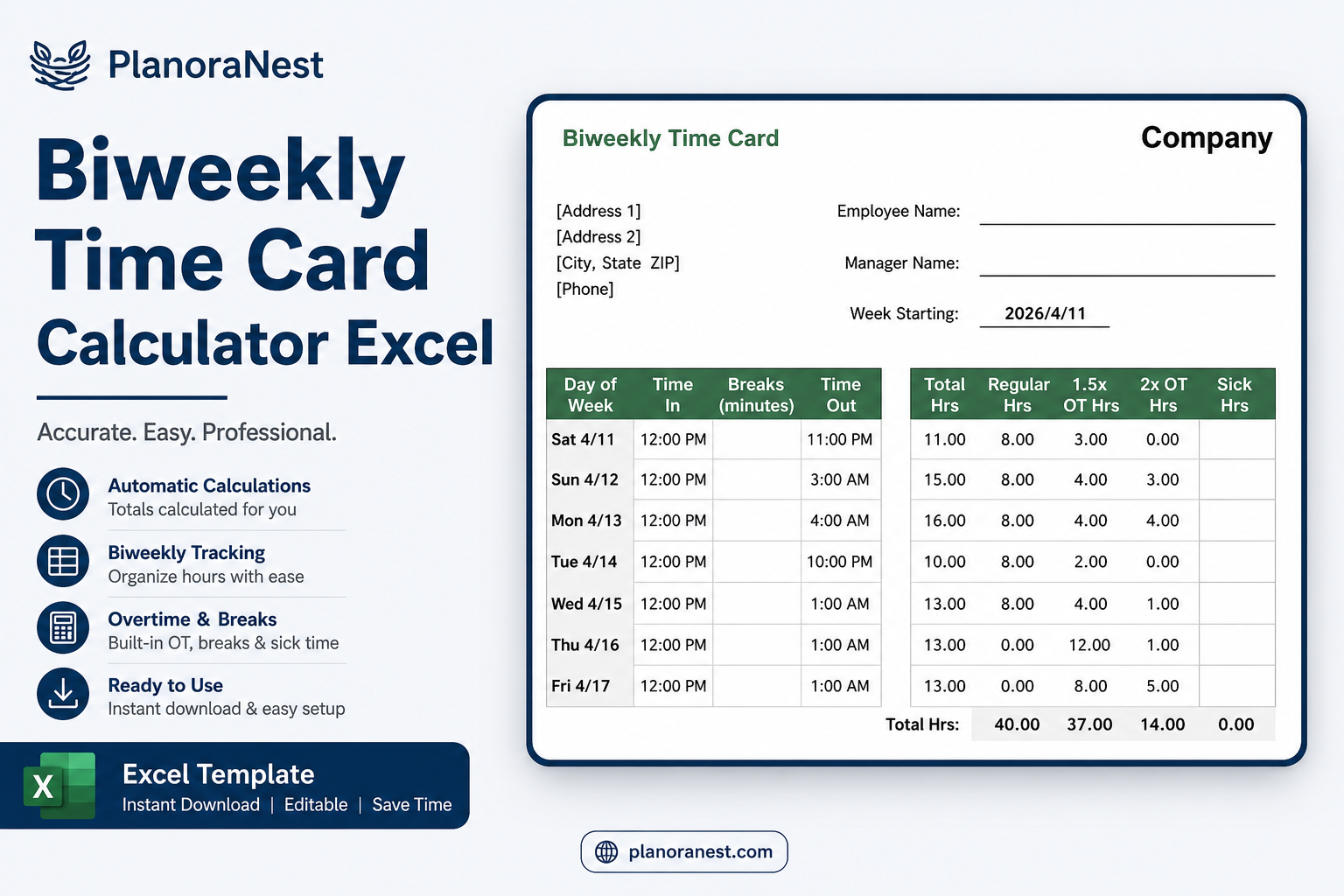
This biweekly time card calculator excel from PlanoraNest gives you a ready-to-use workbook with Biweekly, Biweekly_hmm, and Biweekly_CA sheets. Pre-labeled rows, sensible formulas, and a layout you can open and start editing in minutes.
Works in Excel, Google Sheets, and WPS. One-time purchase at $1 (regularly $1), instant download, no subscription.
7 sheets — start with Start Here:
| Sheet | What it does |
|---|---|
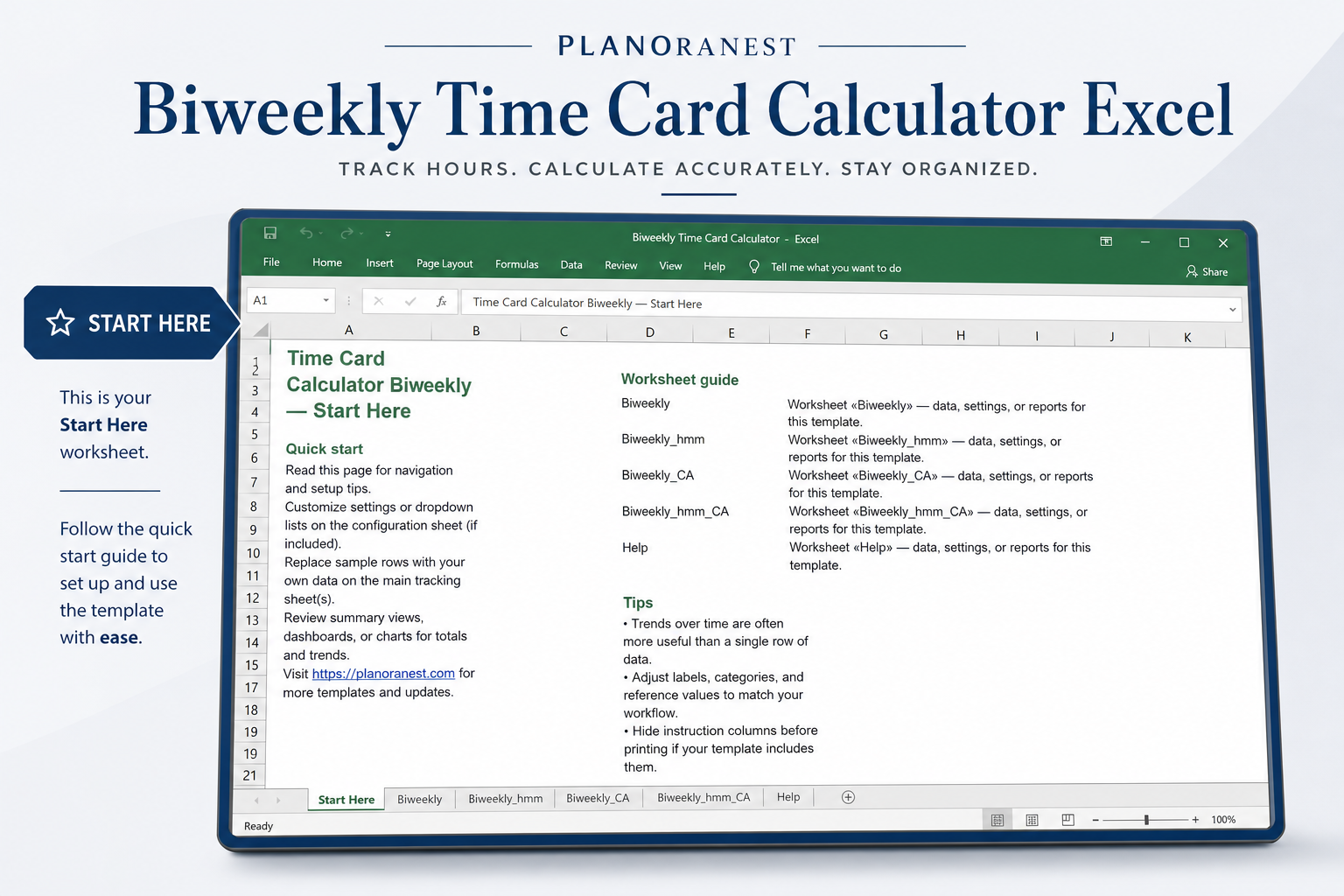
| Start Here | Quick-start guide with worksheet overview, setup tips, and navigation to the main sheets. |
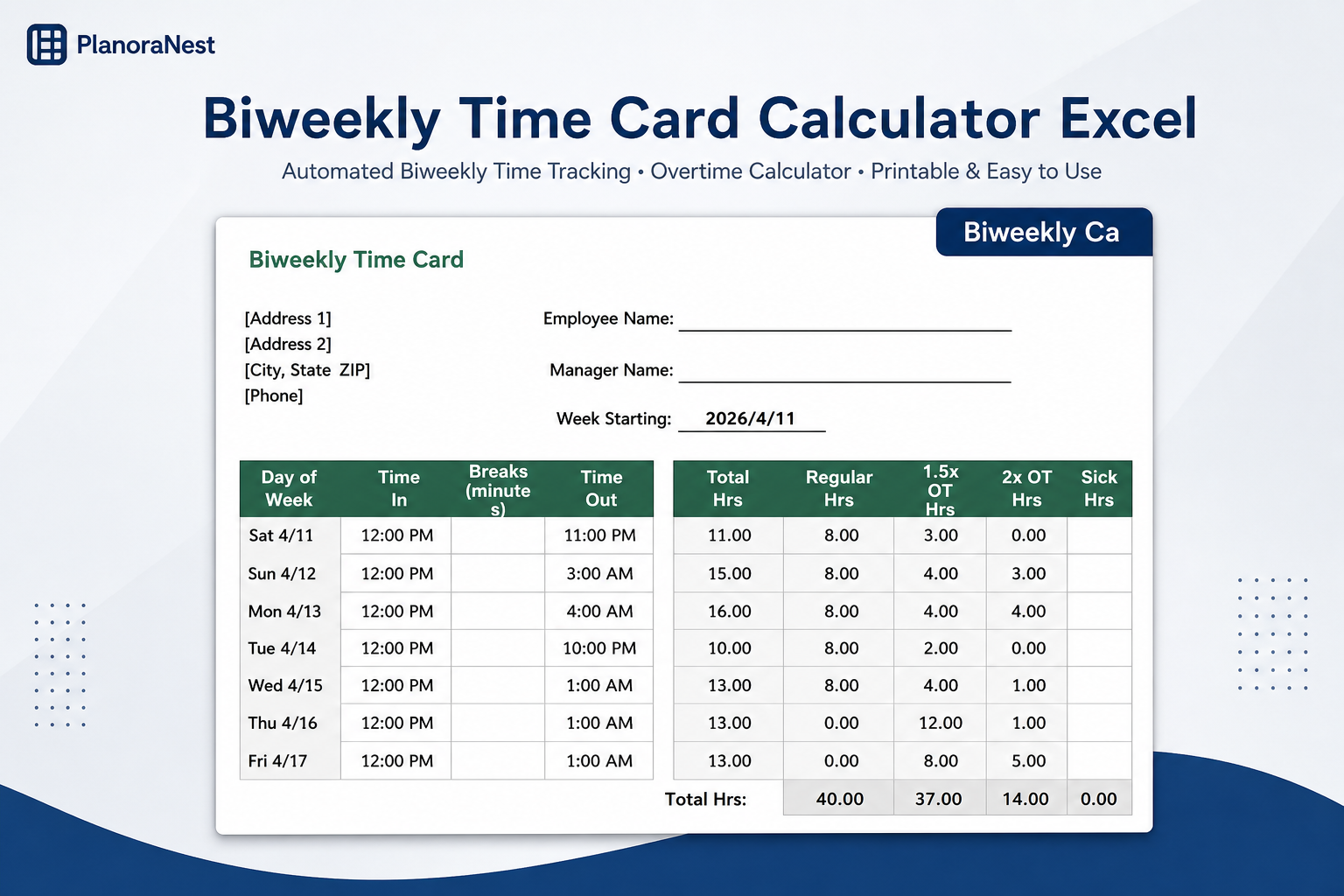
| Biweekly | Biweekly Time Card. Key fields: Day of Week, Time In, Breaks (minutes), Time Out, Total Hrs, Regular Hrs, and more. |
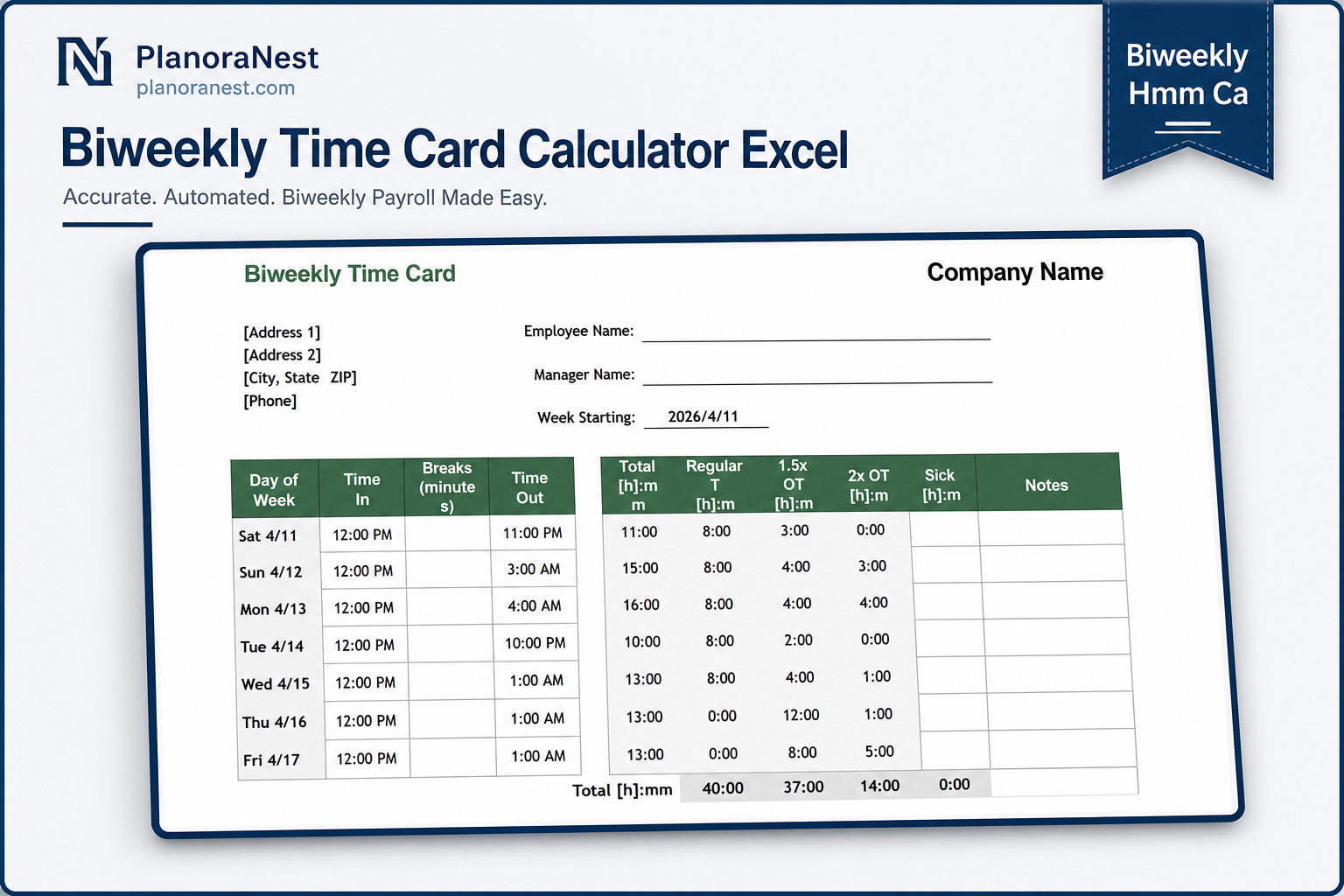
| Biweekly_hmm | Biweekly Time Card. Key fields: Day of Week, Time In, Breaks (minutes), Time Out, Total [h]:mm, Regular [h]:mm, and more. |
| Biweekly_CA | Biweekly Time Card. Key fields: Day of Week, Time In, Breaks (minutes), Time Out, Total Hrs, Regular Hrs, and more. |
| Biweekly_hmm_CA | Biweekly Time Card. Key fields: Day of Week, Time In, Breaks (minutes), Time Out, Total [h]:mm, Regular [h]:mm, and more. |
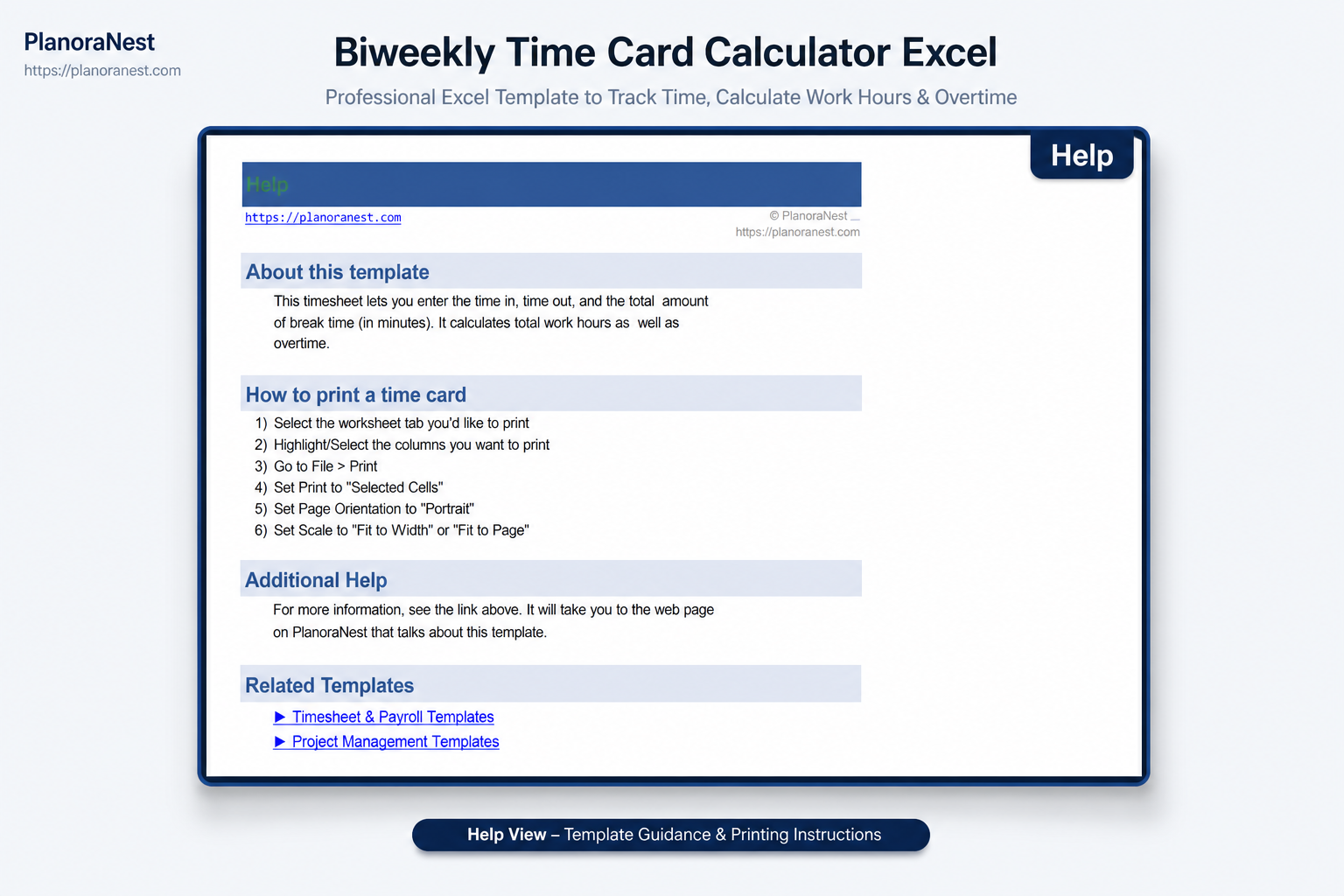
| Help | Key fields: Go to File > Print. |
| About | Template attribution, license notes, and PlanoraNest link. |
Screenshots from the actual template:
One-time purchase · $1 USD (regularly $1) · Instant download · No account required to use the file after purchase.
1. Purchase
Browse our shop and pick the templates that fit your needs — from business planners to productivity trackers.
2. Access
Since our products are digital, you'll receive immediate access after your purchase completes.
3. Use
Open your template in Google Sheets, Excel, or Notion and start using it right away with our included instructions.
Marcus Webb
Small business owner
Verified purchaseStraightforward setup, fair price
Not an Excel power user, but the Start Here guide made setup obvious. I customized dropdowns, replaced sample data on Start Here, and started tracking work the same day. One-time purchase was worth it.
David Okonkwo
Team lead
Verified purchaseBiweekly saved our team time
Our team uses the Biweekly sheet weekly. Biweekly Time Card. Key fields: Day of Week, Time In, Breaks (minutes), Time Out, Total Hrs, Regular Hrs, and more. For $3.9 it beat the free templates we tried — fewer broken totals and a clearer layout.
Sarah Chen
Office administrator
Verified purchaseExactly what I needed for Start Here
I needed a practical biweekly time card calculator excel without rebuilding formulas from scratch. The Start Here sheet already had the rows I use — Start Here. I renamed a few labels, entered last month's numbers, and had a working version the same afternoon. Opened it in Google Sheets and everything calculated correctly.