 Quick view
Vendor: PlanoNest
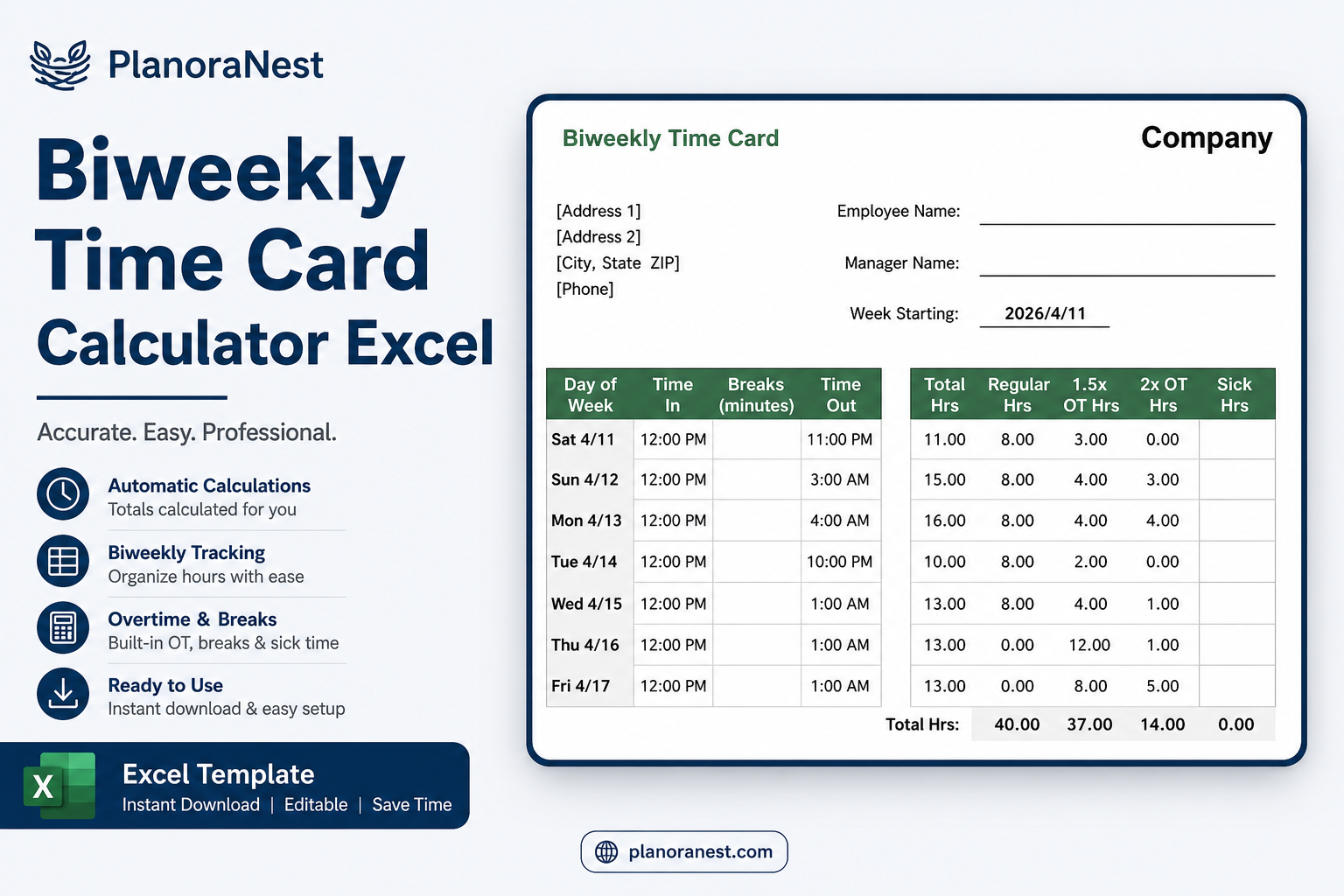
Biweekly Employee Timesheet Template For Excel | PlanoraNest Template$1.00
4.7 / 5.0 (3) total reviews
Vendor: PlanoNest
$1.00
Excel
Quick sign in at checkout — your templates are saved to your library forever.
Related picks
Explore other digital products that pair well with this template.
Quick viewVendor: PlanoNest
Biweekly Employee Timesheet Template For Excel | PlanoraNest Template$1.00
 Quick view
 Quick view
Vendor: PlanoNest
Weight Loss Chart Template Excel | PlanoraNest Template$1.00
 Quick view
Vendor: PlanoNest
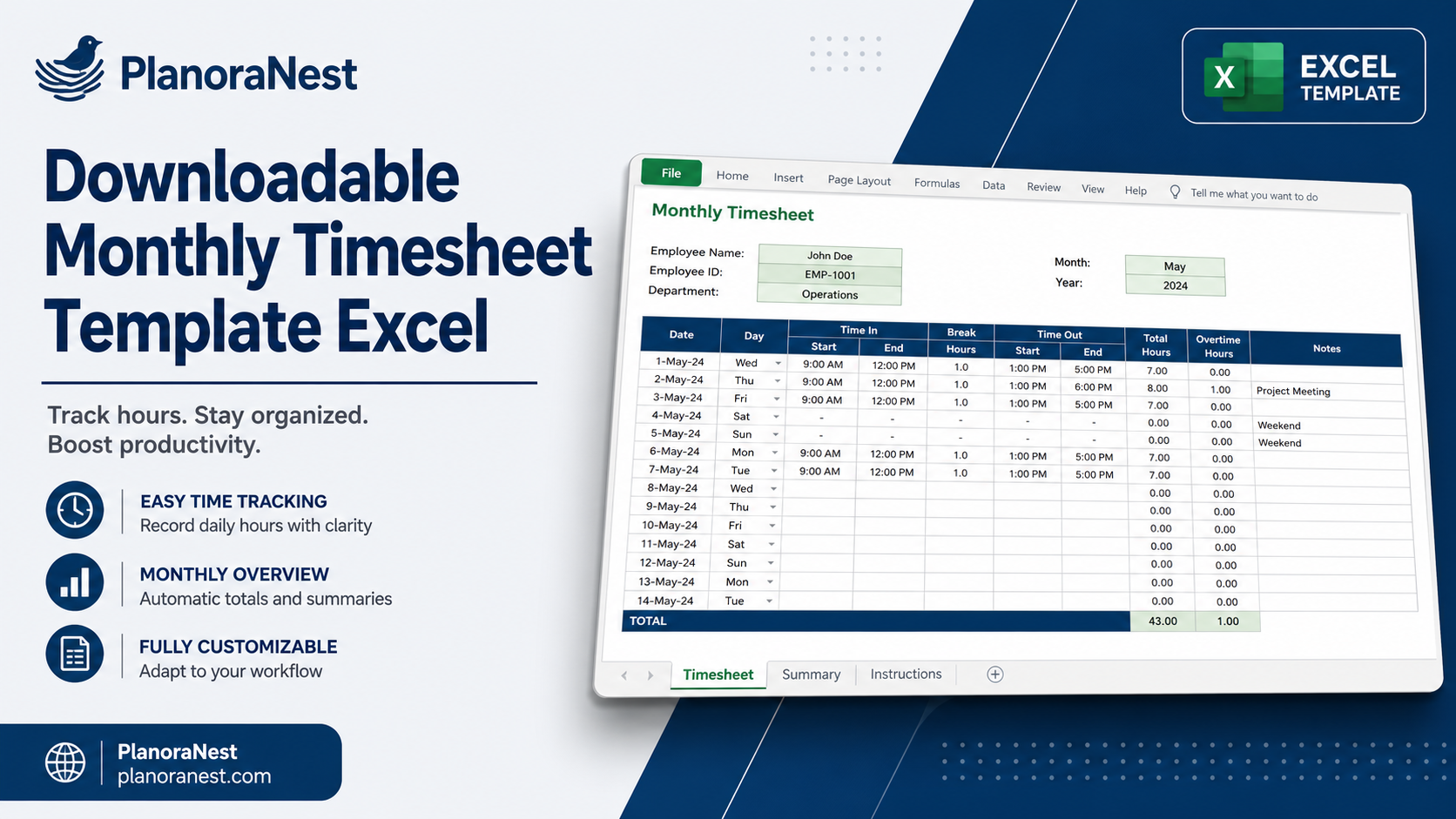
Monthly Timesheet Template Excel | PlanoraNest Template$1.00
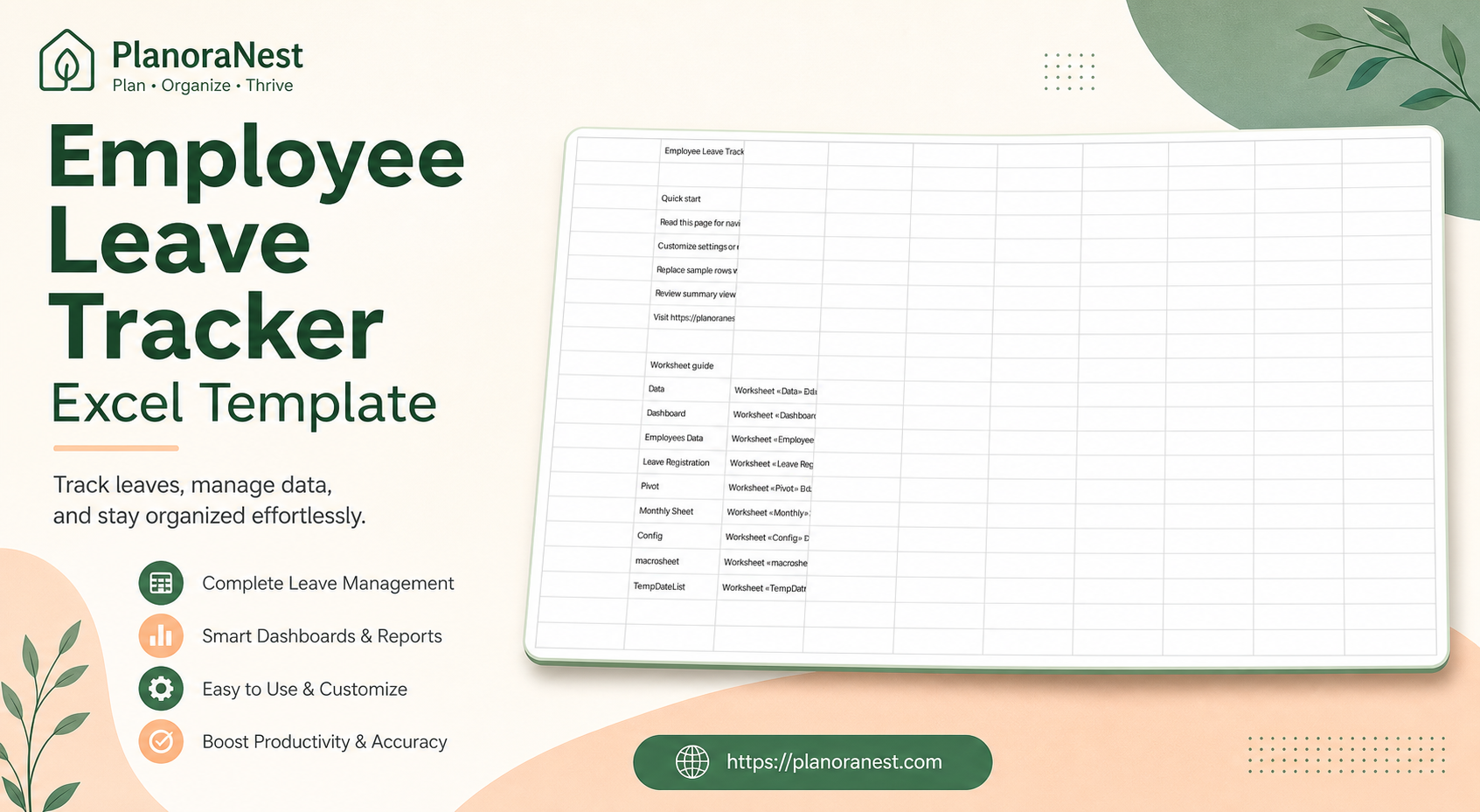
This employee leave tracker excel template from PlanoraNest — PlanoraNest template with 9 worksheet(s) — start on Data for structured table with Year, Month, ID, Employee Name.
Whether you search for excel employee leave tracker template or employee leave tracker excel or need a practical excel workflow, this PlanoraNest file works in Excel, Google Sheets, WPS — open the file, enter your data, and let the built-in formulas do the rest.
This employee leave tracker excel template is a strong fit if you need excel employee leave tracker template in a ready-made spreadsheet:
Everything you need for your excel employee leave tracker template — open the file and start working:
| Sheet | What it does |
|---|---|
| Data | structured table with Year, Month, ID, Employee Name |
| Dashboard | live KPI summary and charts — columns include EMPLOYEES LEAVE TRACKER |
| Employees Data | structured table with EMPLOYEES LEAVE TRACKER |
| Leave Registration | structured table with EMPLOYEES LEAVE TRACKER |
| Pivot | structured table with Year, 2025 |
| Monthly Sheet | structured table with EMPLOYEES LEAVE TRACKER |
| Config | structured table with EMPLOYEES LEAVE TRACKER |
| macrosheet | Active Employees for L.R |
Follow these steps to set up your employee leave tracker excel — most users finish in under 10 minutes:
Compatible with Excel, Google Sheets, WPS — download from PlanoraNest.
1. Purchase
Browse our shop and pick the templates that fit your needs — from business planners to productivity trackers.
2. Access
Since our products are digital, you'll receive immediate access after your purchase completes.
3. Use
Open your template in Google Sheets, Excel, or Notion and start using it right away with our included instructions.
Mike H.
Office manager
Verified purchaseFinally stopped fighting spreadsheets
Honestly I just wanted something that works without a 40-minute YouTube tutorial. Opened Employee Leave Tracker Excel Template on a Tuesday, swapped in my numbers during lunch, and day-to-day tracking was done. Dashboard sheet — live KPI summary and charts — columns include EMPLOYEES LEAVE TRACKER is the part I actually use every week.
Marcus R.
Ops lead
Verified purchaseI'm not an Excel person
I'm definitely not an Excel person. Still got Employee Leave Tracker Excel Template running the same day I bought it. Dropdowns mean I stop typo-ing category names, which my past self appreciates.
Ana G.
Consultant
Verified purchasePractical day-to-day tool
We outgrew sticky notes and random tabs. Dashboard sheet — live KPI summary and charts — columns include EMPLOYEES LEAVE TRACKER gave us one place to track day-to-day tracking. My only nit: rename a sheet carefully if you customize — otherwise it's been smooth.