 Quick view
Vendor: PlanoNest
Biweekly Employee Timesheet Template For Excel | PlanoraNest Template$1.00
4.7 / 5.0 (3) total reviews
Vendor: PlanoNest
$1.00
Excel
Quick sign in at checkout — your templates are saved to your library forever.
Related picks
Explore other digital products that pair well with this template.
Quick viewVendor: PlanoNest
Biweekly Employee Timesheet Template For Excel | PlanoraNest Template$1.00
 Quick view
 Quick view
Vendor: PlanoNest
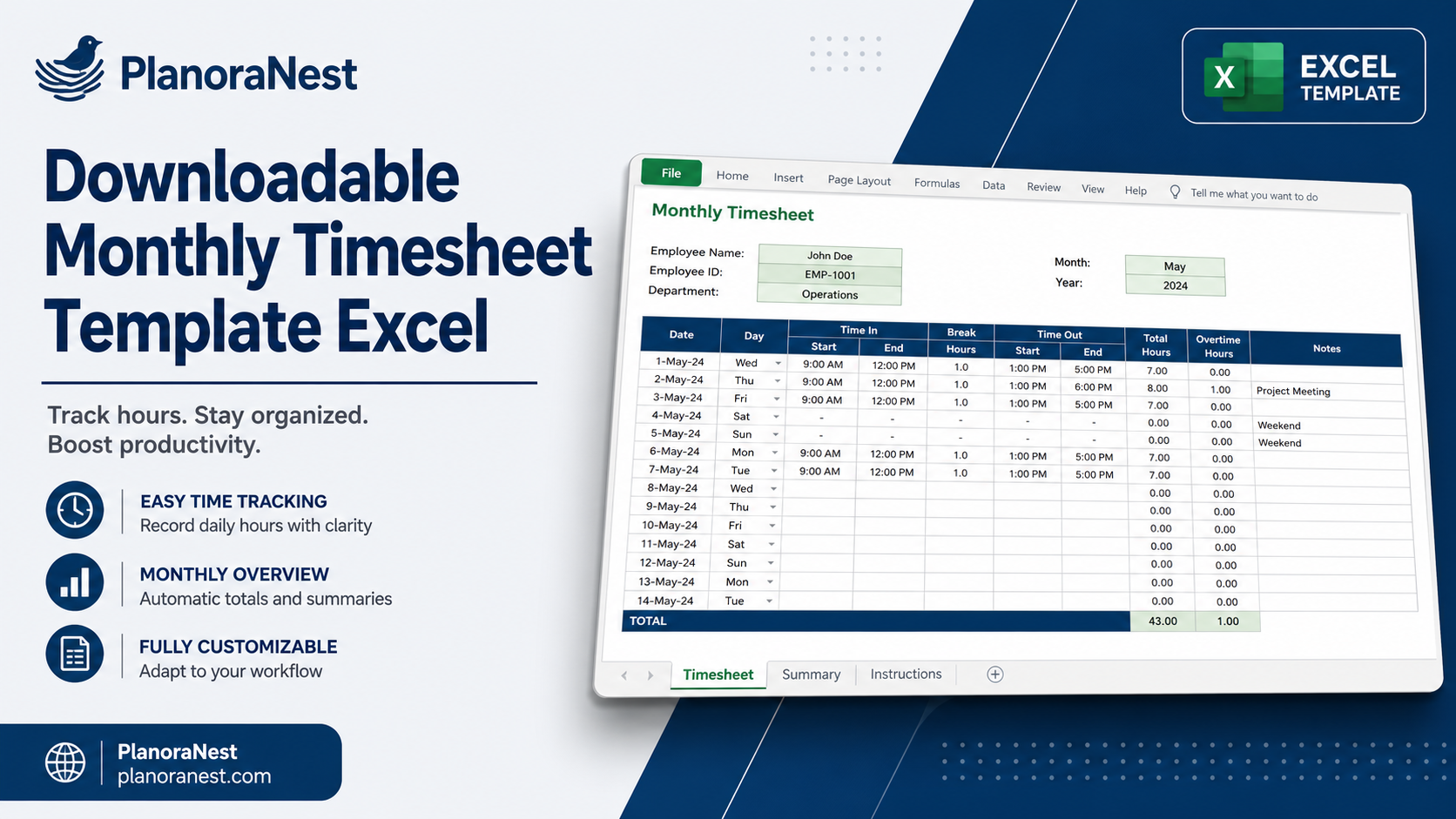
Monthly Timesheet Template Excel | PlanoraNest Template$1.00
 Quick view
Vendor: PlanoNest
Employee Leave Tracker Excel Template | PlanoraNest Template$1.00
This weight loss chart template excel from PlanoraNest gives you a ready-to-use Excel workbook for tracking your weight loss journey with professional charting. With dual-unit support (pounds and kilograms), BMI tracking, goal lines, and progressive weight-loss target lines, this template turns daily weigh-ins into a motivating visual progress chart.
Whether you search for body measurement chart weight loss excel template or weight loss chart excel template, this file works in Excel, Google Sheets -- one-time purchase at $1 (regularly $1), instant download, no subscription.
Individuals on a weight loss or fitness journey who want a visual progress chart with goal tracking.
Personal trainers and health coaches who want to provide clients with a structured tracking tool.
Anyone who prefers the flexibility of a spreadsheet over a mobile app for tracking weight, BMI, and progress over time.
The file contains 5 sheets:
Sheet | What it does |
|---|---|
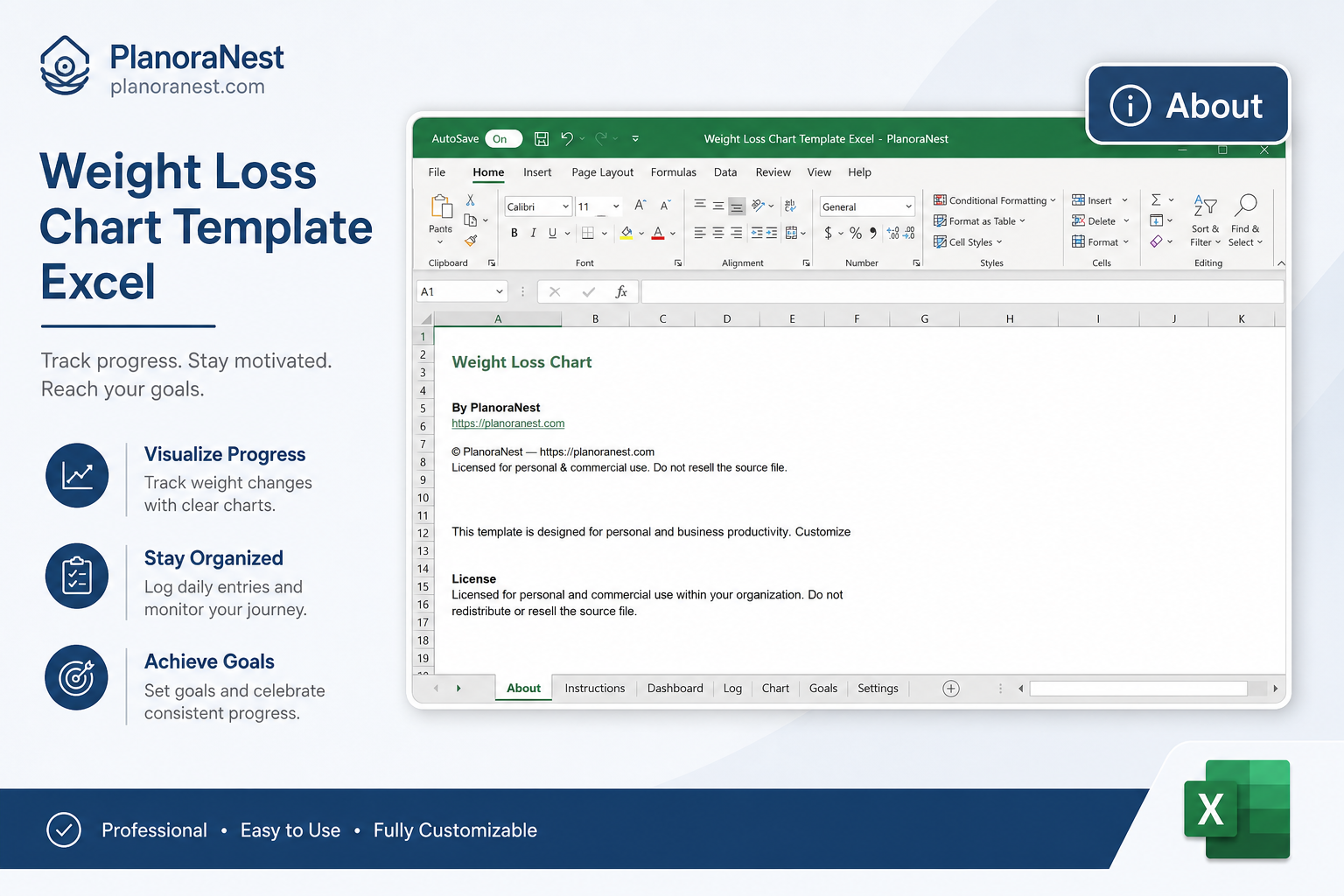
Start Here | Quick-start guide with worksheet descriptions, tips, and PlanoraNest brand colors. |
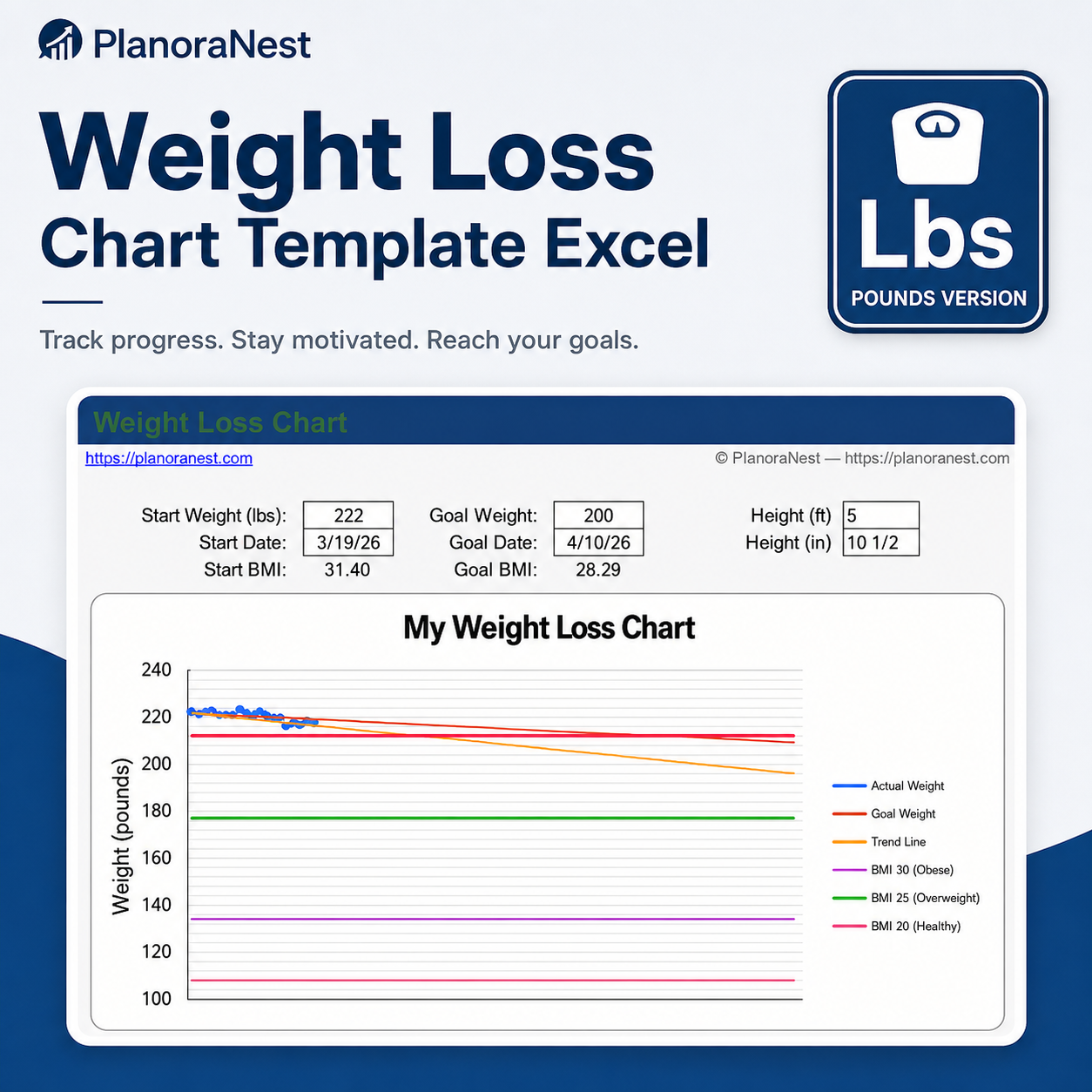
lbs | Imperial weight tracking sheet: Start Weight (default 222 lbs), Goal Weight (200 lbs), Height in feet/inches, Start BMI and Goal BMI auto-calculated. Daily columns: Date, Weight (lbs), +/- change, BMI, 1 lb/wk target line, 2 lb/wk target line, BMI 19/25/30 reference lines, and Goal line. 120 rows for daily entries. |
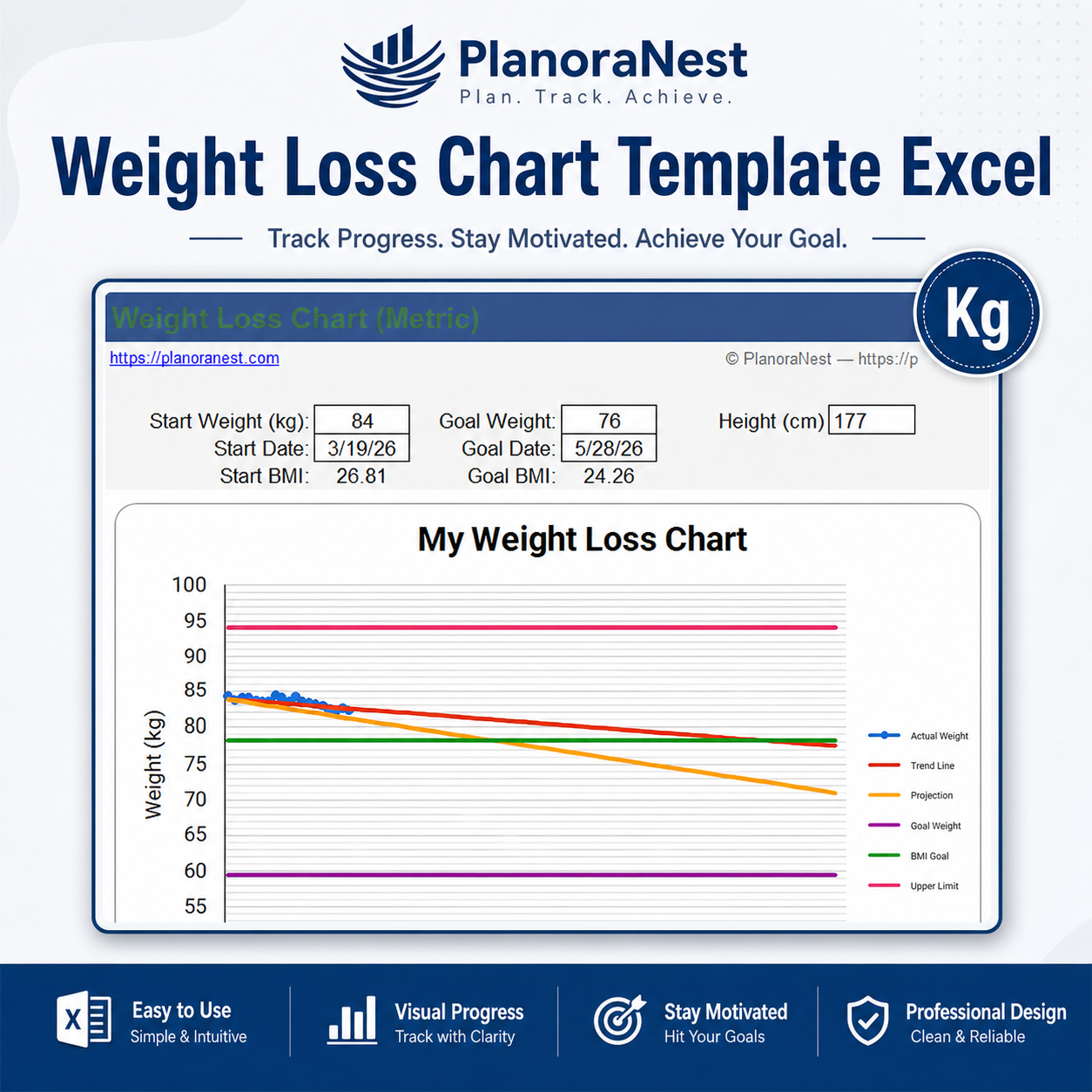
kg | Metric weight tracking sheet: Start Weight (default 84 kg), Goal Weight (76 kg), Height in cm, Start BMI and Goal BMI auto-calculated. Daily columns: Date, Weight (kg), +/- change, BMI, 0.5 kg/wk target line, 1 kg/wk target line, BMI 19/25/30 reference lines, and Goal line. 120 rows for daily entries. |
Help | Detailed instructions: About this template, how to change the Y-axis scale, where to find more info on PlanoraNest, how to get a printable PDF version, and related template suggestions. |
About | Template attribution and license. |
Dual-unit support: The lbs sheet tracks in pounds with feet/inches height; the kg sheet tracks in kilograms with centimeters height. Both are fully independent.
BMI calculation: Enter your height and starting weight, and both Start BMI and Goal BMI are calculated automatically. BMI reference lines (19, 25, 30) on the chart show healthy, overweight, and obese BMI thresholds.
Progressive target lines: The lbs sheet includes 1 lb/week and 2 lb/week weight-loss pace lines. The kg sheet includes 0.5 kg/week and 1 kg/week equivalents.
Goal tracking: Set Start Weight, Goal Weight, Start Date, and Goal Date at the top. The Goal column provides a reference line on your chart.
120 daily rows: Each tracking sheet accommodates nearly 4 months of daily entries.
Printable PDF alternative: The Help sheet includes instructions for downloading a printable PDF version from PlanoraNest.
See how each sheet looks before you download -- screenshots from the actual template.
Preview of Weight Loss Chart Template Excel | PlanoraNest Template
Preview of Weight Loss Chart Template Excel | PlanoraNest Template
Preview of Weight Loss Chart Template Excel | PlanoraNest Template
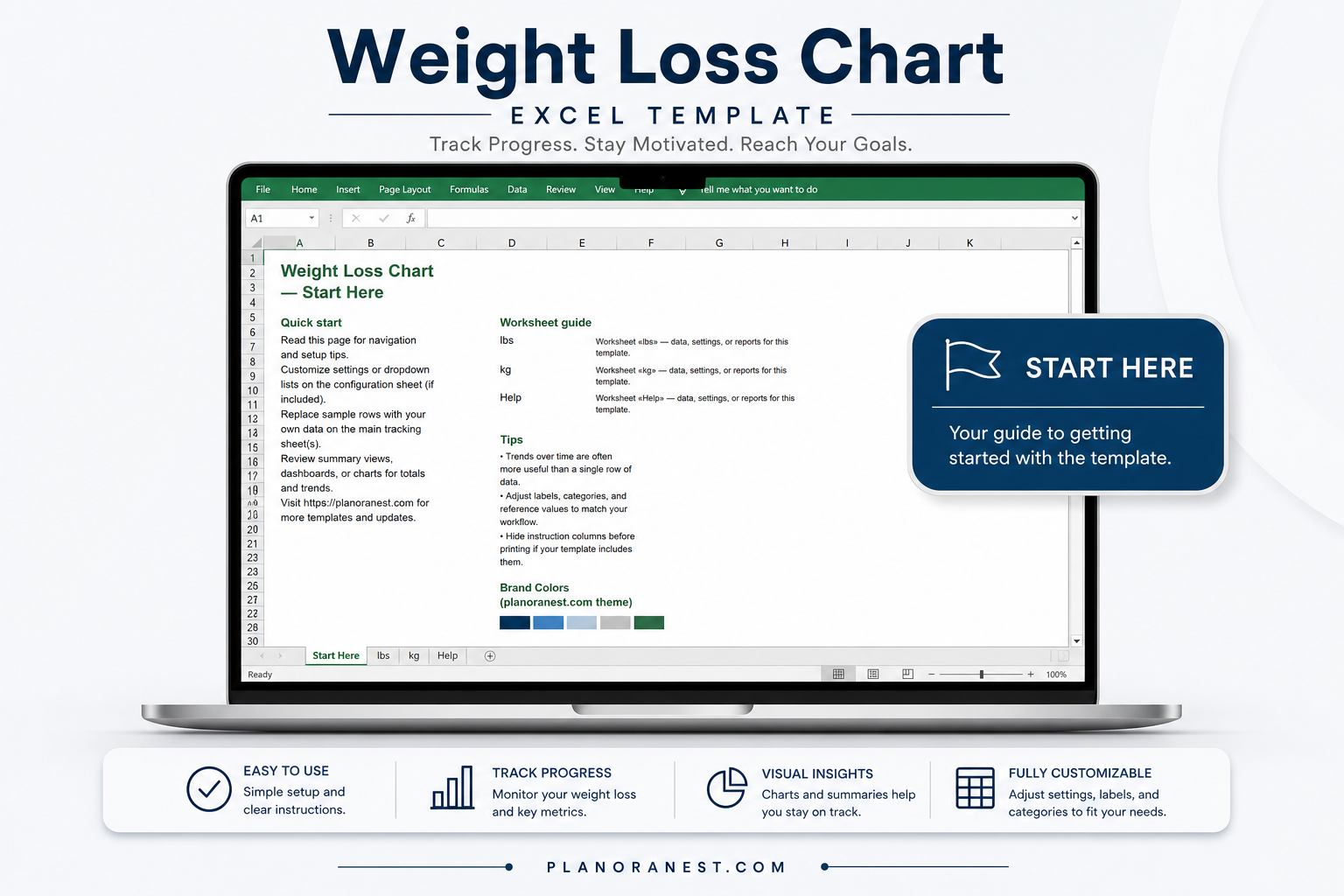
Preview of Weight Loss Chart Template Excel | PlanoraNest Template
Open the Start Here sheet for a quick overview.
Choose the lbs sheet (imperial) or kg sheet (metric) depending on your preferred measurement system.
At the top, enter your Start Weight, Goal Weight, Start Date, Goal Date, and Height. Start BMI and Goal BMI will calculate automatically.
Each day, enter your current weight in the Weight column alongside the date. The +/- column tracks daily change, and BMI updates automatically.
Create a line chart from the Date, Weight, target pace, and Goal columns to see your progress against pace lines.
Refer to the Help sheet for Y-axis adjustment instructions and printable PDF download directions.
Microsoft Excel (desktop & web)
Google Sheets
WPS Office
LibreOffice Calc
One-time purchase - $1 USD (regularly $1) - Instant download - No account required to use the file after purchase.
1. Purchase
Browse our shop and pick the templates that fit your needs — from business planners to productivity trackers.
2. Access
Since our products are digital, you'll receive immediate access after your purchase completes.
3. Use
Open your template in Google Sheets, Excel, or Notion and start using it right away with our included instructions.
Marcus Webb
Small business owner
Verified purchaseSolid tracker, would like a body measurements section
Good template for straightforward weight tracking. I've been using the lbs sheet for about a month and the daily +/- change column keeps me accountable. The 1 lb/wk and 2 lb/wk reference lines on my chart are actually more motivating than I expected -- like a little competition with myself. The dual-unit support is a nice touch. My only wish is that there were additional columns for body measurements (waist, hips, chest, etc.) alongside the weight tracking, which would make it a complete body transformation tracker. Still, for $3.9, this is a well-designed tracking tool that I use every day.
Chris Mueller
Independent contractor
Verified purchaseClean, simple, no subscription needed
I wanted a weight tracker that wasn't tied to a monthly subscription or a phone app that sells my data. This Excel template does exactly what I need. I use the kg sheet (metric), set my start at 84kg with a goal of 76kg, and track a few times a week. The +/- column shows me at a glance whether I'm trending up or down from the previous entry. I charted my weight against the 0.5 kg/wk pace line and it's genuinely motivating to see the gap closing. The Help sheet was useful for understanding how to adjust the Y-axis. No fluff, no ads, no recurring charges -- just a solid tracker.
Emily Hart
Virtual assistant
Verified purchaseExactly what I needed for my fitness journey
I've tried 4 different weight loss apps and always come back to spreadsheets -- I like seeing my data laid out clearly. This template is perfect. I use the lbs sheet, set my start weight to 222 and goal to 200 just like the default example, and track every morning. The 1 lb/wk and 2 lb/wk columns are genius -- I can see exactly whether I'm on pace or falling behind. Having both lbs and kg sheets means my husband can use the metric version too. The BMI 19/25/30 lines give me long-term health context beyond just the number on the scale. 120 rows of tracking space is more than enough. For $3.9, this is an absolute steal compared to premium fitness apps with monthly fees.