 Quick view
Vendor: PlanoNest
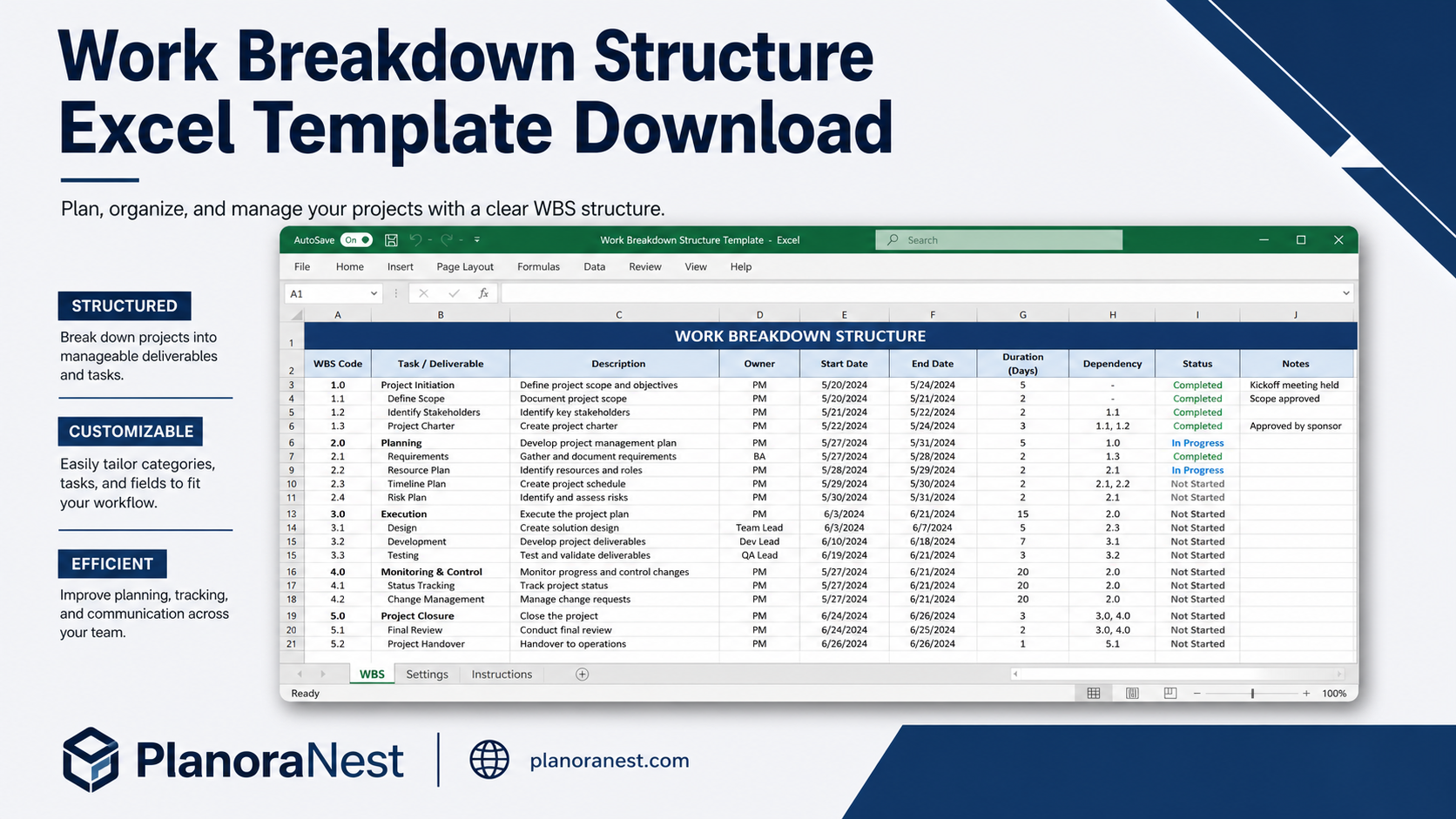
Work Breakdown Structure Spreadsheet Excel Template$1.00
4.7 / 5.0 (3) total reviews
Vendor: PlanoNest
$1.00
Excel
Quick sign in at checkout — your templates are saved to your library forever.
Related picks
Explore other digital products that pair well with this template.
Quick viewVendor: PlanoNest
Work Breakdown Structure Spreadsheet Excel Template$1.00
 Quick view
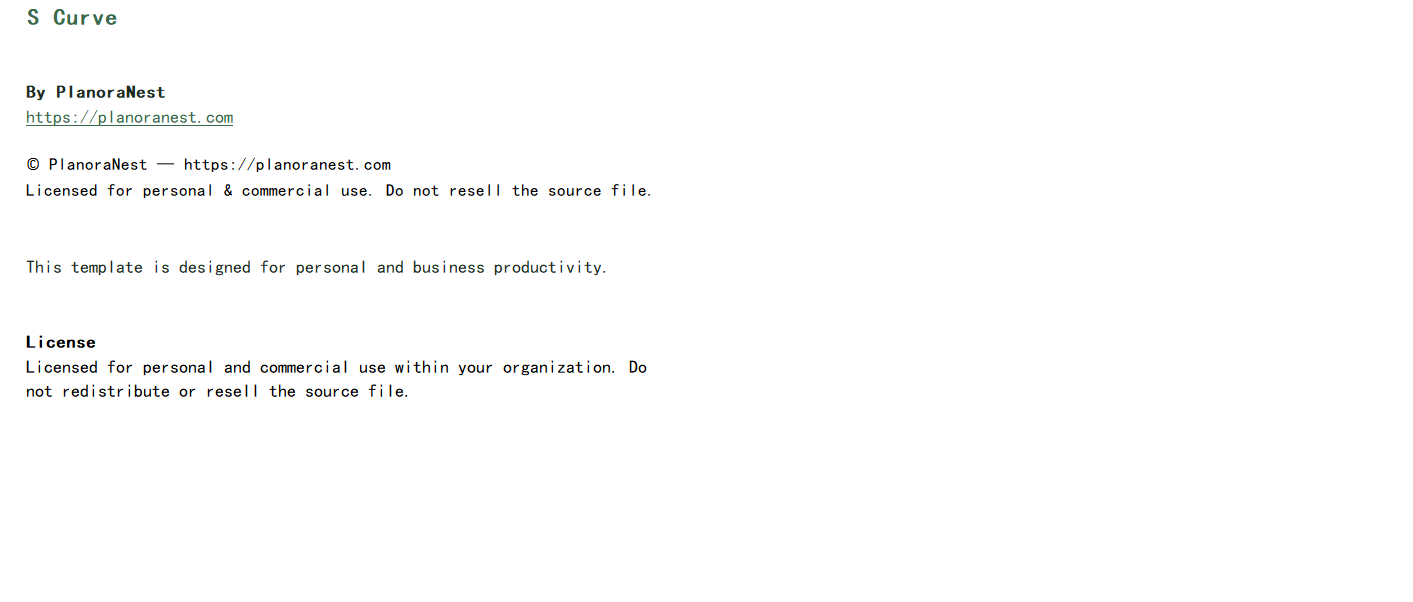
This Simple Gantt Chart Excel template from PlanoraNest strips away complexity to give you a clean, 64-column Gantt chart that you can set up in minutes. Enter your project title, company name, project manager, start date, and tasks — the weekly bars auto-generate with zero configuration. No nested formulas to decode, no hidden sheets to unravel.
Built for people who need a timeline today, not after reading a manual. Includes a Pro edition preview for Google Sheets users who want advanced features later. One-time purchase at $1, instant download, no subscription.
Professionals who need a Gantt chart for a presentation or proposal this week — not after a learning curve.
Small business owners planning a single project without the overhead of full scheduling software.
Students and educators using Gantt charts for project-based coursework.
Anyone who tried building a Gantt chart from scratch in Excel and found it frustratingly complex.
Every sheet in this Simple Gantt Chart is designed for speed and clarity:
Sheet | What it does |
|---|---|
Start Here | One-page quick-start guide that gets you productive in under 5 minutes. Covers data entry, bar display logic, and printing tips. |
Gantt Chart | The main scheduling sheet with 64 columns and 30 task rows. Header area captures Project Title, Company Name, Project Manager, Project Start Date, and Display Week number. Task columns include: Task ID, Task Name, Start Date, End Date, Duration (auto-calculated), Assigned To, % Complete, and 50+ weekly time-phased columns that auto-fill with colored bars based on your dates. The clean layout means no scrolling through irrelevant columns — every column has a clear purpose. |
Help | Concise 30-row reference covering bar troubleshooting, how to add or remove rows, adjusting the timescale, and sharing the finished chart. |
GanttChartPro | A preview and upgrade path to the Google Sheets Pro edition. Includes feature comparison so you can decide if the advanced capabilities (dependency lines, critical path, resource loading) are worth upgrading later. |
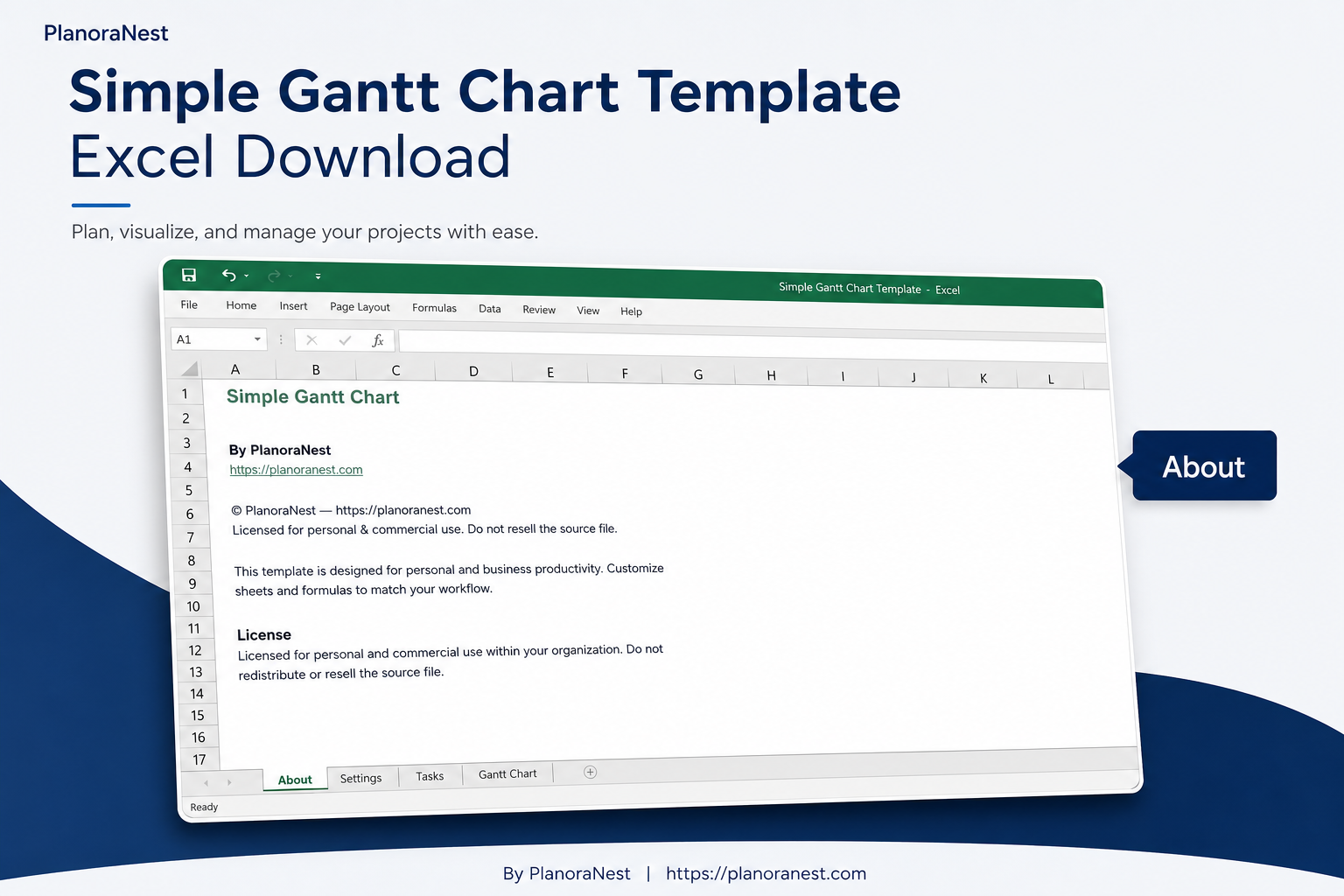
About | Template credits, version info, and terms of use. |
See how each sheet looks before you download — screenshots from the actual template.
Preview of Simple Gantt Chart Excel Template
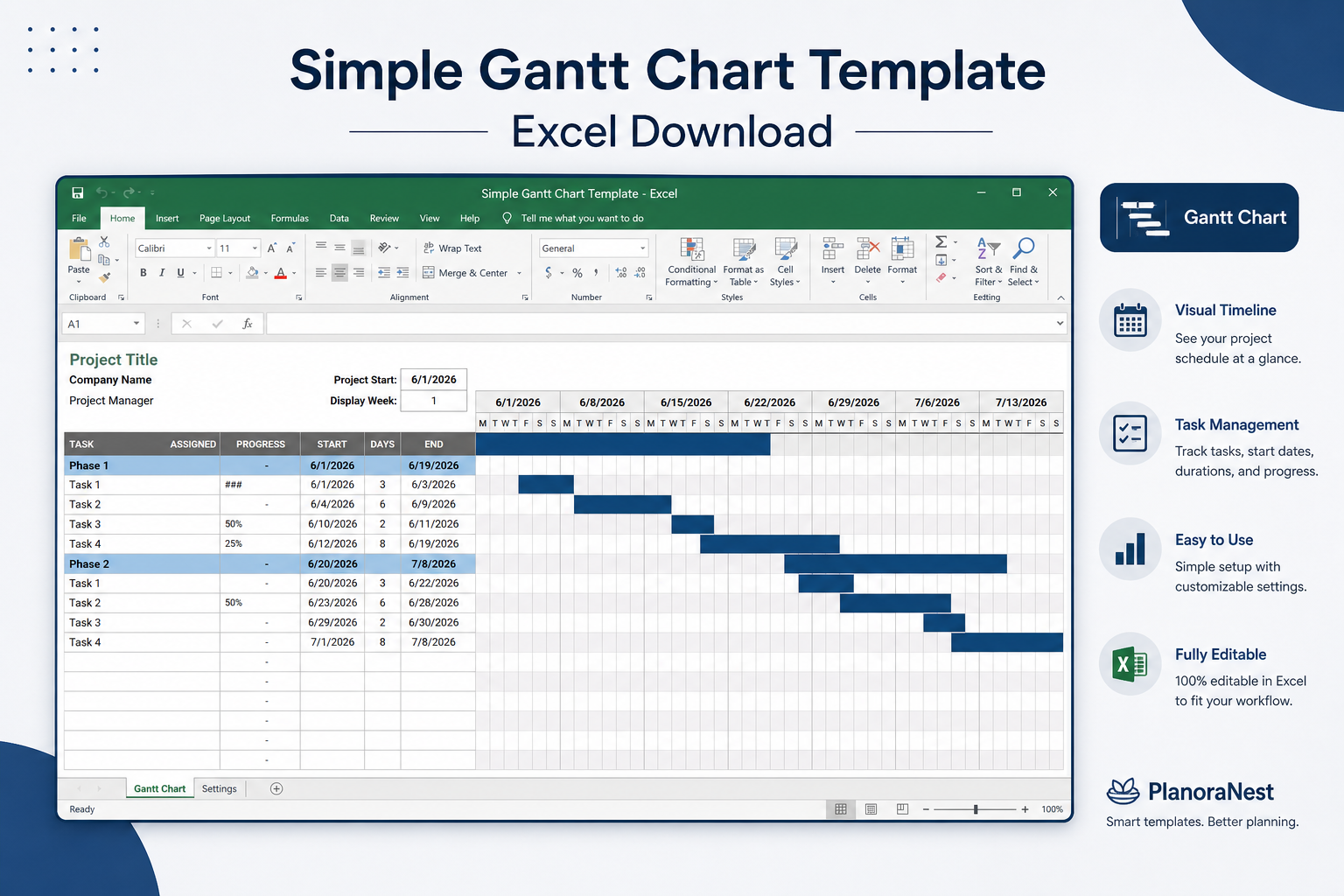
Preview of Simple Gantt Chart Excel Template
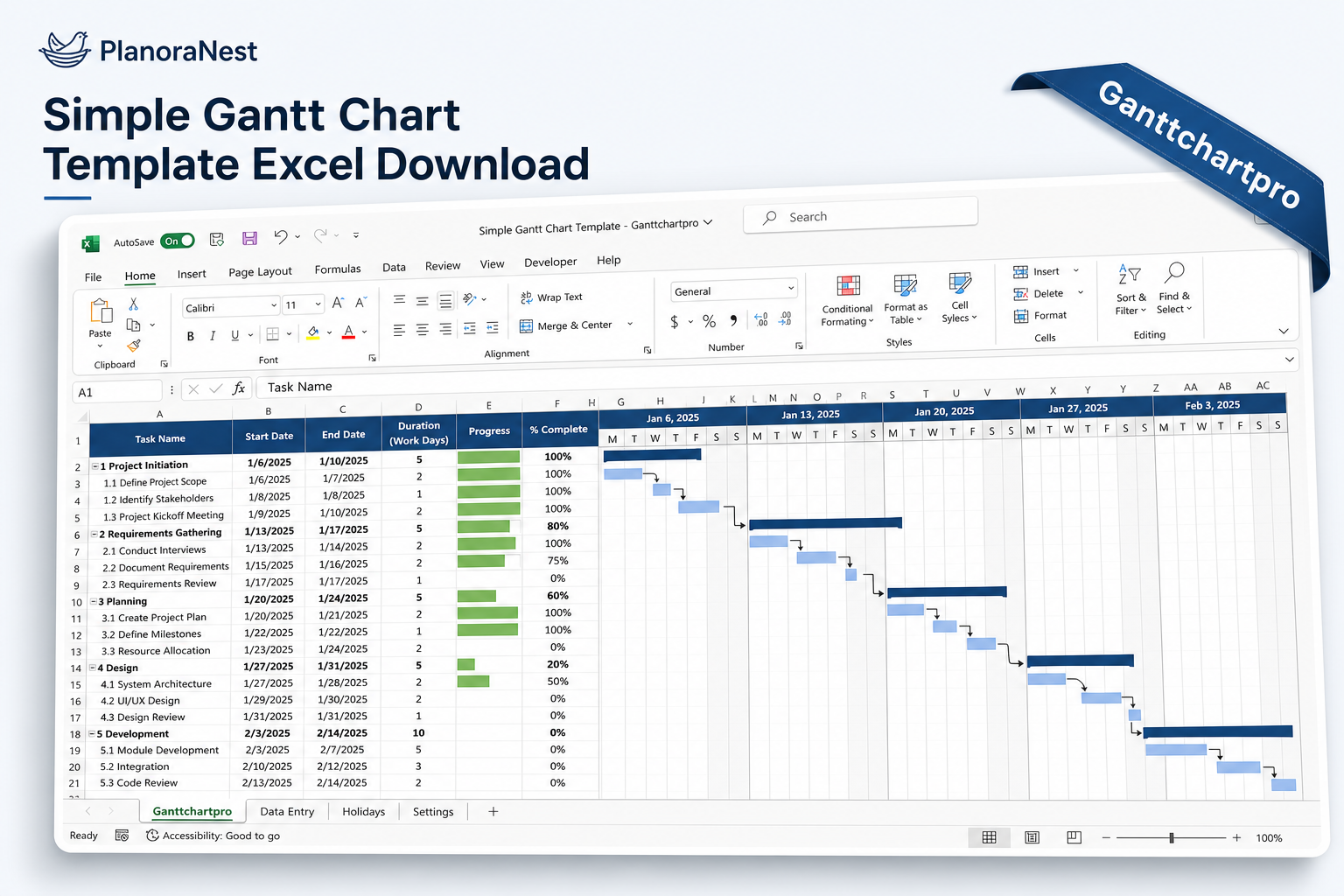
Preview of Simple Gantt Chart Excel Template
Preview of Simple Gantt Chart Excel Template
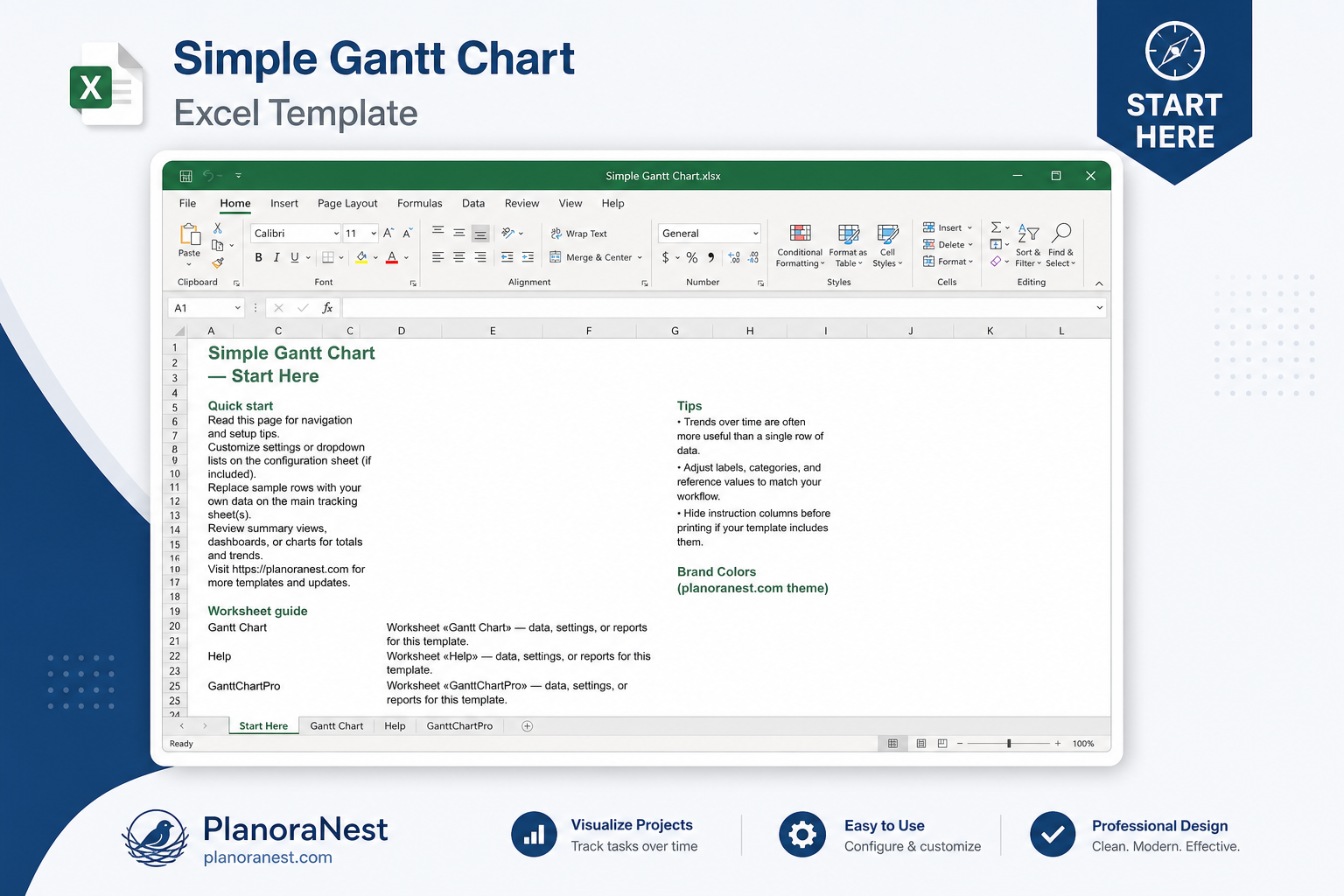
Preview of Simple Gantt Chart Excel Template
Open the Start Here sheet — it is designed to get you running in under 5 minutes with no prior Gantt chart experience.
Go to the Gantt Chart sheet. At the top, enter your Project Title, Company Name, Project Manager, and — this is the key — the Project Start Date and Display Week number.
Enter your tasks in the rows below: Task Name, Start Date, End Date. Duration calculates automatically. Assign each task and update % Complete as work progresses.
The weekly columns to the right auto-fill with colored bars for each task based on the date range you entered. No formula tweaking needed — just enter dates and the bars appear.
Need more than 30 tasks? Insert rows within the task area and copy the formulas and formatting down from existing rows.
The chart is print-ready: the 64-column layout is designed to fit common page sizes with appropriate scaling settings. Use the Help sheet for printing tips.
Microsoft Excel (desktop & web)
Google Sheets
WPS Office
LibreOffice Calc
One-time purchase · $1 USD · Instant download · No account required to use the file after purchase.
1. Purchase
Browse our shop and pick the templates that fit your needs — from business planners to productivity trackers.
2. Access
Since our products are digital, you'll receive immediate access after your purchase completes.
3. Use
Open your template in Google Sheets, Excel, or Notion and start using it right away with our included instructions.
David Okonkwo
Small Business Owner
Verified purchasePerfect for my restaurant renovation timeline
Planning a 12-week restaurant renovation and needed something the contractor, designer, and health inspector could all understand. This template nailed it — 24 tasks covering demolition, plumbing, electrical, finishing, and inspections. The weekly bars made it obvious when trades overlapped. Contractor actually asked for a copy to use on his other jobs. One star off because I would love a mobile-friendly view, but that is an Excel limitation, not the template's fault.
Sarah Chen
Graduate Researcher
Verified purchaseMade my thesis timeline look professional
I used this for my master's thesis project plan — 18 tasks across 8 months, from literature review through defense. The 64-column Gantt Chart sheet gave me the weekly resolution I needed, and my advisor was genuinely impressed with the visual timeline. The Start Here sheet was easy enough that I did not need to watch a tutorial. For $3.90, it saved me from the Excel Gantt tutorials that all seem to require 45 minutes of conditional formatting setup.
Tom Reyes
Marketing Manager
Verified purchaseHad a timeline ready in 10 minutes flat
I needed a Gantt chart for a campaign launch presentation at 2pm and found this at 1:30. No joke — I had a complete 6-month timeline with 22 tasks ready by 1:40. The Project Title, Company Name, and Project Manager fields at the top made it look like I had spent hours. The bars just appeared when I entered dates — I kept waiting for the tricky part that never came. My VP asked if our PMO made it.