 Quick view
Vendor: PlanoNest
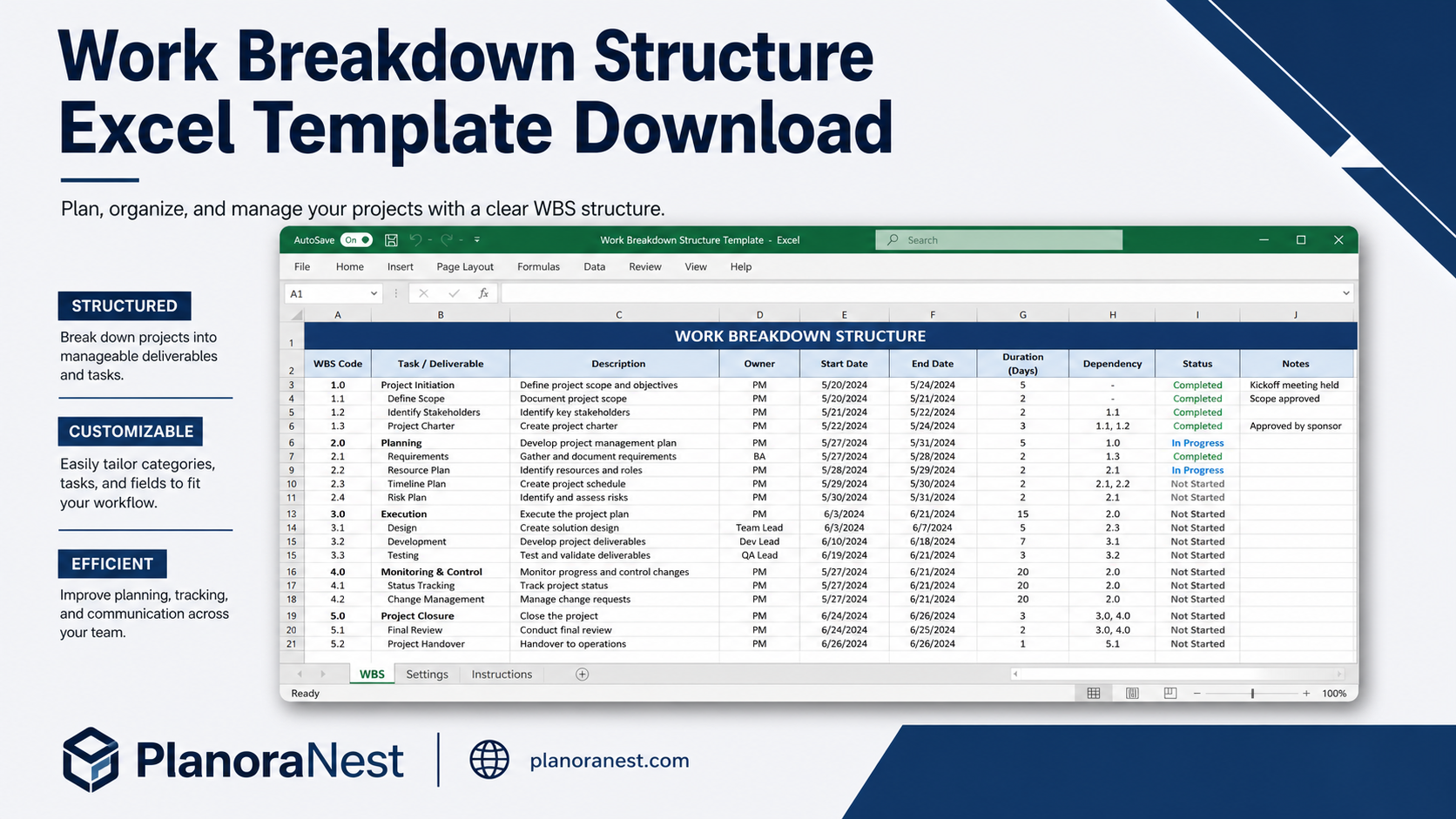
Work Breakdown Structure Spreadsheet Excel Template$1.00
4.7 / 5.0 (3) total reviews
Vendor: PlanoNest
$1.00
Excel
Quick sign in at checkout — your templates are saved to your library forever.
Related picks
Explore other digital products that pair well with this template.
Quick viewVendor: PlanoNest
Work Breakdown Structure Spreadsheet Excel Template$1.00
 Quick view
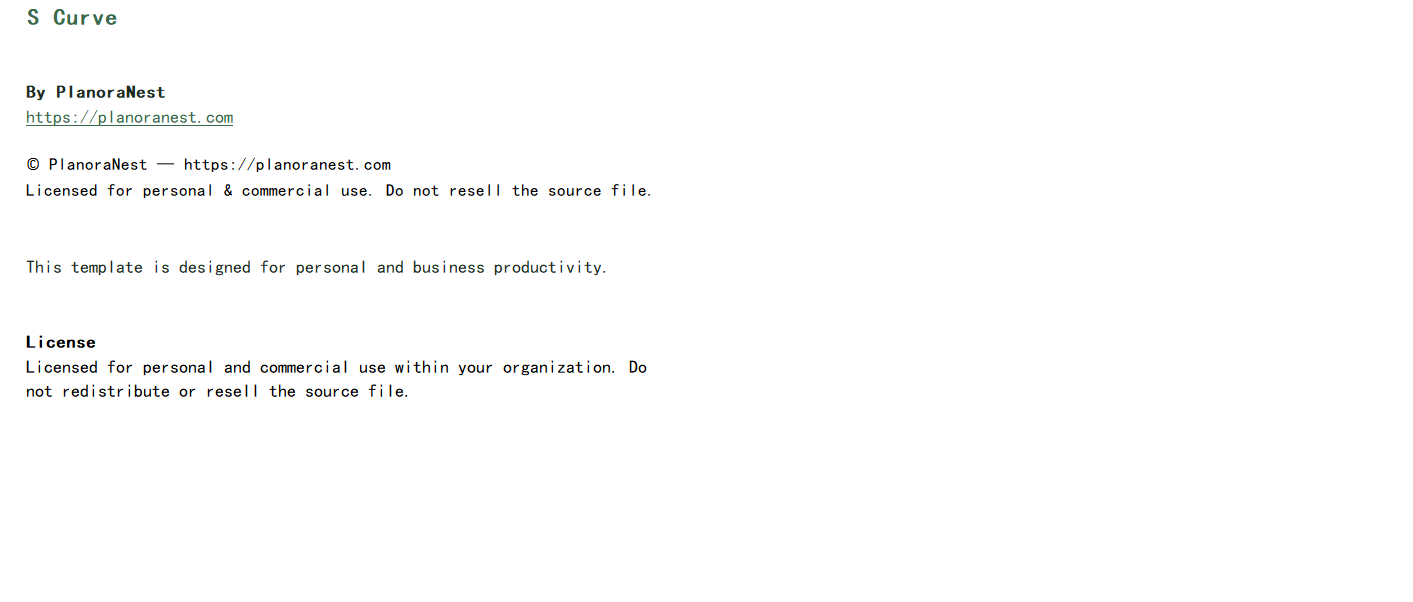
This Action Item Tracker Excel template from PlanoraNest uses a unique JAM prioritization framework (Just do it, Abandon, Maybe) to help you cut through meeting chaos and focus on what actually matters. Track action items with 14 columns of detail, rank them with the JAM system, and never lose another meeting takeaway.
Perfect for meeting-heavy professionals, project coordinators, and anyone who leaves meetings with a list of "to-dos" that need structure and follow-through. One-time purchase at $1, instant download, no subscription.
Professionals who attend 5+ meetings per week and need a central place to capture and track action items.
Project coordinators and PMOs responsible for tracking decisions and follow-ups across multiple meetings.
Team leads who want to ensure meeting outcomes translate into completed actions.
Anyone whose action items currently live across sticky notes, email drafts, and chat messages.
Every sheet in this Action Item Tracker is built around the JAM framework:
Sheet | What it does |
|---|---|
Start Here | Quick-start guide explaining the JAM ranking system, how to set up the tracker for your workflow, and tips for using it during and after meetings. Read this first to understand the JAM philosophy. |
Actions | The main action tracking sheet with 14 columns: Action ID, Date Created, Action Description, JAM Ranking (dropdown: Just do it / Abandon / Maybe), Priority, Status (dropdown), Assigned To, Due Date, Meeting Source, Project/Context, Dependencies, Completion Date, Notes, and a Last Updated timestamp at the top. The JAM ranking is the standout feature — quickly triage each action item as "Just do it" (immediate priority), "Abandon" (not worth the effort), or "Maybe" (park for later). Conditional formatting color-codes by JAM rank and highlights overdue items. Supports 26 action rows with room to expand. |
Help | Comprehensive 38-row reference covering the JAM methodology in depth, how to customize the dropdowns and rankings, tips for running meeting action reviews, and best practices for keeping the tracker current. |
About | Template credits, version info, and terms of use. |
See how each sheet looks before you download — screenshots from the actual template.
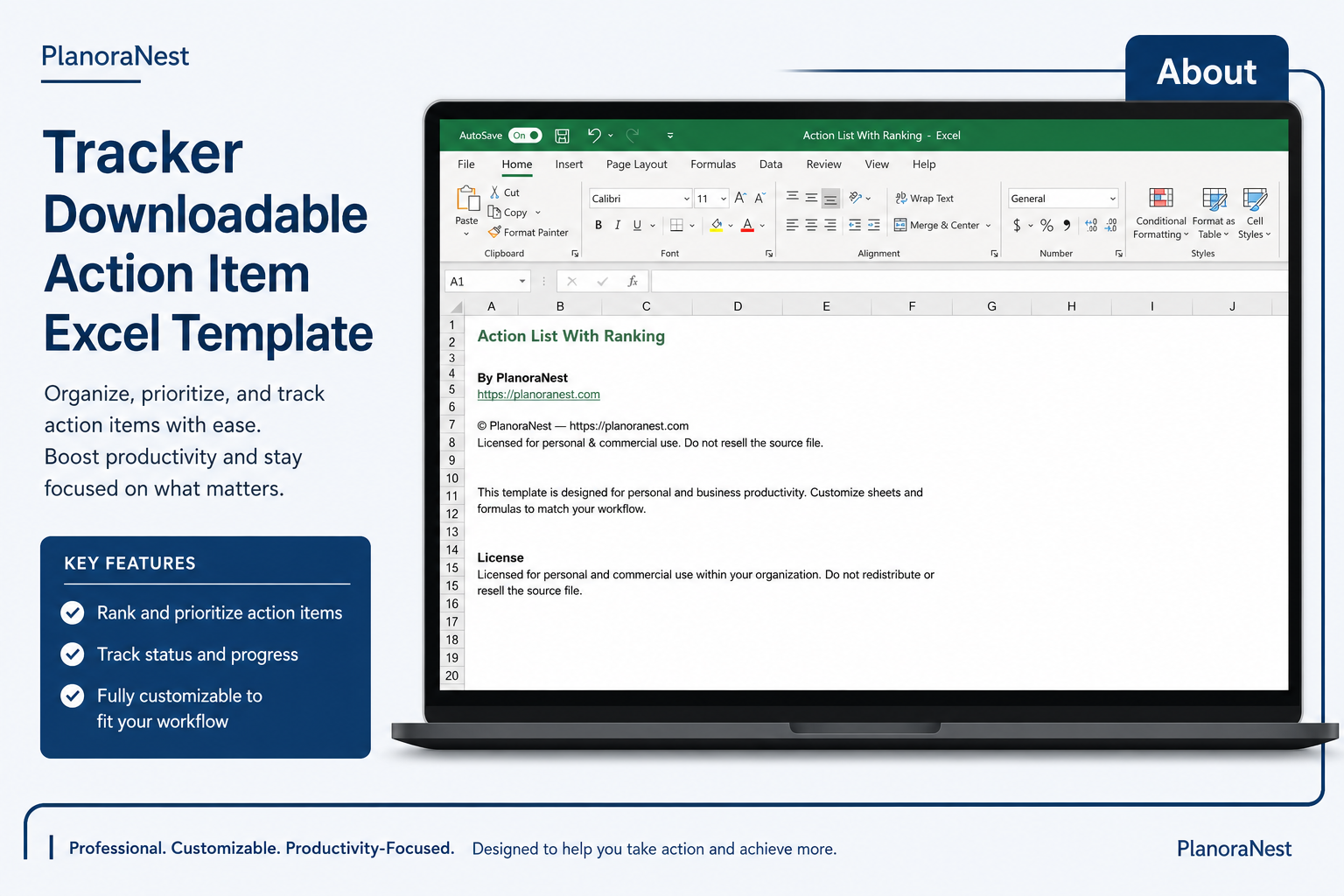
Preview of Action Item Tracker Excel Template
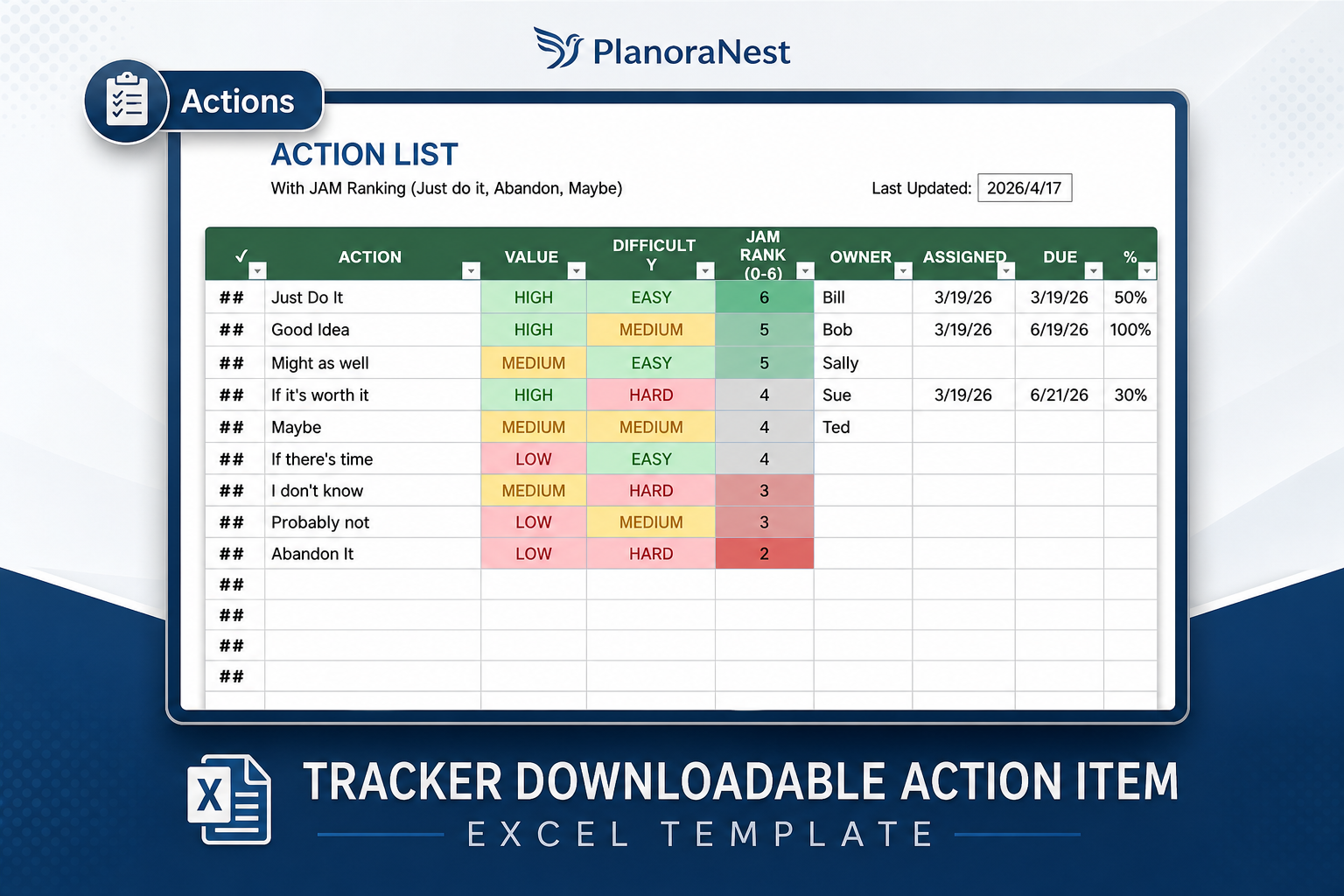
Preview of Action Item Tracker Excel Template
Preview of Action Item Tracker Excel Template
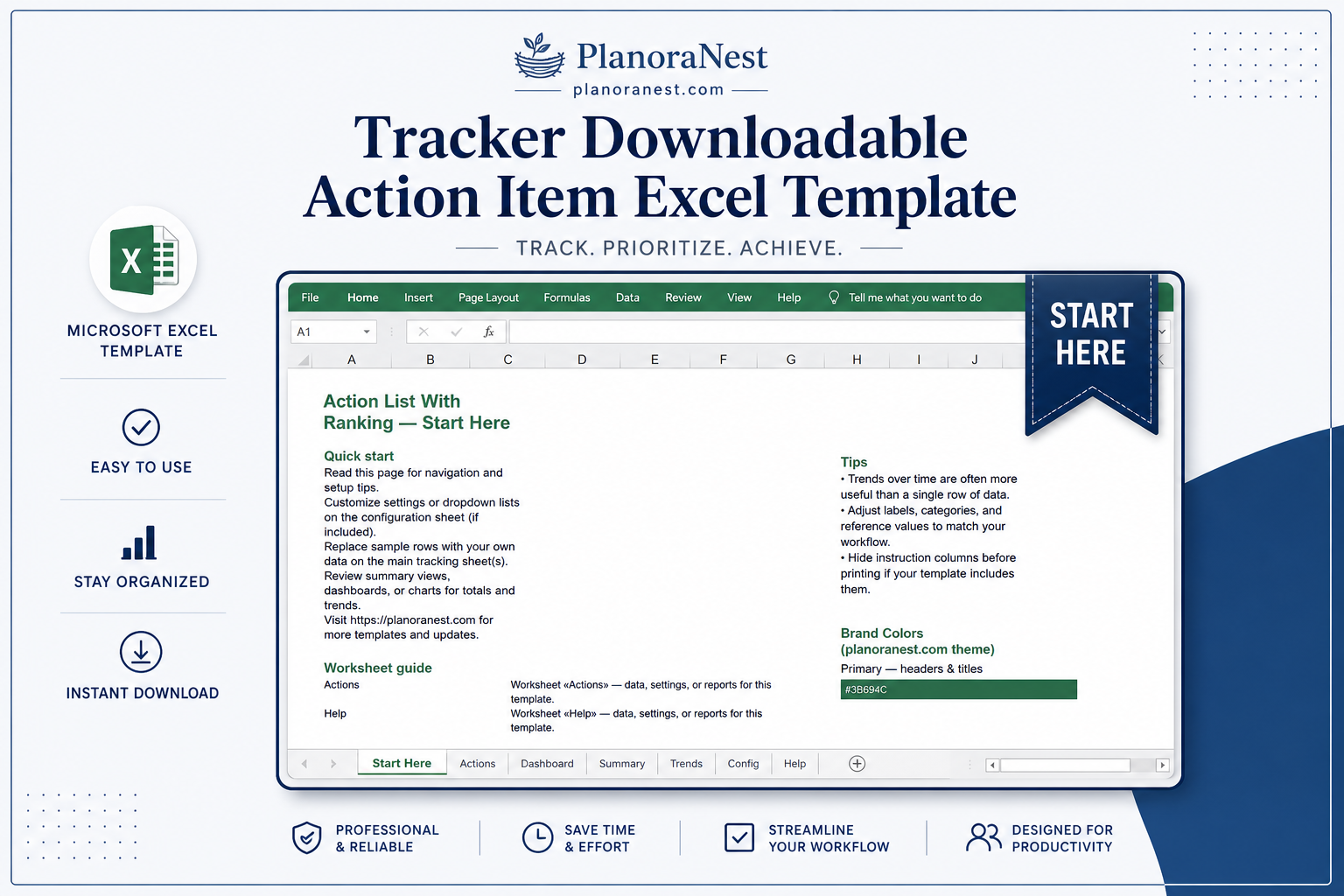
Preview of Action Item Tracker Excel Template
Open the Start Here sheet and read about the JAM ranking system — Just do it, Abandon, Maybe. This framework is the key to keeping your action list manageable.
Go to the Actions sheet. Note the Last Updated timestamp at the top — it auto-refreshes to show when the list was last modified.
During or immediately after each meeting, add new action items: fill in the Action Description, assign a JAM Ranking using the dropdown, set a Due Date, and assign to the responsible person.
Use the Meeting Source column to trace each action back to its origin (e.g., "Weekly Ops Review", "Client Call 06/20"). This makes follow-up and accountability much clearer.
Each morning, filter the Actions sheet by JAM = "Just do it" to see your immediate priorities. "Maybe" items can be reviewed weekly. "Abandon" items stay recorded so you can explain why something was deprioritized.
When an action is complete, enter the Completion Date — overdue items are highlighted automatically so nothing slips through.
Microsoft Excel (desktop & web)
Google Sheets
WPS Office
LibreOffice Calc
One-time purchase · $1 USD · Instant download · No account required to use the file after purchase.
1. Purchase
Browse our shop and pick the templates that fit your needs — from business planners to productivity trackers.
2. Access
Since our products are digital, you'll receive immediate access after your purchase completes.
3. Use
Open your template in Google Sheets, Excel, or Notion and start using it right away with our included instructions.
Jenna Alvarez
Management Consultant
Verified purchaseClients love the clarity, I love the simplicity
I use this with every consulting engagement to track client commitments and follow-ups. Clients respond well to the JAM framework — "Let's JAM this" has become shorthand in our sessions. The Actions sheet gives us a single source of truth, and the 14-column structure provides enough detail without overwhelming non-Excel-savvy clients. My one wish: a dashboard sheet that auto-counts actions by JAM rank and status. I built one manually referencing the Actions data.
Chris Mueller
Project Coordinator
Verified purchaseThe Meeting Source column is the unsung hero
I coordinate 3 steering committees and a weekly ops call — tracking actions across all of them was a nightmare. The Meeting Source column on the Actions sheet solved it. I use naming like "SteerCo - Tech" and filter by source before each meeting to pull up the previous session's actions. Chairs love it because we start every meeting with a 2-minute review of outstanding actions from last time. The JAM ranking makes the list feel intentional, not overwhelming.
Emily Hart
VP of Operations
Verified purchaseJAM changed how our leadership team operates
Our exec meetings used to generate 30+ "action items" that nobody actually completed. The JAM framework (Just do it, Abandon, Maybe) was a revelation — we now end every meeting by ranking each action on the Actions sheet. Items marked Abandon are explicitly killed rather than lingering forever. In 8 weeks, our meeting action completion rate went from about 40% to over 85%. The 14-column layout on the Actions sheet captures enough detail without becoming a chore to fill in.