 Quick view
Vendor: PlanoNest
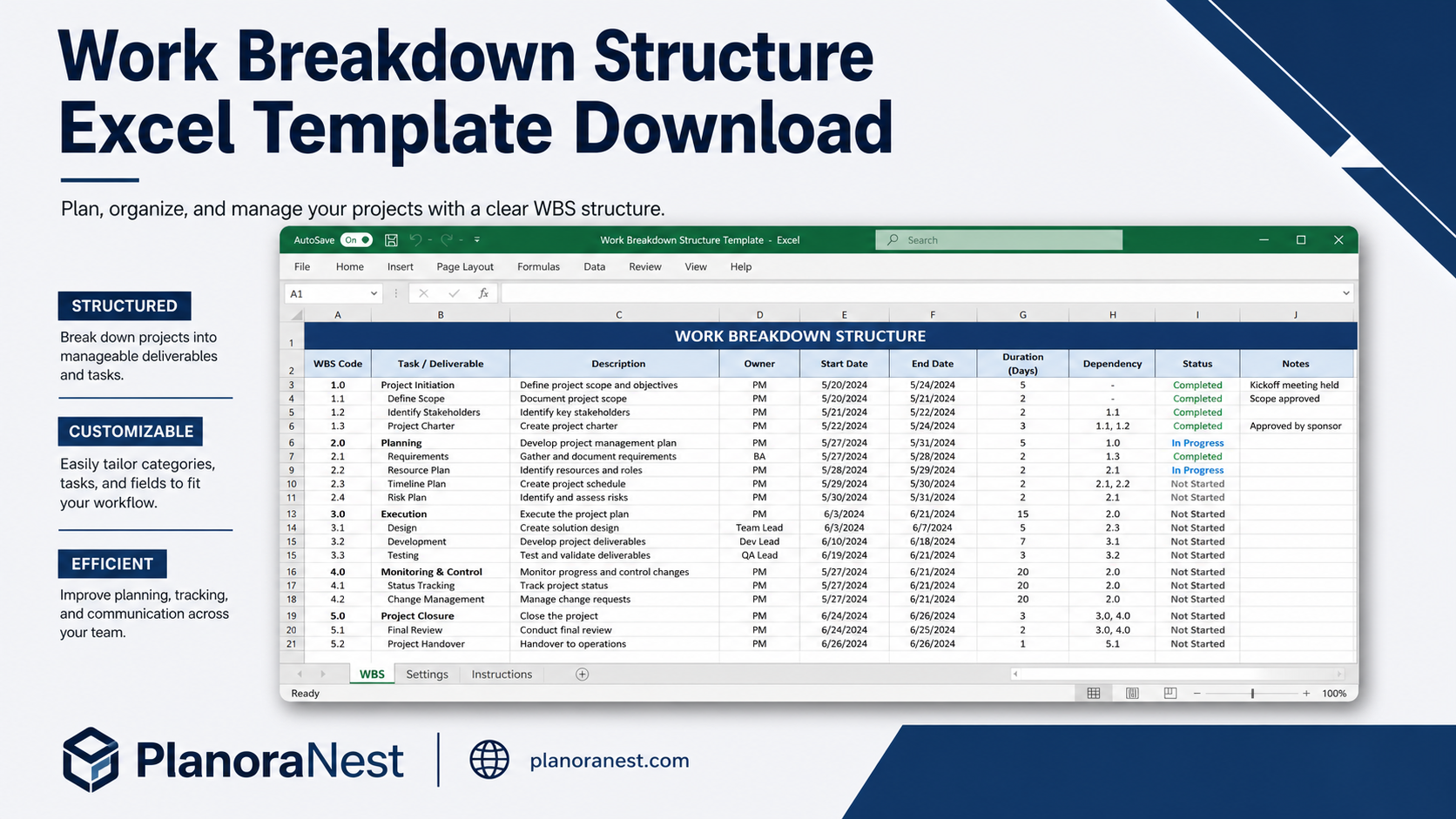
Work Breakdown Structure Spreadsheet Excel Template$1.00
4.7 / 5.0 (3) total reviews
Vendor: PlanoNest
$1.00
Excel
Quick sign in at checkout — your templates are saved to your library forever.
Related picks
Explore other digital products that pair well with this template.
Quick viewVendor: PlanoNest
Work Breakdown Structure Spreadsheet Excel Template$1.00
 Quick view
 Quick view
 Quick view
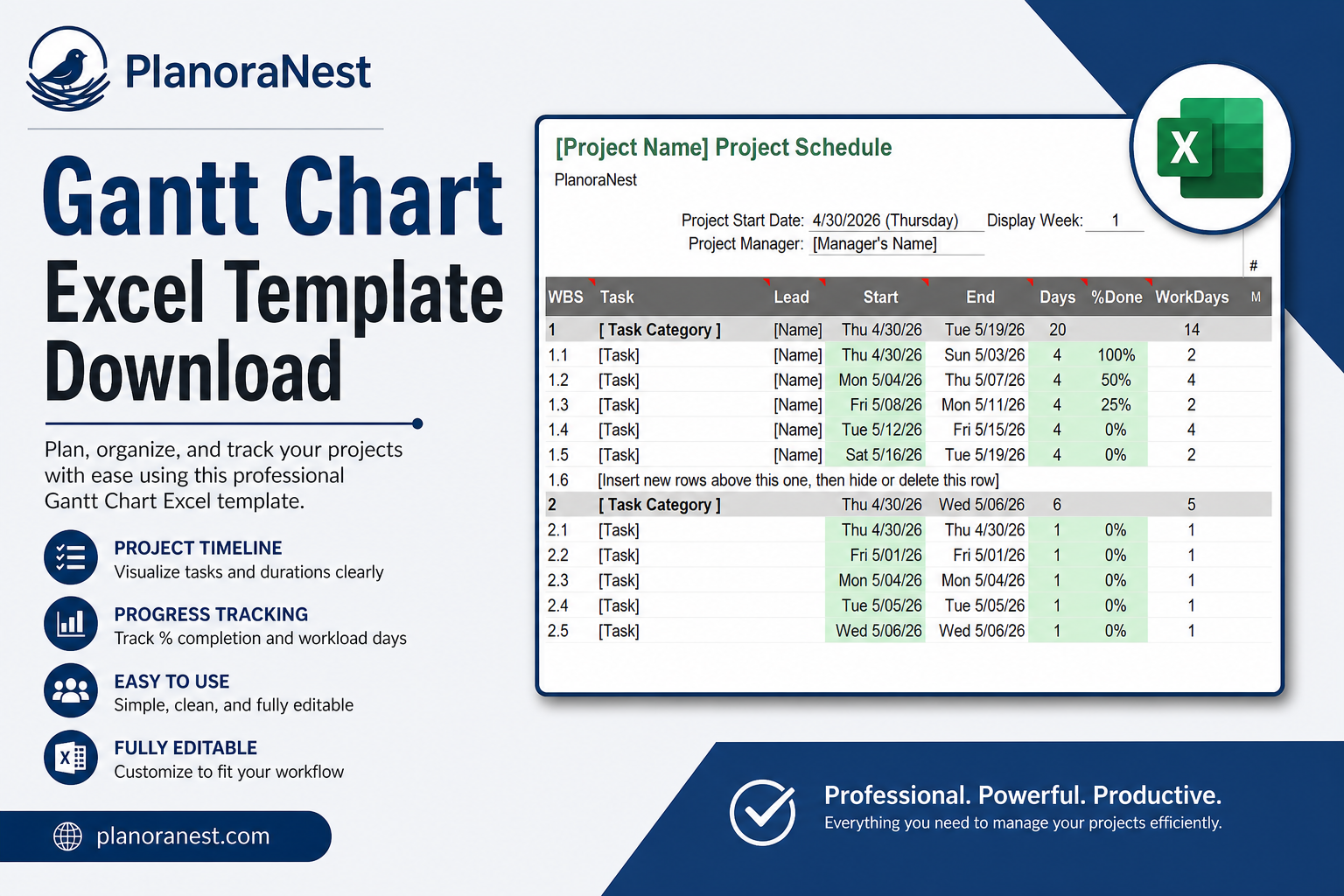
This Gantt Chart Excel template from PlanoraNest is a full-featured project scheduling tool with 65 columns and 51 data rows on the main GanttChart sheet. Enter tasks, start dates, durations, and dependencies — the template auto-generates a color-coded Gantt bar chart with weekly column granularity. Includes a Pro edition preview for Google Sheets users.
Perfect for project managers who need proper scheduling without the cost or complexity of Microsoft Project. One-time purchase at $1, instant download, no subscription.
Project managers who need a proper Gantt chart but cannot justify MS Project licenses for their team.
Construction and engineering PMs managing multi-phase schedules with clear visual timelines.
Small business owners planning product launches, office moves, or process overhauls.
Consultants who need to present project schedules to clients in a format they can open themselves.
Every sheet in this Gantt Chart template is built for real project scheduling:
Sheet | What it does |
|---|---|
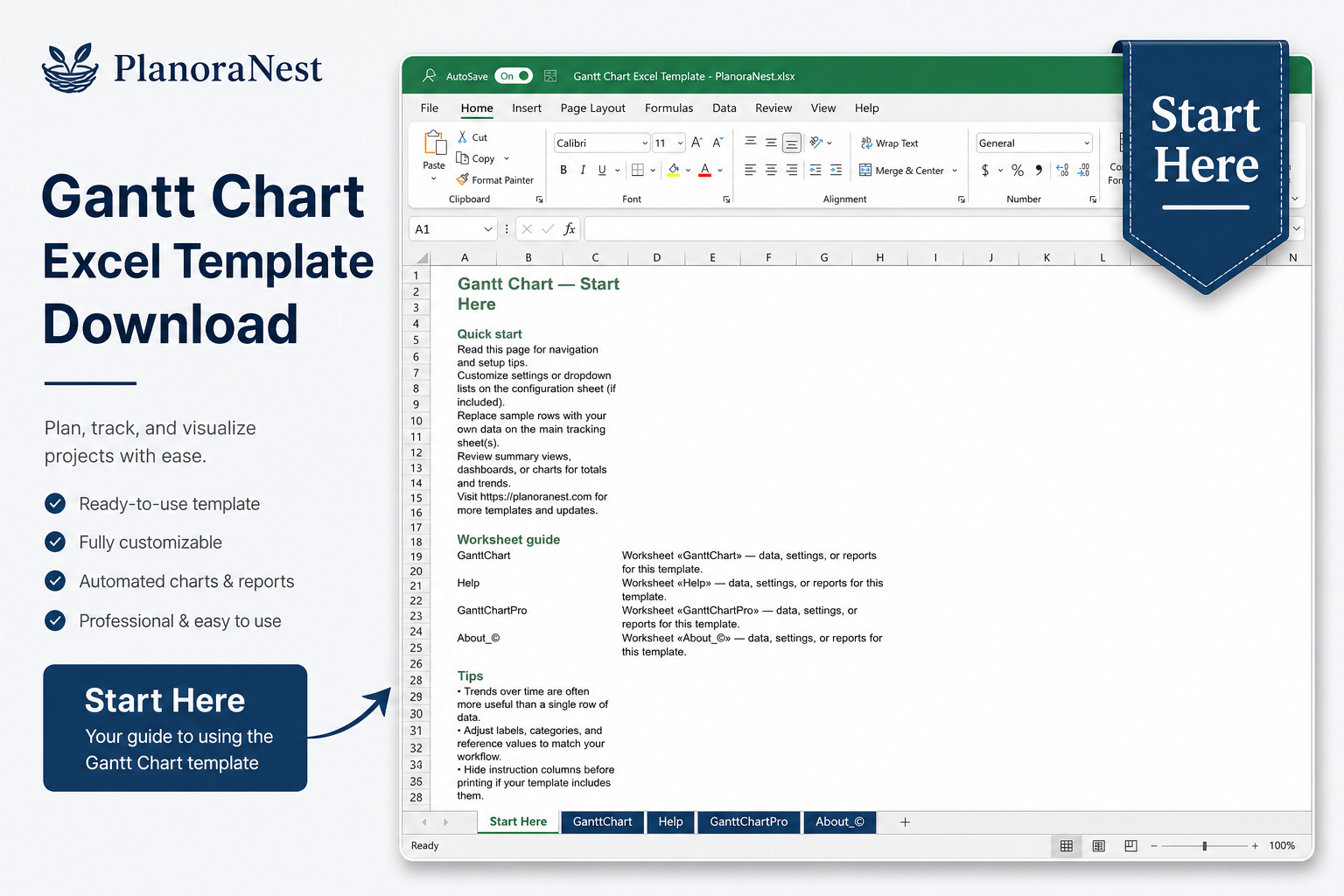
Start Here | Quick-start guide with navigation tips, setup instructions, and a tour of the Gantt chart layout. Read this first to understand how the workbook fits together. |
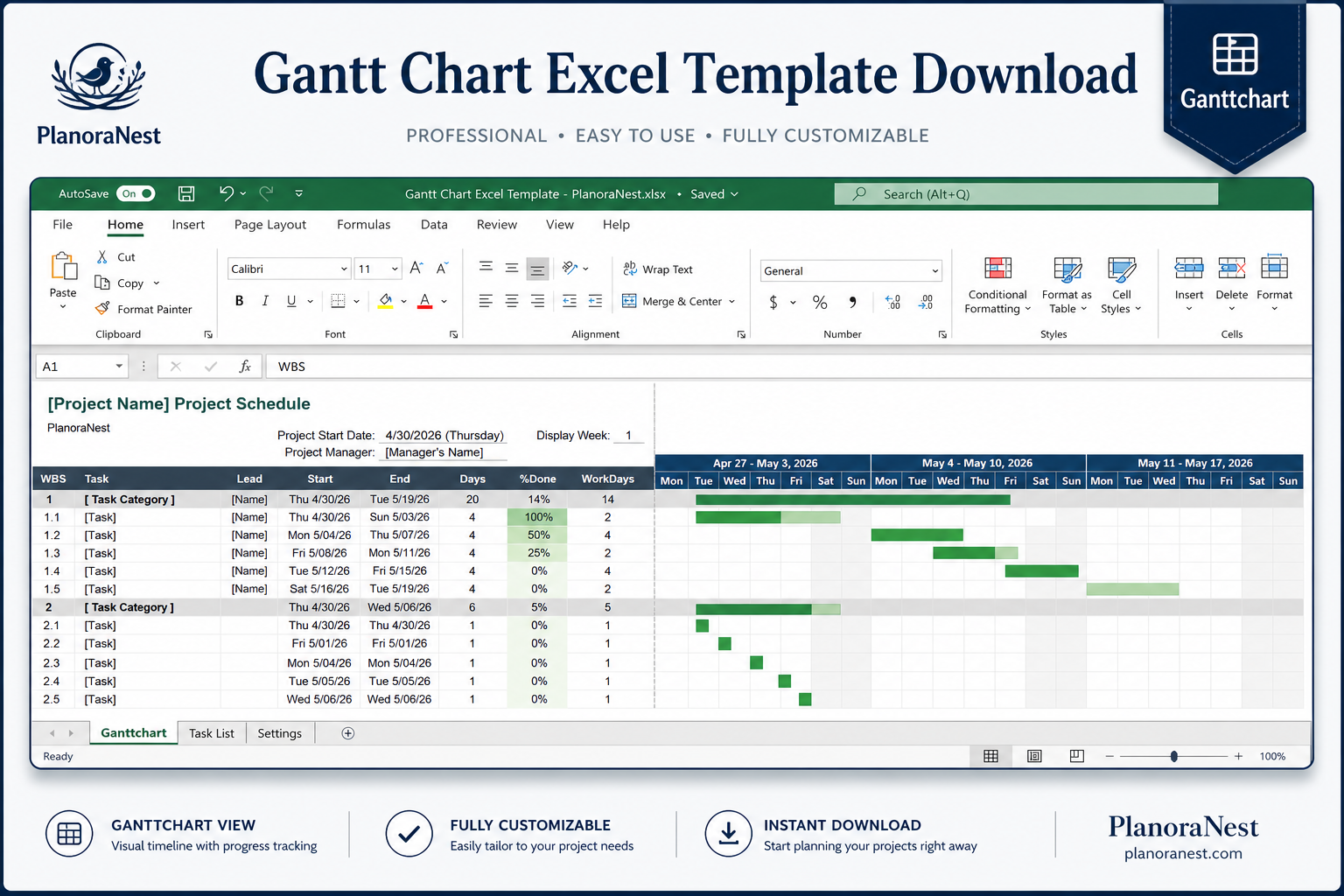
GanttChart | The main scheduling sheet with 65 columns across 51 task rows. Enter your Project Name at the top, set the Project Start Date and Display Week number. Core columns include: Task ID, Task Name, Start Date, End Date, Duration (days), Assigned To, % Complete, and weekly time-phased columns (Week 1 through Week 52+) that auto-fill with color-coded bars based on your dates. Conditional formatting distinguishes completed segments from remaining work. The far right column shows the copyright footer. |
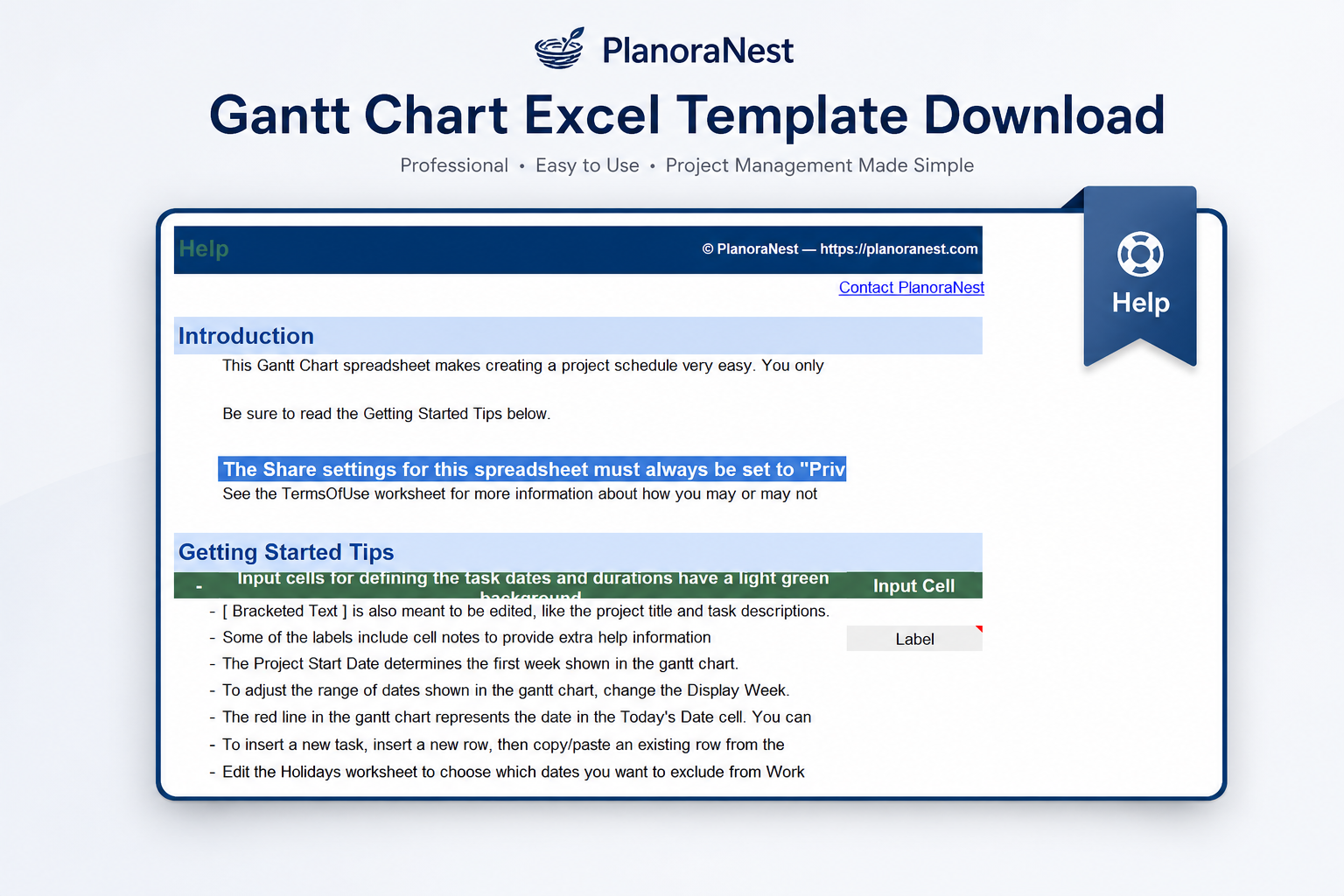
Help | Comprehensive 98-row reference sheet covering how to add/remove tasks, adjust the timeline scale, customize colors, troubleshoot bar display issues, and adapt the template for different project types. |
GanttChartPro | A preview and upgrade path to the Google Sheets Pro edition with enhanced features. Details what the Pro version adds over the standard template. |
About | Template credits, version info, and terms of use. |
See how each sheet looks before you download — screenshots from the actual template.
Preview of Gantt Chart Excel Template
Preview of Gantt Chart Excel Template
Preview of Gantt Chart Excel Template
Preview of Gantt Chart Excel Template
Open the Start Here sheet and read the quick-start guide to understand the layout and logic.
Go to the GanttChart sheet. Enter your project name in cell C1, set the Project Start Date (cell C4), and choose your starting Display Week number (cell C8).
Enter your tasks row by row: Task Name, Start Date, End Date — the Duration column calculates automatically. Assign each task to a team member and update % Complete as work progresses.
The weekly time-phased columns (starting from Week 1) auto-fill with colored bars based on each task's date range. Completed portions show in a different shade via conditional formatting.
Add or remove task rows as needed — the template supports up to 51 tasks. Copy formulas down when adding new rows.
Review the Help sheet if bars do not appear as expected, or if you need to customize colors, adjust the timescale, or prepare the chart for printing.
Microsoft Excel (desktop & web)
Google Sheets
WPS Office
LibreOffice Calc
One-time purchase · $1 USD · Instant download · No account required to use the file after purchase.
1. Purchase
Browse our shop and pick the templates that fit your needs — from business planners to productivity trackers.
2. Access
Since our products are digital, you'll receive immediate access after your purchase completes.
3. Use
Open your template in Google Sheets, Excel, or Notion and start using it right away with our included instructions.
Chris Mueller
Construction Superintendent
Verified purchaseSolid alternative to expensive scheduling software
I run a mid-size commercial construction crew and we cannot justify Phoenix or Primavera. This Gantt template handles our 6-8 month build schedules well. The 51-task limit works for a single phase — for larger jobs I use multiple workbooks. The weekly columns make sense for construction where daily granularity is overkill in early planning. Would give 5 stars with built-in critical path, but at $3.90 it is unbeatable value.
Jenna Alvarez
Marketing Program Manager
Verified purchasePlanned a global product launch with this
I managed a 20-market product launch timeline on the GanttChart sheet — 47 tasks spanning 16 weeks, with regional marketing, localization, PR, and events all tracked. The Project Start Date and Display Week controls at the top made it easy to align with our fiscal calendar. I embedded the chart in our weekly status deck and the leadership team finally stopped asking "when does X happen?" — they could just look at the bars.
Marcus Webb
Senior Project Manager
Verified purchaseFinally, a Gantt my team will actually use
I have an MS Project license but my team of 8 does not — so nobody could open my schedules. This Excel template changed that. Everyone has Excel, and the GanttChart sheet with 65 columns gives us enough detail for our 12-month infrastructure rollout. The weekly bar auto-fill is reliable, and I love that the % Complete shades the bars differently so stakeholders can see progress at a glance. My only regret is not finding this sooner.