 Quick view
Vendor: PlanoNest
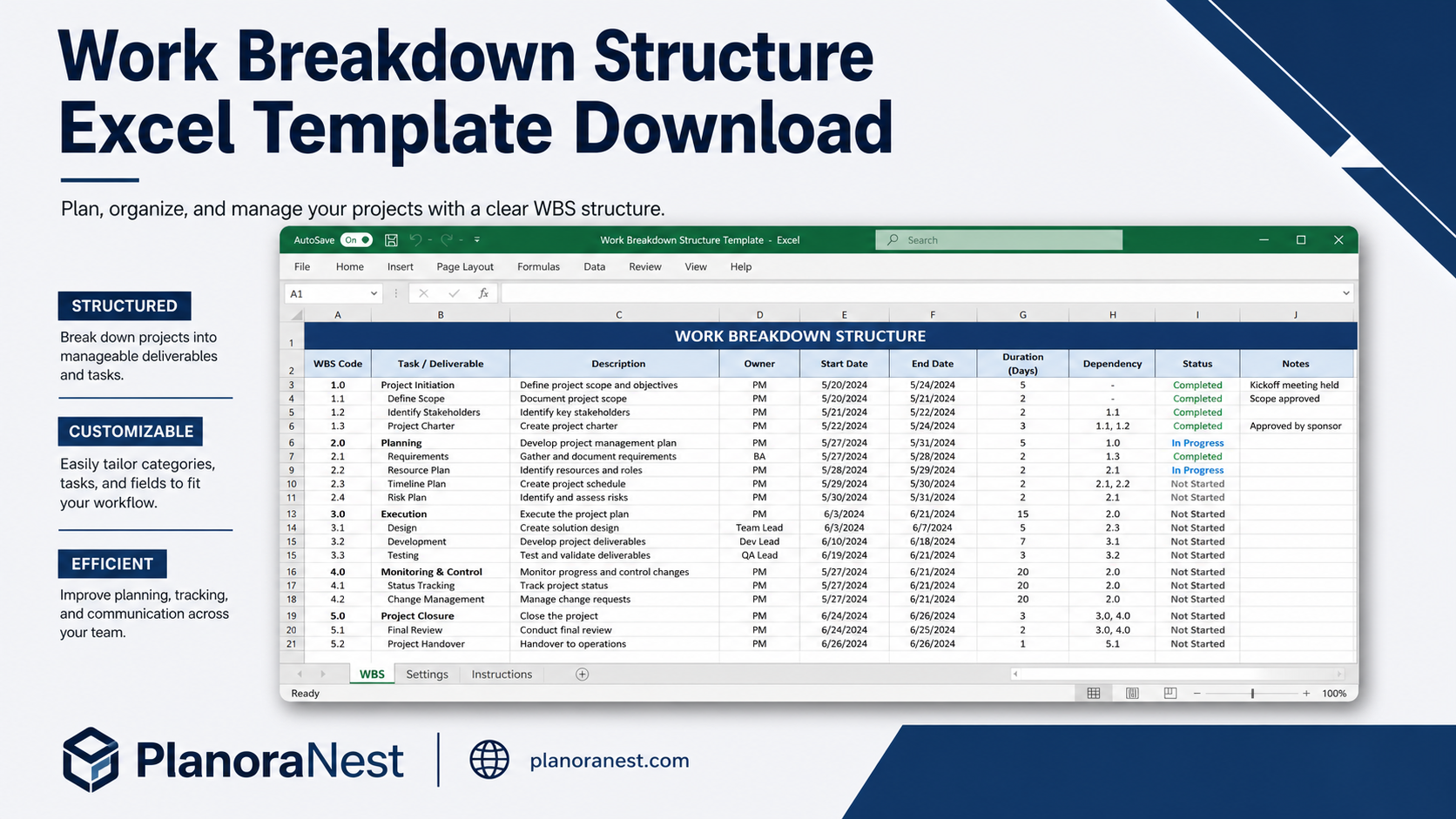
Work Breakdown Structure Spreadsheet Excel Template$1.00
4.7 / 5.0 (3) total reviews
Vendor: PlanoNest
$1.00
Excel
Quick sign in at checkout — your templates are saved to your library forever.
Related picks
Explore other digital products that pair well with this template.
Quick viewVendor: PlanoNest
Work Breakdown Structure Spreadsheet Excel Template$1.00
 Quick view
 Quick view
 Quick view
This Microsoft Project Task List Import Excel template from PlanoraNest bridges the gap between Excel planning and MS Project execution. Structure your task list in Excel with Budget, Estimated Hours, and Actual Hours columns, then import directly into Microsoft Project — or use it standalone as a structured task tracker.
Ideal for PMs who start planning in Excel and later move to MS Project, or teams that need a compatible task list format for project handoffs. One-time purchase at $1, instant download, no subscription.
Project managers who build initial task lists in Excel and then import into Microsoft Project for scheduling.
Teams that need a standardized task list format when handing off between Excel-based planning and MS Project execution.
PMOs that require consistent task data structure across multiple projects before loading into enterprise tools.
Anyone who wants a clean, structured project task list with budget and hour tracking — with or without MS Project.
Every sheet in this MS Project Task List template is built for seamless import and standalone use:
Sheet | What it does |
|---|---|
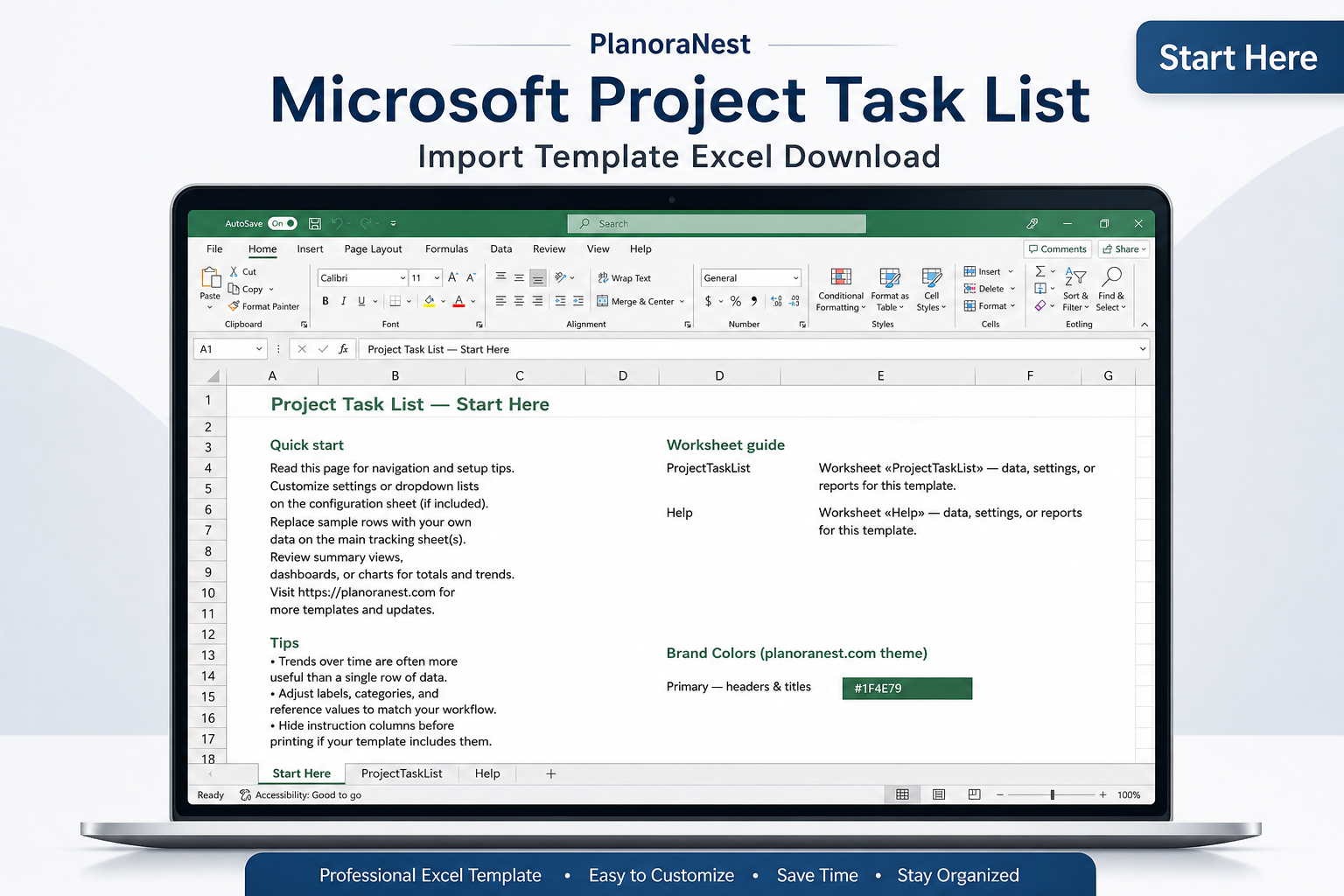
Start Here | Step-by-step guide covering the template layout, how to fill in task data, and the MS Project import process. Read this first. |
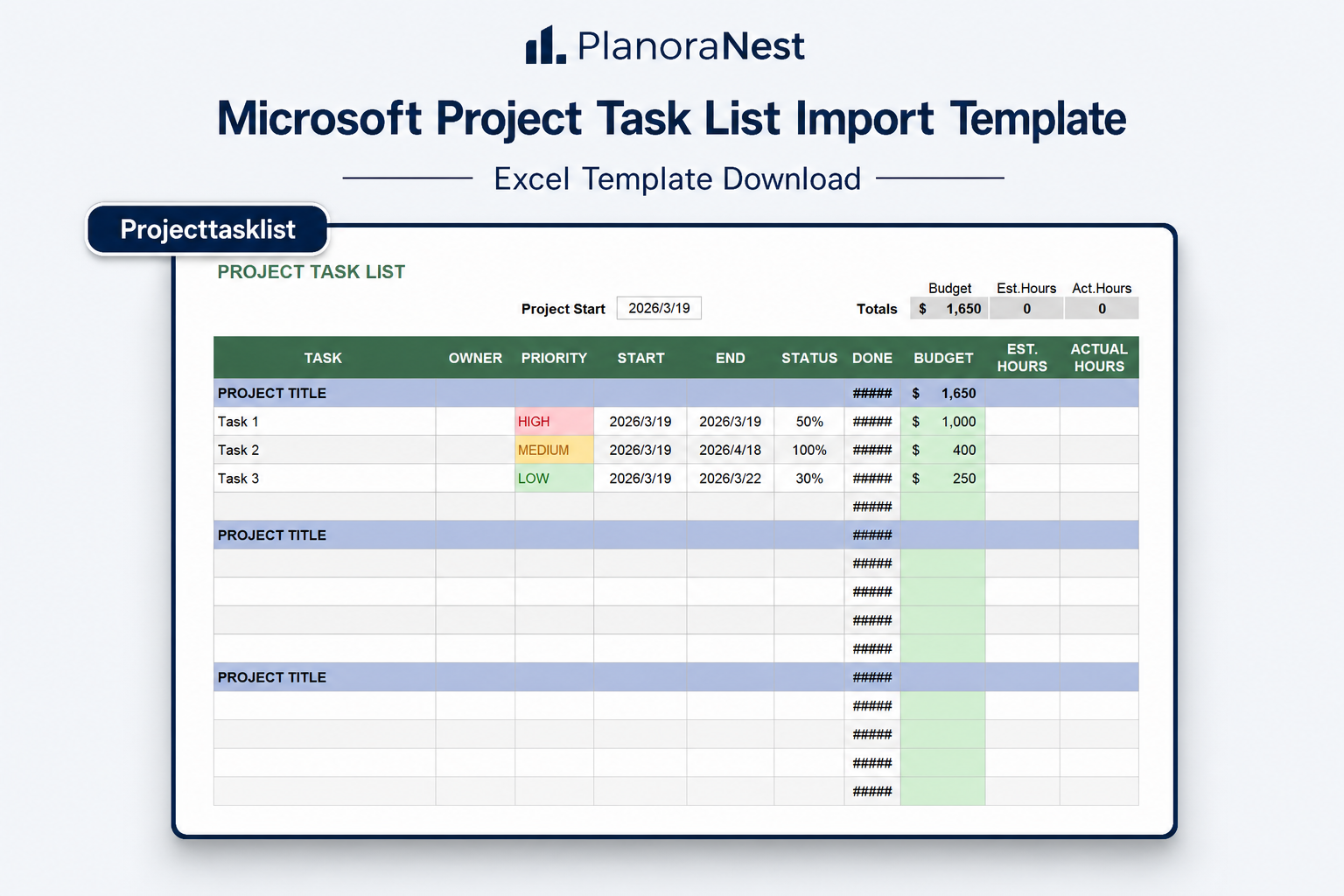
ProjectTaskList | The core task sheet with 13 columns: Task ID, Task Name, WBS Code, Start Date, End Date, Duration, Predecessors, Resource/Assigned To, Budget (dollar amount), Estimated Hours, Actual Hours, % Complete, and Notes. The Budget, Est.Hours, and Act.Hours columns feed into auto-calculated totals at the top. Project Start Date is set in cell C3. The sheet supports 28 task rows out of the box and can be extended by copying formulas down. A variance column compares Est.Hours vs. Act.Hours to highlight overruns. |
Help | 32-row reference sheet covering MS Project import steps (File > Open > Excel Workbook > Map Fields), column mapping guidance, formula explanations, and troubleshooting tips for common import issues. |
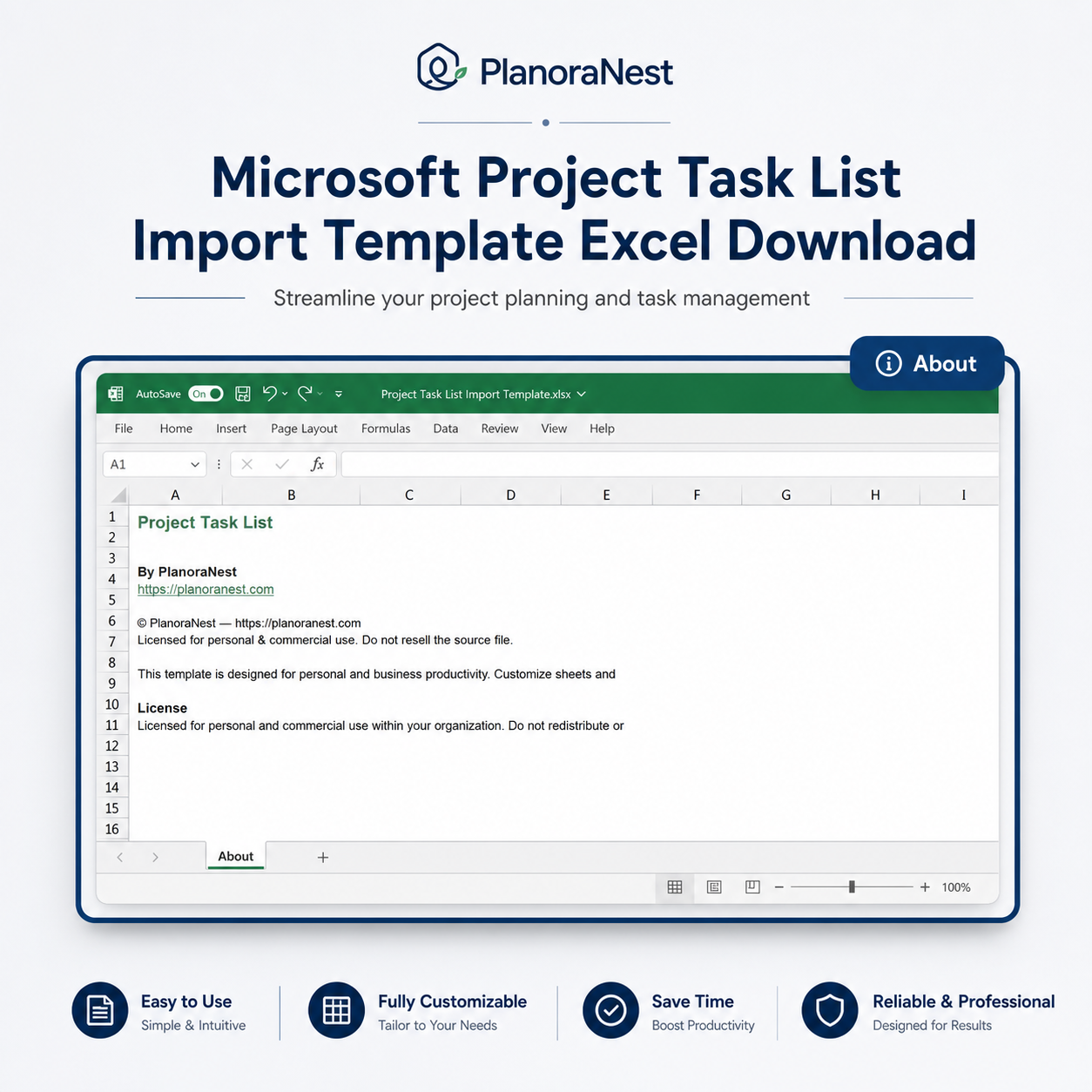
About | Template credits, version info, and terms of use. |
See how each sheet looks before you download — screenshots from the actual template.
Preview of Microsoft Project Task List Import Template Excel
Preview of Microsoft Project Task List Import Template Excel
Preview of Microsoft Project Task List Import Template Excel
Preview of Microsoft Project Task List Import Template Excel
Open the Start Here sheet and read the setup instructions and MS Project import overview.
Go to the ProjectTaskList sheet. Enter your Project Start Date in cell C3 — this anchors all task dates.
Fill in your tasks row by row: Task Name, Start Date, End Date, Duration (days). Assign resources and enter the Budget amount for each task.
As work progresses, update Actual Hours — the Est.Hours vs. Act.Hours variance column will highlight any tasks running over estimate.
Check the Totals row (row 7) to see the aggregate Budget, Estimated Hours, and Actual Hours across all tasks.
To import into MS Project: save your completed Excel file, open MS Project, go to File > Open > select the Excel file, and use the Import Wizard to map the columns (Task Name, Start, Finish, Duration, Resource Names) to the corresponding MS Project fields.
Microsoft Excel (desktop & web)
Google Sheets
Microsoft Project (import)
WPS Office
LibreOffice Calc
One-time purchase · $1 USD · Instant download · No account required to use the file after purchase.
1. Purchase
Browse our shop and pick the templates that fit your needs — from business planners to productivity trackers.
2. Access
Since our products are digital, you'll receive immediate access after your purchase completes.
3. Use
Open your template in Google Sheets, Excel, or Notion and start using it right away with our included instructions.
Sarah Chen
Engineering Program Manager
Verified purchaseGreat bridge tool, solid standalone tracker
I bought this specifically for the MS Project import promise, and it delivered — mapped 45 tasks in one shot with zero field mismatches. What surprised me was how useful it is as a standalone tracker. The 13-column ProjectTaskList layout is clean enough that I now use a copy just for tracking engineering sprints where we do not need full MS Project. Only 4 stars because I would love a UID column for Project's unique ID, but I just add it manually.
Tom Reyes
IT Project Coordinator
Verified purchaseNo more double-entry between Excel and MS Project
I used to build my task list in Excel, then manually re-type everything into MS Project. With this template, I enter tasks once on the ProjectTaskList sheet — including Predecessors and the Hours estimates — and import the whole thing. The Help sheet's import walkthrough is spot-on; I had my first import working in under 10 minutes. The variance between Est.Hours and Act.Hours has already flagged two tasks that need re-estimating.
Priya Nair
PMO Analyst
Verified purchaseStandardized our entire project intake
Our PMO requires all project managers to submit task lists in a consistent format before we load them into MS Project Server. This template became our standard — the 13 columns on the ProjectTaskList sheet map perfectly to our enterprise fields. The Budget, Est.Hours, and Act.Hours columns in particular solved a recurring problem where PMs would submit lists without cost data. Now our import process takes 5 minutes instead of an hour of reformatting.