 Quick view
Vendor: PlanoNest
Work Breakdown Structure Spreadsheet Excel Template$1.00
4.7 / 5.0 (3) total reviews
Vendor: PlanoNest
$1.00
Excel
Quick sign in at checkout — your templates are saved to your library forever.
Related picks
Explore other digital products that pair well with this template.
Quick viewVendor: PlanoNest
Work Breakdown Structure Spreadsheet Excel Template$1.00
 Quick view
 Quick view
 Quick view
 Quick view
This Project Timeline Excel template from PlanoraNest gives you three professional timeline layouts — horizontal, vertical, and reverse-direction — in one download. Plot milestones, phases, and key dates with automatic formatting that turns raw data into presentation-ready timeline charts in minutes.
Ideal for project kickoffs, stakeholder presentations, and roadmap planning where you need a visual timeline without learning Microsoft Project. One-time purchase at $1, instant download, no subscription.
Project managers who need clean timeline visuals for stakeholder decks and status reports.
Consultants and agency leads presenting project roadmaps to clients.
Startup founders mapping product launch timelines for investor updates.
Event planners coordinating multi-phase event schedules.
This Project Timeline template includes five sheets, each designed for a specific timeline format:
Sheet | What it does |
|---|---|
Start Here | Quick-start guide explaining how to choose the right timeline layout, enter your data, and customize the appearance for different audiences. |
Horizontal | A 26-column horizontal timeline with 1,031 data rows. Enter milestone names, start dates, end dates, and durations — the template auto-generates a horizontal Gantt-style bar chart reading left to right. Perfect for PowerPoint slides and printed handouts. Columns include task details, date fields, and visual bar segments that auto-fill based on your dates. |
Vertical | Same 26-column structure but arranged vertically — milestones stack top to bottom with date markers. Ideal for document headers, proposal inserts, and any layout where vertical space is more natural than horizontal. Same data entry logic as the Horizontal sheet, just a different visual orientation. |
Reverse Direction | A timeline that runs from right to left (or bottom to top) — useful for countdown-style presentations, retroactive project reviews, or when you want to emphasize the endpoint first. Uses the same column structure as the other sheets for consistent data entry. |
About | Template credits, version info, and terms of use. |
See how each sheet looks before you download — screenshots from the actual template.
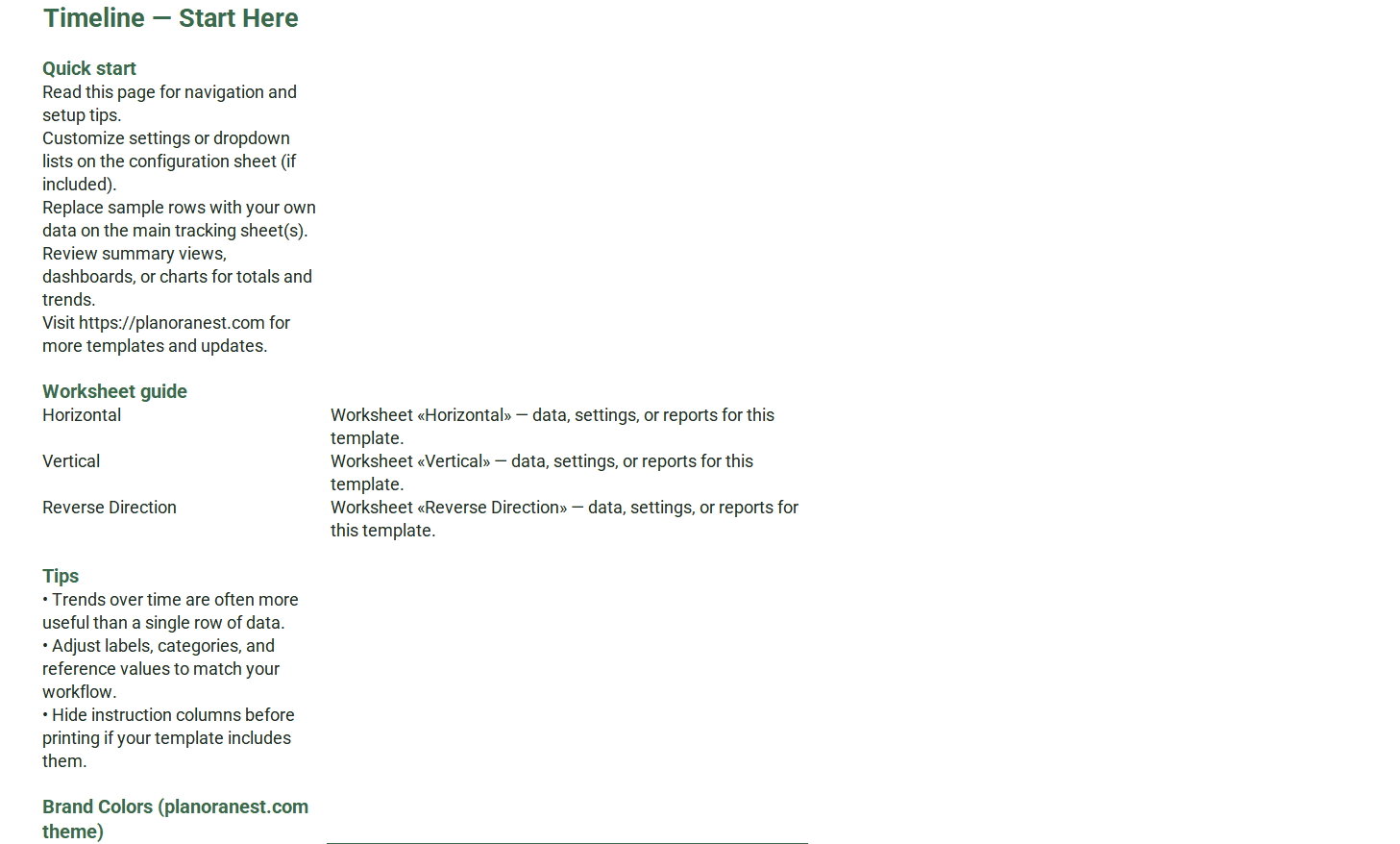
Preview of Download Project Timeline Template Excel
Open the Start Here sheet to understand the three timeline layouts and decide which fits your presentation.
Choose your timeline sheet — Horizontal for slide decks, Vertical for documents, or Reverse Direction for countdown-style views.
Enter your milestones in the task name column, then fill in Start Date and End Date for each. The duration calculates automatically.
The visual bar segments auto-populate based on your dates — no manual coloring or bar-drawing needed. The 26-column layout handles detailed timelines with multiple overlapping phases.
Customize colors (use the fill bucket), fonts, and milestone labels to match your brand or project theme.
Copy the timeline range and paste it into PowerPoint, Word, or Google Slides for stakeholder-ready presentations.
Microsoft Excel (desktop & web)
Google Sheets
WPS Office
LibreOffice Calc
One-time purchase · $1 USD · Instant download · No account required to use the file after purchase.
1. Purchase
Browse our shop and pick the templates that fit your needs — from business planners to productivity trackers.
2. Access
Since our products are digital, you'll receive immediate access after your purchase completes.
3. Use
Open your template in Google Sheets, Excel, or Notion and start using it right away with our included instructions.
Tom Reyes
Startup Co-founder
Verified purchaseInvestors loved the visual roadmap
We used the Reverse Direction timeline in our seed round deck to show investors our path from Series A to IPO — starting with the exit and working backward through milestones made the vision feel concrete. The auto-bar formatting saved me from the Excel chart nightmare I usually go through. Would love a fourth layout with swimlanes for department-level timelines, but for $3.90 this is a steal.
Sarah Chen
Event Director
Verified purchaseRan a 3-day conference off this timeline
I planned a 500-person tech conference using this template and it was flawless. The Horizontal sheet mapped our 6-month planning phase, and the Vertical sheet became our master day-of schedule with vendor load-in times, speaker slots, and meal breaks. 1,031 rows sounds like overkill until you are tracking AV setup, catering, registration, and 40 speaker sessions simultaneously. Printed at A0 size, it was our command center.
David Okonkwo
Management Consultant
Verified purchaseMy go-to for client kickoff decks
Every new engagement starts with a timeline, and this template consistently delivers. I use the Horizontal sheet for the main project phases deck and the Vertical sheet when the client wants a printed one-pager for their wall. The fact that I get three timeline layouts in one download is great value — I have used all three depending on the audience and format. Linked into PowerPoint, my updates flow through automatically.