 Quick view
Vendor: PlanoNest
Work Breakdown Structure Spreadsheet Excel Template$1.00
4.7 / 5.0 (3) total reviews
Vendor: PlanoNest
$1.00
Excel
Quick sign in at checkout — your templates are saved to your library forever.
Related picks
Explore other digital products that pair well with this template.
Quick viewVendor: PlanoNest
Work Breakdown Structure Spreadsheet Excel Template$1.00
 Quick view
 Quick view
 Quick view
 Quick view
 Quick view
This Daily Task Checklist Excel template from PlanoraNest helps you plan, track, and review daily tasks with clean structure and smart automation. Mark tasks complete, see what is pending, and maintain a reliable daily productivity system — all in a single, well-organized spreadsheet.
Perfect for busy professionals, team leads, and anyone who wants a structured daily workflow without complex task management apps. One-time purchase at $1, instant download, no subscription.
Professionals who want a daily planning ritual without app subscriptions or notification overload.
Team leads who need to track what gets done each day across their group.
Freelancers juggling tasks across multiple clients who need a single daily view.
Anyone switching from paper to-do lists to a reusable digital system.
Every sheet in this Daily Task Checklist is designed to get you productive from day one:
Sheet | What it does |
|---|---|
Start Here | Quick-start guide with navigation and setup steps. Read this first to understand the template layout and how each sheet connects. |
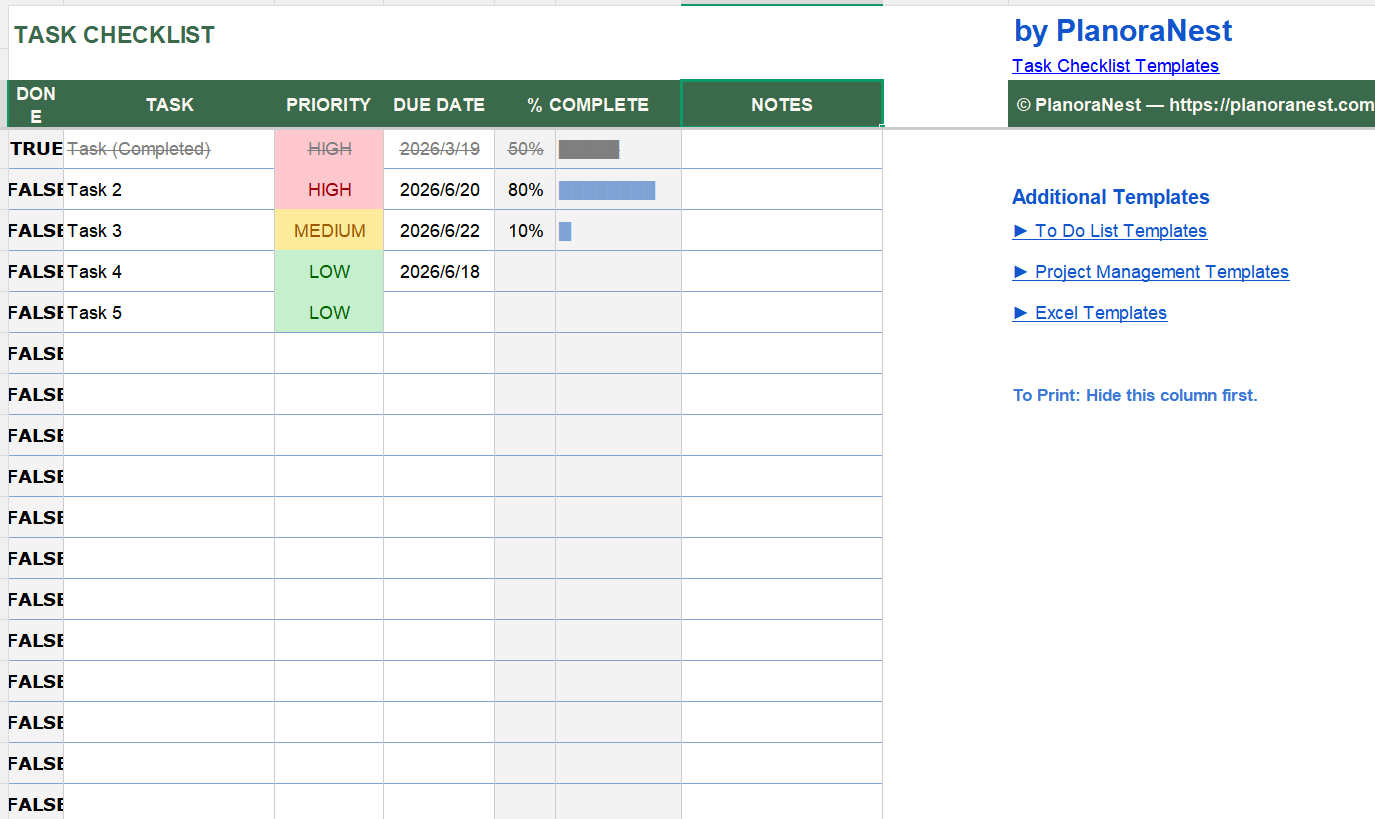
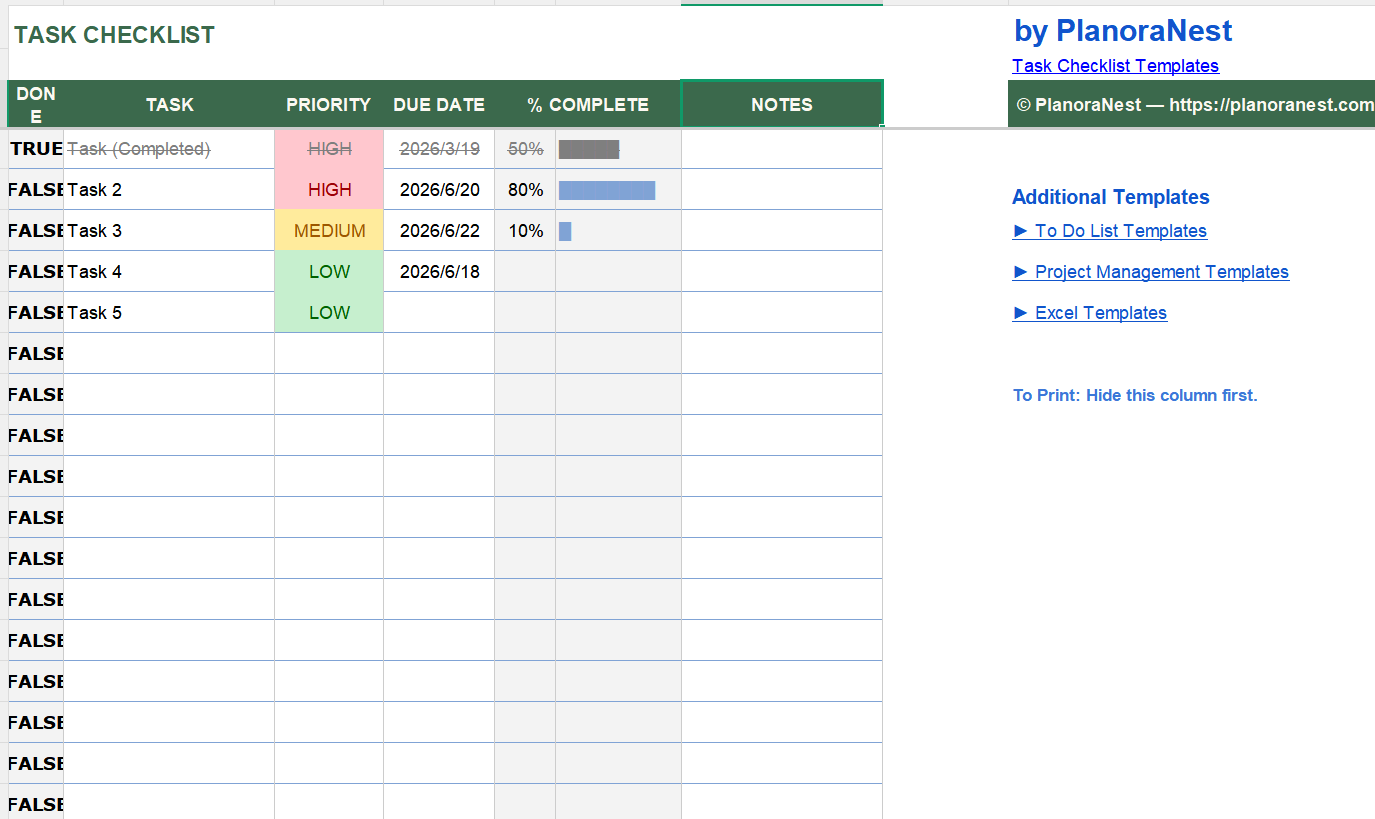
TaskChecklist | The main task sheet with 9 columns: Task ID, Task Description, Category, Priority (with dropdown), Status (Not Started / In Progress / Completed / Blocked), Due Date, Assigned To, Notes, and a completion checkbox column. Includes conditional formatting that highlights overdue items and color-codes by status. The task counter at the top shows total, completed, and remaining counts at a glance. |
Help | Detailed reference with tips on customizing categories, using the status dropdowns, setting up recurring tasks, and printing your daily checklist. |
About | Template credits, version info, and terms of use. |
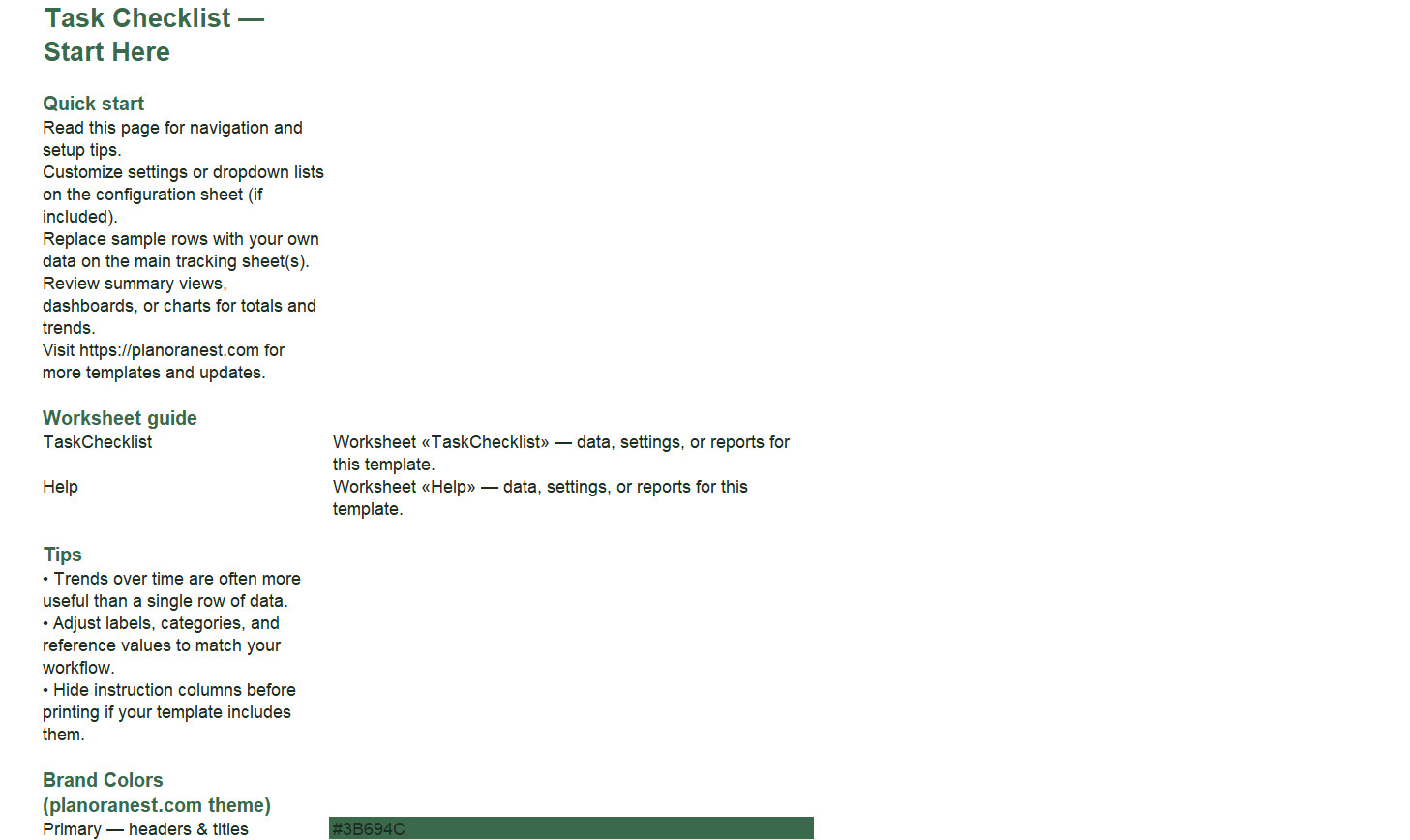
Open the Start Here sheet and read the quick-start instructions to understand the workbook.
Go to the TaskChecklist sheet. Enter today's tasks in the Task Description column, assign a Category (e.g., Meetings, Deep Work, Admin, Email) and Priority using the dropdown.
Set Due Dates for time-sensitive items — overdue tasks will highlight automatically via conditional formatting.
Update the Status dropdown throughout the day: move tasks from Not Started to In Progress to Completed. Blocked items can be flagged for follow-up.
Check the counter at the top of the sheet to see your daily completion rate (total vs. completed vs. remaining).
At day's end, clear or archive completed tasks and roll over pending items to the next day with updated due dates.
Microsoft Excel (desktop & web)
Google Sheets
WPS Office
LibreOffice Calc
One-time purchase · $1 USD · Instant download · No account required to use the file after purchase.
1. Purchase
Browse our shop and pick the templates that fit your needs — from business planners to productivity trackers.
2. Access
Since our products are digital, you'll receive immediate access after your purchase completes.
3. Use
Open your template in Google Sheets, Excel, or Notion and start using it right away with our included instructions.
Emily Hart
Marketing Consultant
Verified purchaseBetter than my Notion setup
I was deep into Notion for task management but found myself over-engineering templates instead of doing work. This Excel checklist forced simplicity — 9 clean columns and I just fill them in. The Status dropdown (especially "Blocked" — genius) handles my reality of waiting on client approvals. Knocked one star because I wish there was a weekly rollup view, but for daily focus this is excellent.
Chris Mueller
Operations Manager
Verified purchaseRolled this out to my whole team
I manage a 12-person ops team and we were drowning in Slack reminders and forgotten tasks. I bought this template, customized the Categories to match our workflow (Inventory, Shipping, Customer Support, Admin), and shared it on Google Drive. Each team member updates their Status column throughout the day and I can scan all 12 sheets in 5 minutes during standup. Simple, effective, no app to install.
Jenna Alvarez
Executive Assistant
Verified purchaseMy morning non-negotiable
I support two C-level execs and this checklist is the first thing I open every morning. The TaskChecklist sheet's counter at the top tells me instantly how much I got through yesterday and what's still pending. The Category column (I use Urgent, Today, This Week, Waiting) lets me triage in seconds. I print a copy for each exec at 8am and we walk through it together.